
An administrator manages hosts across three data centers: US-East, EU-West, and APAC. They want these locations to appear as distinct groupings in the Instana Infrastructure view. What is the recommended way to configure this organizational structure?
Select an answer to reveal the explanation.
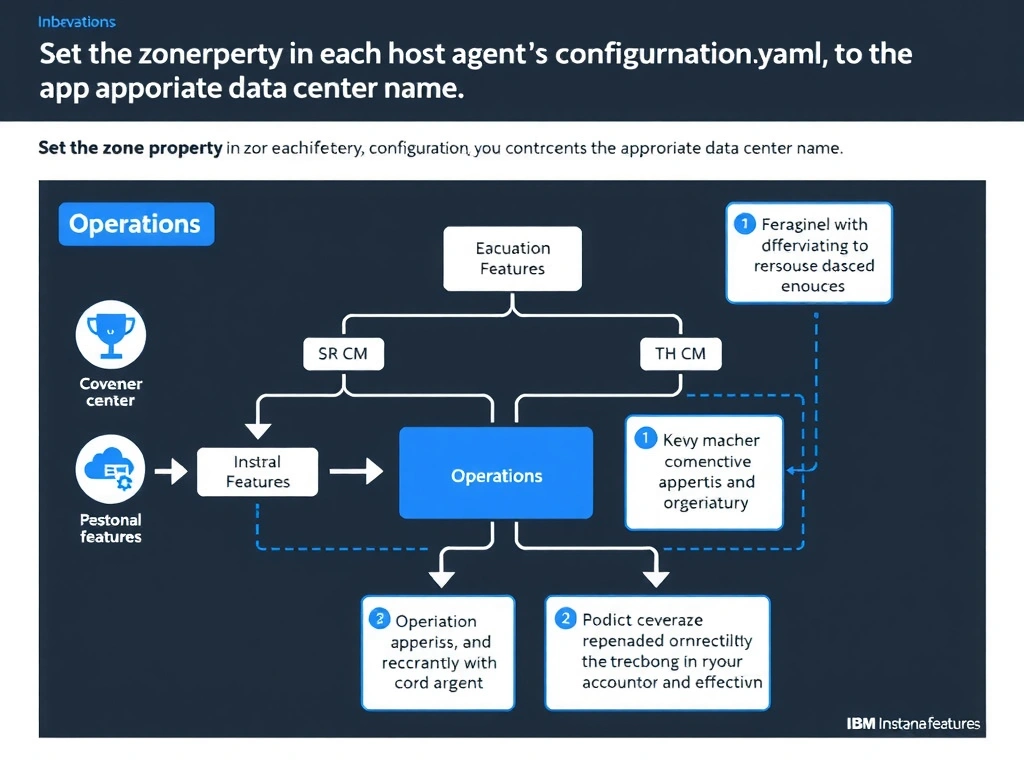
Short Explanation and Infographic
Instana supports logical grouping of hosts into zones configured directly in the agent's configuration.yaml file using the zone property. When the agent connects to the backend, it registers the host under the defined zone, which is then displayed as an organizational grouping in the Infrastructure view. This is the scalable, declarative approach that works at agent deployment time without requiring post-deployment API calls or separate tenants for each location.
Full explanation below image
Full Explanation
Instana supports logical grouping of hosts into zones configured directly in the agent's configuration.yaml file using the zone property. When the agent connects to the backend, it registers the host under the defined zone, which is then displayed as an organizational grouping in the Infrastructure view. This is the scalable, declarative approach that works at agent deployment time without requiring post-deployment API calls or separate tenants for each location. The correct answer is 'Set the zone property in each host agent's configuration.yaml to the appropriate data center name'. The incorrect options — 'Create three separate Instana tenants, one for each data center location', 'Use the Instana REST API to assign hosts to zones after they are automatically discovered', "Group hosts by location using the Instana web UI's drag-and-drop host assignment interface" — are wrong because they do not align with IBM Instana's architecture or recommended practices for this scenario. Understanding this concept is essential for the Domain 1: Operations domain of the IBM Instana Observability certification.