
An enterprise using Instana across 12 teams wants to implement tagging so that all monitoring data can be filtered by business unit, environment (prod/staging/dev), and team ownership. Where are custom tags most effectively applied to achieve broad filtering capability?
Select an answer to reveal the explanation.
Short Explanation and Infographic
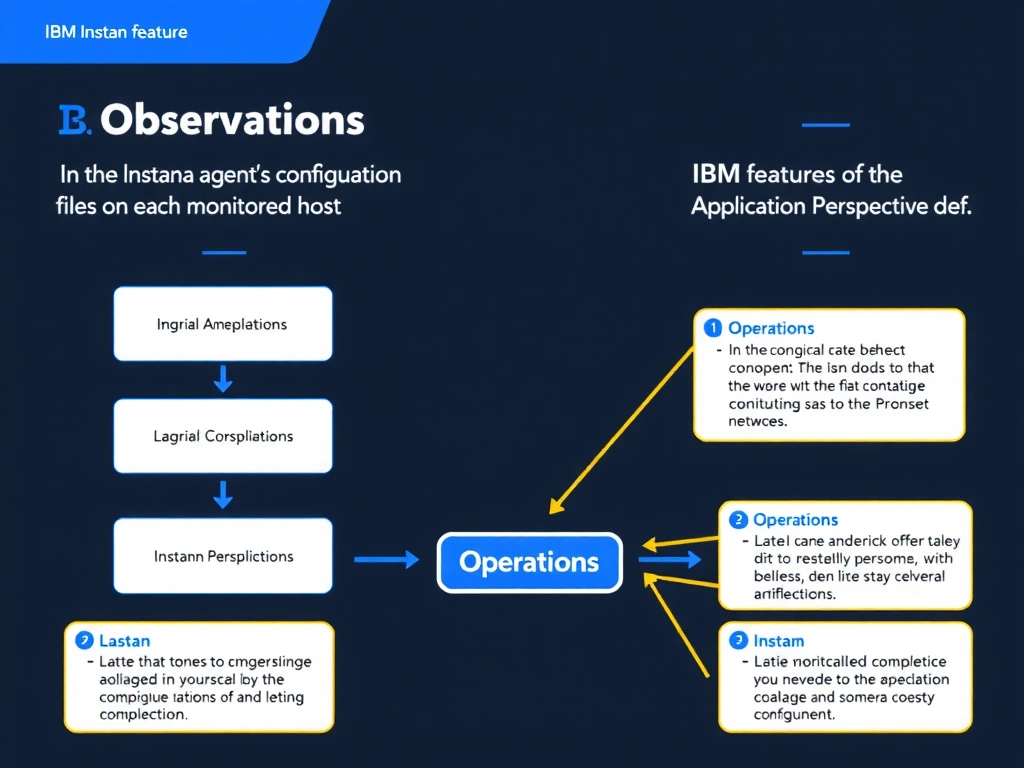
Instana custom tags are most effectively defined in the host agent's configuration file (configuration.yaml) so they are applied at the source and propagate through all monitoring data from that host. Additional tags can be applied at the Application Perspective level for service-scoped filtering. This two-level approach enables filtering by environment, team, and business unit across infrastructure, analytics, and service views.
Full explanation below image
Full Explanation
Instana custom tags are most effectively defined in the host agent's configuration file (configuration.yaml) so they are applied at the source and propagate through all monitoring data from that host. Additional tags can be applied at the Application Perspective level for service-scoped filtering. This two-level approach enables filtering by environment, team, and business unit across infrastructure, analytics, and service views. Applying tags only through alerts or the REST API post-discovery does not achieve the same breadth of filtering across all monitoring domains. The correct answer is 'In the Instana agent's configuration files on each monitored host and on Application Perspective definitions'. The incorrect options — 'Only in Instana alert configurations to filter which teams receive which alerts', 'Only through the Instana REST API after infrastructure entities are automatically discovered', 'In the Instana web UI under Settings > Global Tags after the agent is installed' — are wrong because they do not align with IBM Instana's architecture or recommended practices for this scenario. Understanding this concept is essential for the Domain 1: Operations domain of the IBM Instana Observability certification.