
A junior SRE created an Instana alert channel configured with the PagerDuty integration, but no incidents are being created in PagerDuty even though high-error-rate alerts are firing in Instana. What is the most likely missing configuration step?
Select an answer to reveal the explanation.
Short Explanation and Infographic
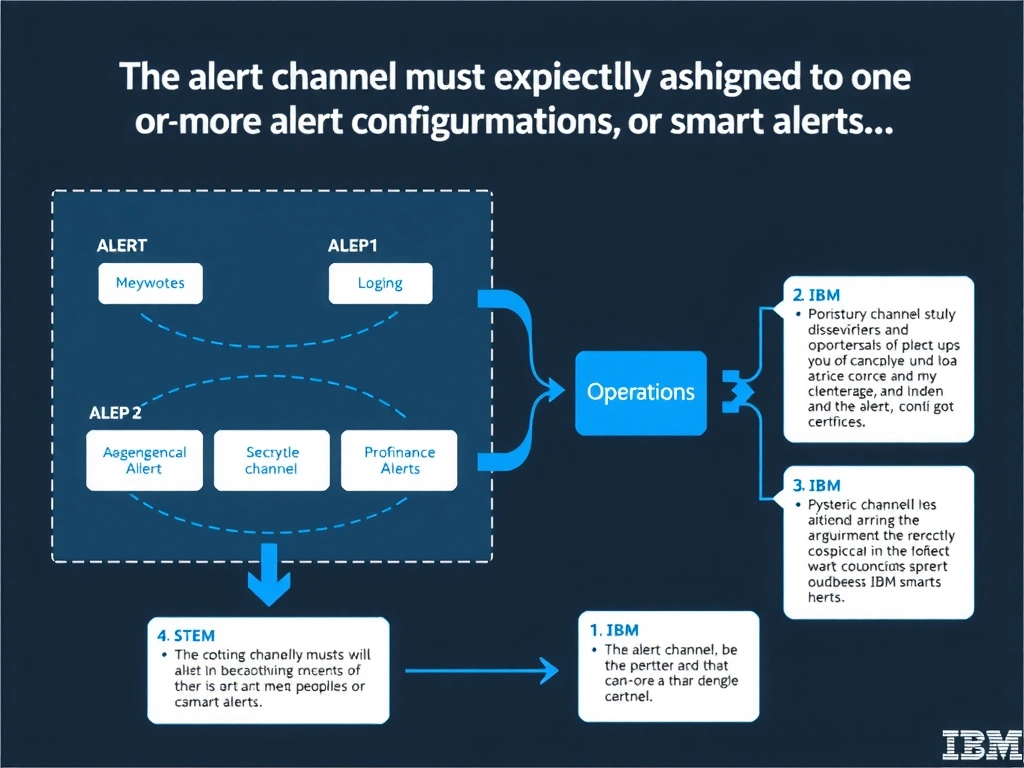
In Instana, creating an alert channel defines only the destination for notifications; it does not automatically receive any alerts. The channel must be associated with specific alert configurations (or smart alerts) so that when those alerts fire they know to route notifications to PagerDuty. Sending a test notification confirms connectivity but does not create the association between the channel and the alert rules that will trigger it.
Full explanation below image
Full Explanation
In Instana, creating an alert channel defines only the destination for notifications; it does not automatically receive any alerts. The channel must be associated with specific alert configurations (or smart alerts) so that when those alerts fire they know to route notifications to PagerDuty. Sending a test notification confirms connectivity but does not create the association between the channel and the alert rules that will trigger it. The correct answer is 'The alert channel must be explicitly assigned to one or more alert configurations or smart alerts'. The incorrect options — 'The engineer must enable bidirectional sync in the Instana global backend settings panel', 'PagerDuty requires a dedicated Instana connector plugin installed on the PagerDuty side', 'The engineer must send a test notification from the alert channel configuration page' — are wrong because they do not align with IBM Instana's architecture or recommended practices for this scenario. Understanding this concept is essential for the Domain 1: Operations domain of the IBM Instana Observability certification.