
A product team wants to define a 99.5% availability SLO for their checkout API using a 30-day rolling window in Instana. What must be configured in Instana BEFORE the SLO can be created?
Select an answer to reveal the explanation.
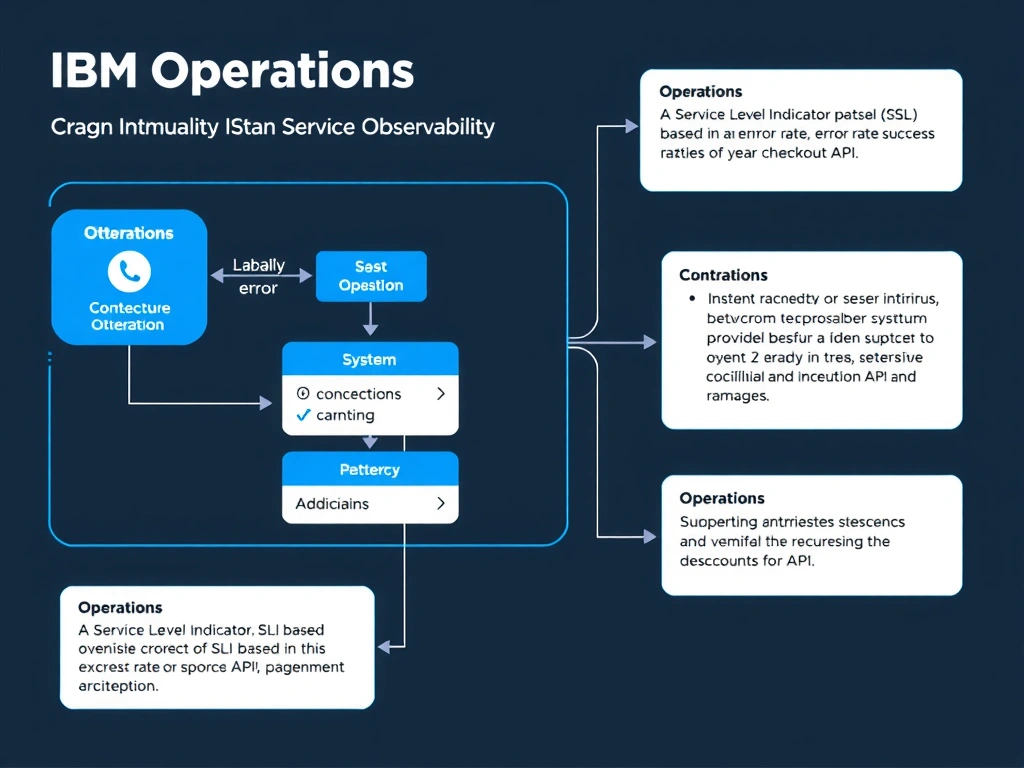
Short Explanation and Infographic
Instana SLOs are constructed on top of SLIs, which define the specific metric signal being tracked (such as error rate, success rate, or latency). The SLI must be created first before an SLO can reference it and apply a target percentage and time window. While an Application Perspective provides useful service context, it is not a direct prerequisite for SLO creation—the SLI definition is the required building block.
Full explanation below image
Full Explanation
Instana SLOs are constructed on top of SLIs, which define the specific metric signal being tracked (such as error rate, success rate, or latency). The SLI must be created first before an SLO can reference it and apply a target percentage and time window. While an Application Perspective provides useful service context, it is not a direct prerequisite for SLO creation—the SLI definition is the required building block. The correct answer is 'A Service Level Indicator (SLI) based on the error rate or success rate of the checkout API'. The incorrect options — 'A custom dashboard widget displaying availability metrics for the checkout API', 'An Application Perspective scoped to include the checkout service and its dependencies', 'An alert rule that fires when the checkout API error rate exceeds 0.5%' — are wrong because they do not align with IBM Instana's architecture or recommended practices for this scenario. Understanding this concept is essential for the Domain 1: Operations domain of the IBM Instana Observability certification.