
A team lead wants to create an Instana dashboard showing error rate and throughput for three microservices. The dashboard must be visible to all team members but editable only by team leads. What is the correct approach?
Select an answer to reveal the explanation.
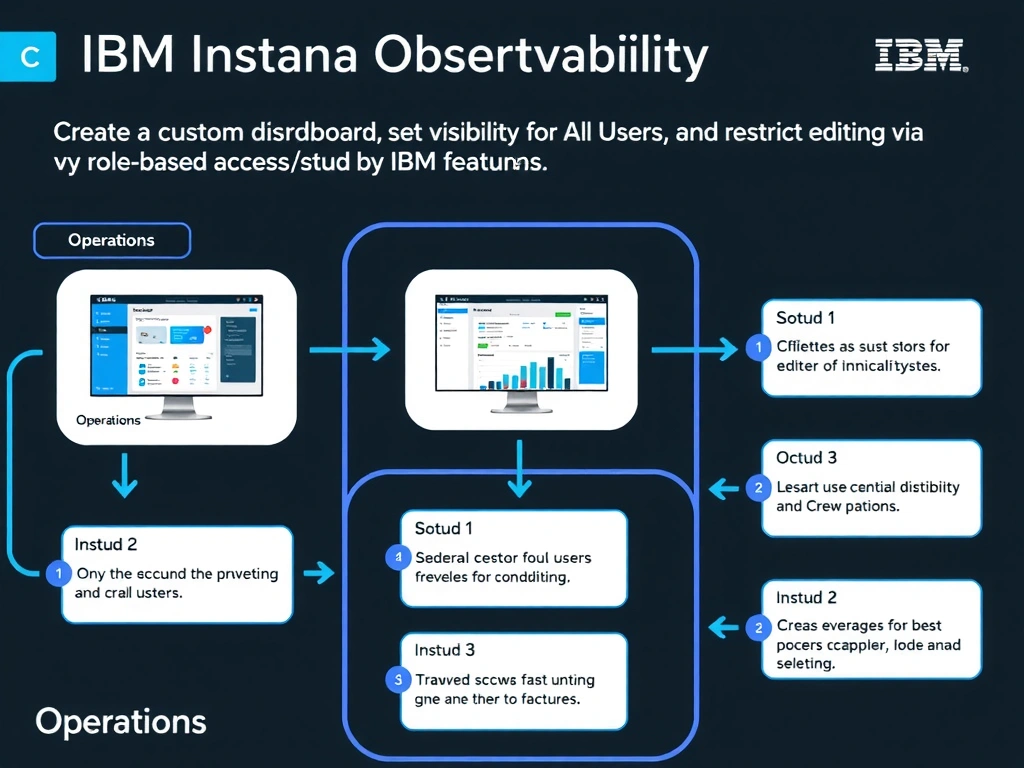
Short Explanation and Infographic
Instana custom dashboards support a visibility setting that makes them accessible to all users within the tenant, while role-based access control (RBAC) restricts who can edit the dashboard. Personal dashboards are visible only to their creator and cannot be shared with controlled edit permissions. The Infrastructure map is a built-in view, not a configurable shareable dashboard with permission controls.
Full explanation below image
Full Explanation
Instana custom dashboards support a visibility setting that makes them accessible to all users within the tenant, while role-based access control (RBAC) restricts who can edit the dashboard. Personal dashboards are visible only to their creator and cannot be shared with controlled edit permissions. The Infrastructure map is a built-in view, not a configurable shareable dashboard with permission controls. The correct answer is 'Create a custom dashboard, set visibility to All Users, and restrict editing via role-based access control'. The incorrect options — 'Create a personal dashboard and distribute the URL to team members', 'Pin the built-in Infrastructure map and share the bookmark URL with the team', 'Create one dashboard per application perspective and link them together' — are wrong because they do not align with IBM Instana's architecture or recommended practices for this scenario. Understanding this concept is essential for the Domain 1: Operations domain of the IBM Instana Observability certification.