
After deploying the Instana host agent, an administrator sees the agent listed as OFFLINE in the Instana backend. The agent logs show repeated 'Connection refused' errors when attempting to reach the Instana server. What should the administrator investigate first?
Select an answer to reveal the explanation.
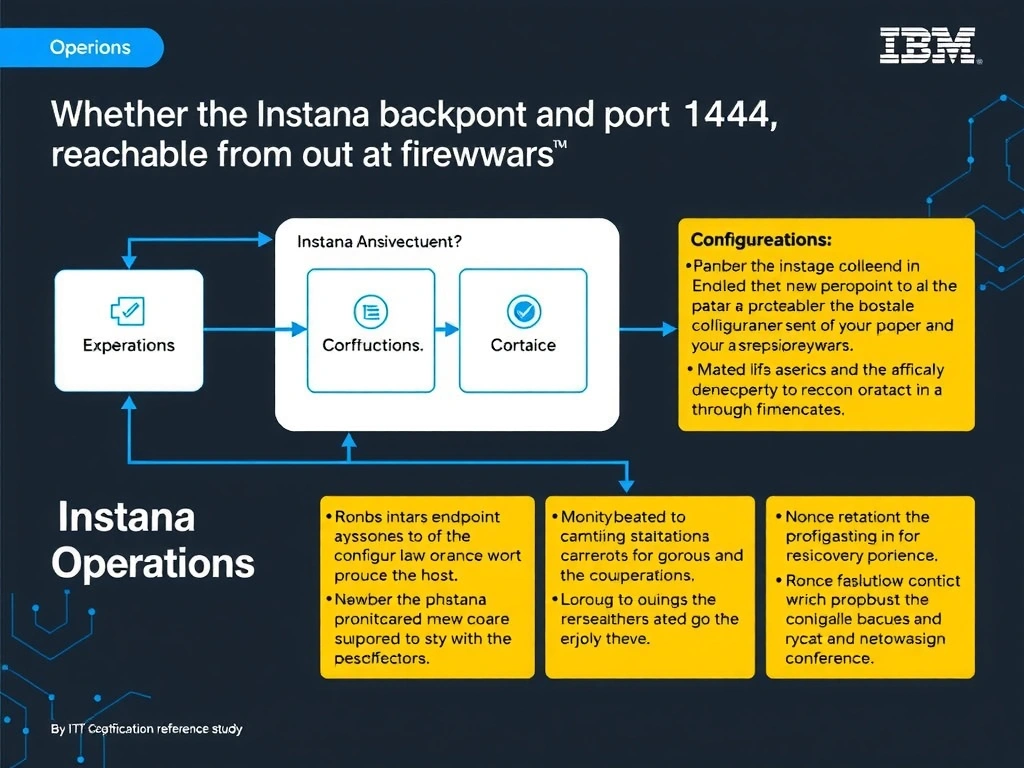
Short Explanation and Infographic
'Connection refused' errors indicate the TCP connection itself is failing—the agent cannot reach the Instana backend at all. The first check should be network reachability of the backend endpoint on the required port (1444), including firewall rules and routing. An incorrect agent key would produce authentication errors after a successful connection, not connection refused.
Full explanation below image
Full Explanation
'Connection refused' errors indicate the TCP connection itself is failing—the agent cannot reach the Instana backend at all. The first check should be network reachability of the backend endpoint on the required port (1444), including firewall rules and routing. An incorrect agent key would produce authentication errors after a successful connection, not connection refused. Version incompatibility would typically show a different error message rather than connection refused. The correct answer is 'Whether the Instana backend endpoint and port 1444 are reachable from the host through firewalls and routing'. The incorrect options — 'Whether the agent.key in configuration.yaml matches the correct tenant agent key', 'Whether the monitored host meets the minimum CPU and memory requirements for the agent', 'Whether the installed agent version is compatible with the current Instana backend version' — are wrong because they do not align with IBM Instana's architecture or recommended practices for this scenario. Understanding this concept is essential for the Domain 1: Operations domain of the IBM Instana Observability certification.