
An ergonomist evaluates a data-entry specialist who reports neck stiffness and shoulder fatigue after working eight hours a day at a dual-monitor desk. Which workstation adjustment best promotes a neutral upper-body posture?
Select an answer to reveal the explanation.
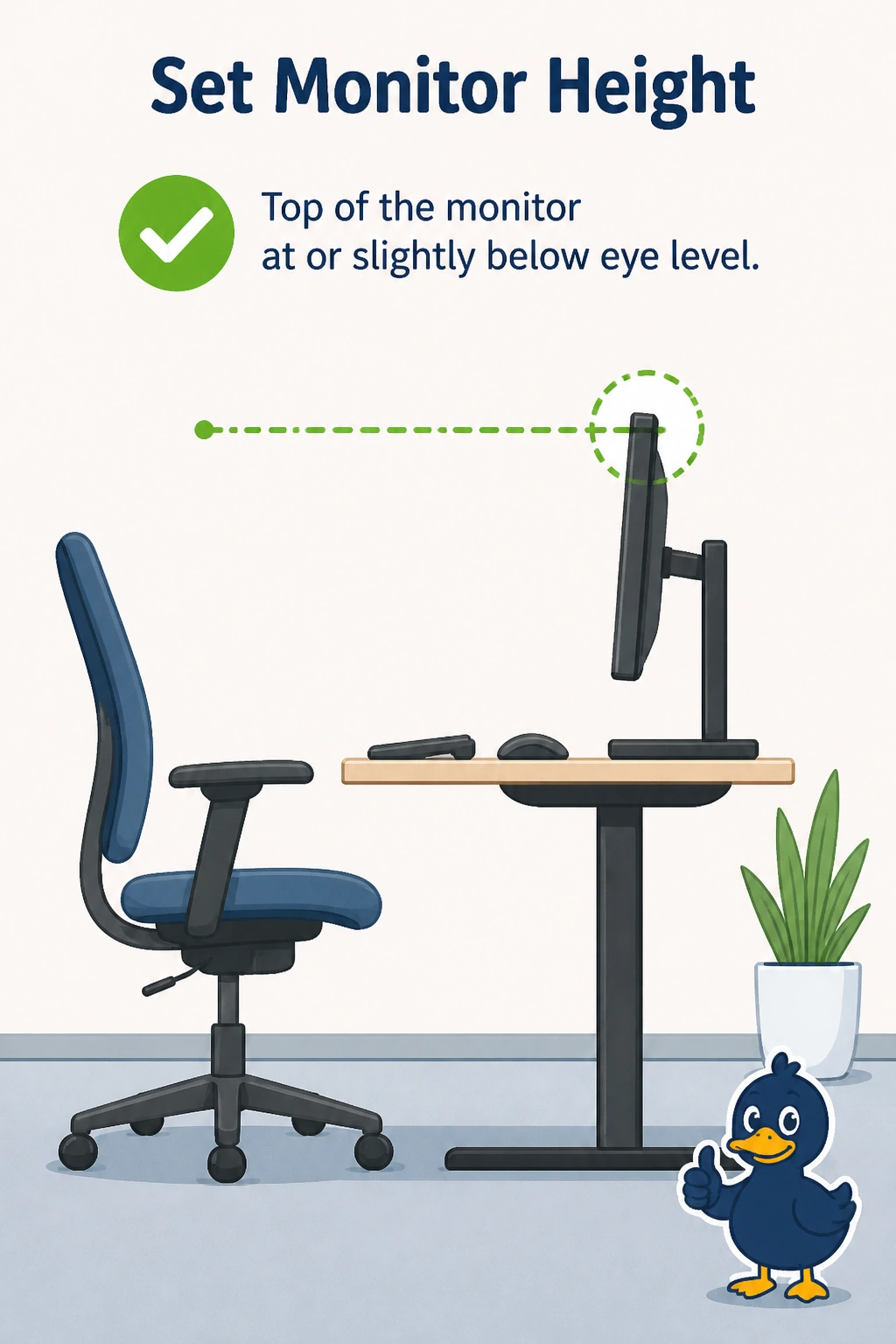
Short Explanation
Your head weighs about as much as a bowling ball, so positioning the monitor top at or slightly below eye level helps you keep your neck neutral instead of working overtime. A steeply tilted keyboard can bend your wrists, while a monitor far to one side can make you twist your spine, so keep your posture relaxed and centered.
Full Explanation
Positioning the top of the monitor at or slightly below eye level is the best adjustment because it lets you gaze slightly downward at the screen’s center while keeping your head balanced neutrally over your shoulders, reducing static cervical and upper-trapezius muscle strain. Raising the chair so your feet dangle above the floor mat leaves your legs unsupported, compresses the underside of your thighs, and can restrict circulation; your feet should rest flat on the floor or a footrest. Tilting the keyboard upward at a steep angle toward you extends your wrists, increasing carpal tunnel pressure and forearm tendon strain instead of supporting neutral wrist alignment. Placing the primary monitor forty-five degrees to your left keeps the main display off-center and forces sustained neck rotation throughout the shift. As an exam caveat, if you split your time equally between two monitors, center the seam directly in front of you; otherwise, place the primary screen straight ahead. For a practical check, sit relaxed against the backrest and verify that your natural line of sight reaches the upper third of the primary display without tipping your chin.
Prefer to study offline? Printable PDF study book + test engine ($7.50, unofficial). These questions stay free here.