
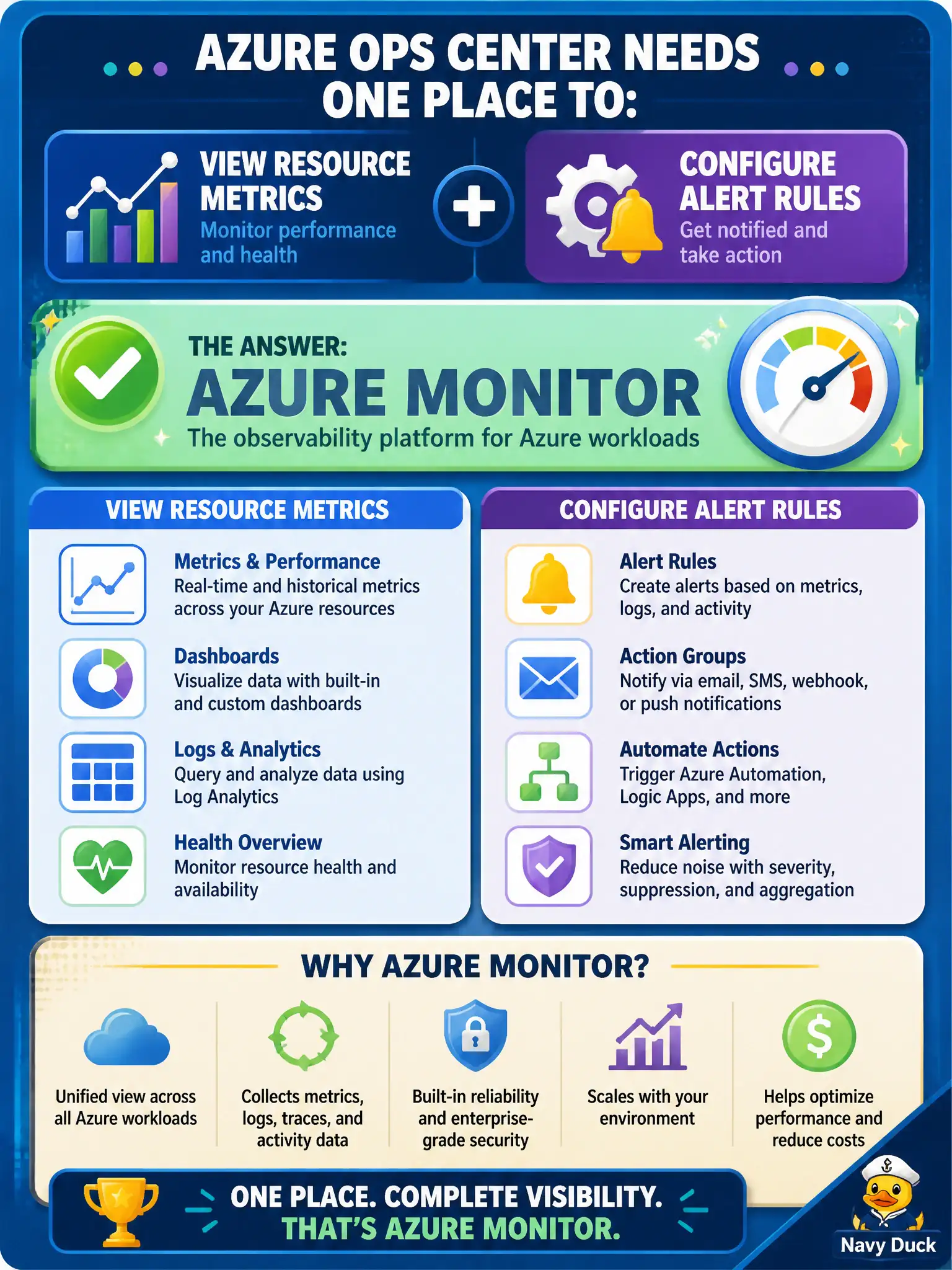
A municipal ops center needs one place to view resource metrics and configure alert rules for Azure workloads. Which service should they choose?
Select an answer to reveal the explanation.
Short Explanation
Ops desks that want metrics on the wall and alerts when things tip over land in Azure Monitor. Service Health and Advisor are still useful, just not as the home for your resource metric charts and alert rules.
Full Explanation
Azure Monitor is the service a municipal ops center should choose when it needs one place to view resource metrics and configure alert rules for Azure workloads. Metrics charts, alert rules, and related log-based monitoring sit under Monitor's umbrella, giving operators a coherent home for "what is my CPU doing" and "email us when it stays too high." That combination matches the requirement better than specialized neighboring tools.
Azure Service Health exclusively for VM CPU charts fails because Service Health reports platform service issues and maintenance, not ongoing customer VM CPU metric dashboards. Azure Advisor exclusively for live metric graphs fails because Advisor provides personalized recommendations, not the primary live metrics and alert-rule workspace. Azure Policy exclusively for performance dashboards fails because Policy evaluates compliance rules; it does not serve as the performance metrics and alerting console.
Exam caveat: Monitor can show metrics quickly, but lasting operational maturity also wires diagnostic settings, action groups, and (when needed) Application Insights—Monitor is the platform, not a single magic blade that configures itself.
Operational check: pin key municipal resource metrics in Azure Monitor, create at least one alert rule with an action group, and verify both the chart and the notification path in a tabletop drill before declaring the ops center "monitoring ready."