
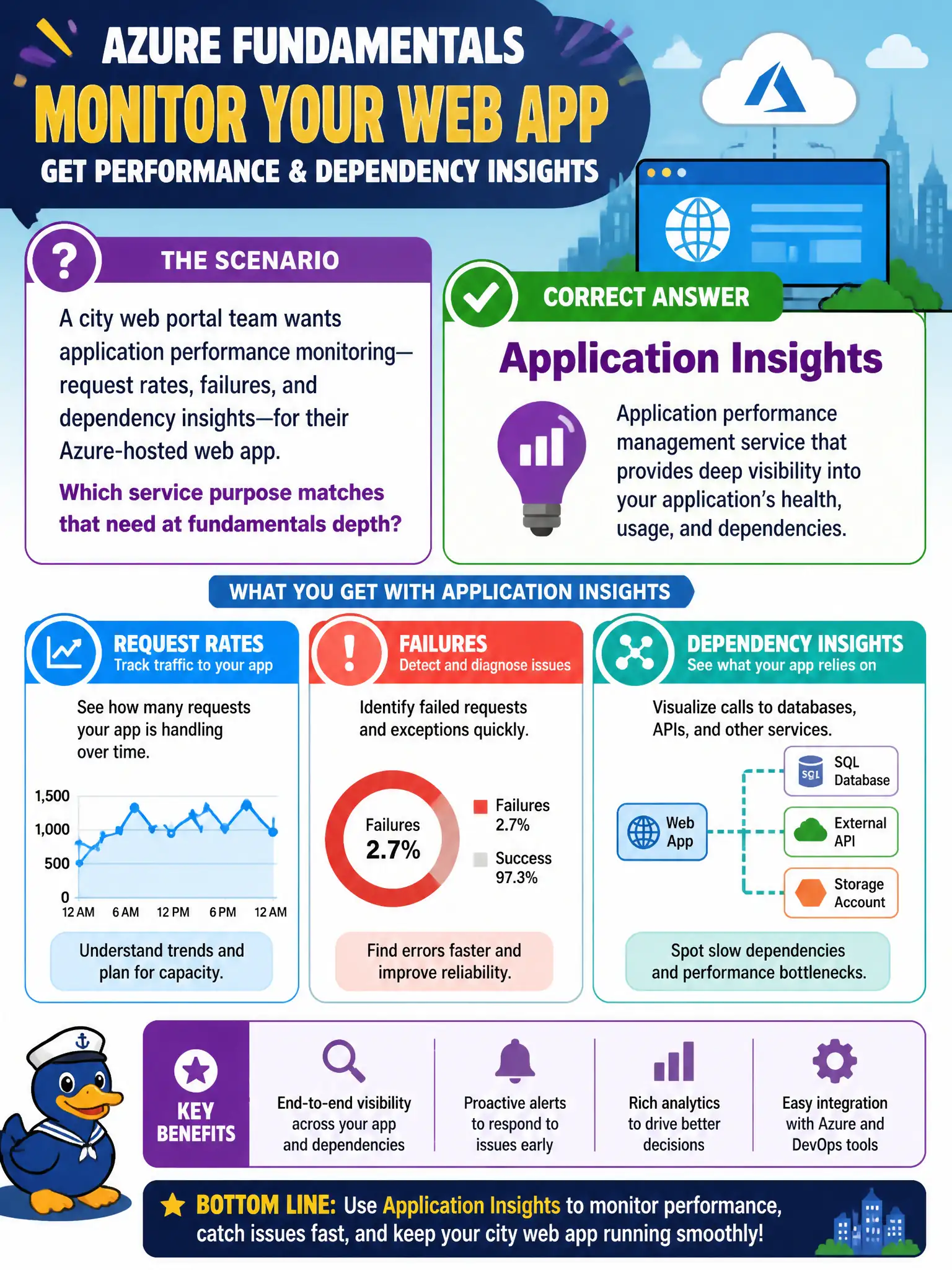
A city web portal team wants application performance monitoring—request rates, failures, and dependency insights—for their Azure-hosted web app. Which service purpose matches that need at fundamentals depth?
Select an answer to reveal the explanation.
Short Explanation
Application Insights is the APM buddy for your web app—how requests behave, where they fail, what they depend on. You do not need to write SDK code on the AZ-900 exam; just know what it is for.
Full Explanation
Application Insights is the application performance monitoring capability (part of the Azure Monitor family) that matches a city web portal team's need for request rates, failure tracking, and dependency insights on an Azure-hosted web app. At fundamentals depth, know its purpose: observe how the application behaves for users and where it depends on other components—not how to open Bastion sessions or deny all HTTP with Policy.
Azure Bastion for RDP into every developer laptop fails because Bastion is secure remote access to VMs, not APM for web request telemetry, and developers' laptops are not its primary Azure-hosted app monitoring story. Azure Policy denying all HTTP traffic permanently fails because Policy enforces governance rules; permanently denying HTTP would break the portal rather than monitor it. Azure Service Health as a substitute for app telemetry fails because Service Health covers Azure platform issues, not detailed application request and dependency analytics.
Exam caveat: AZ-900 expects describe-level understanding of Application Insights; implementing SDK instrumentation or custom telemetry processors is associate/developer territory.
Operational check: in the Azure portal, open Application Insights (or Monitor's Application Insights views) for the web app resource, review live metrics or failures blades, and confirm request and dependency data appear after the app is connected—without writing exam-time SDK code.