
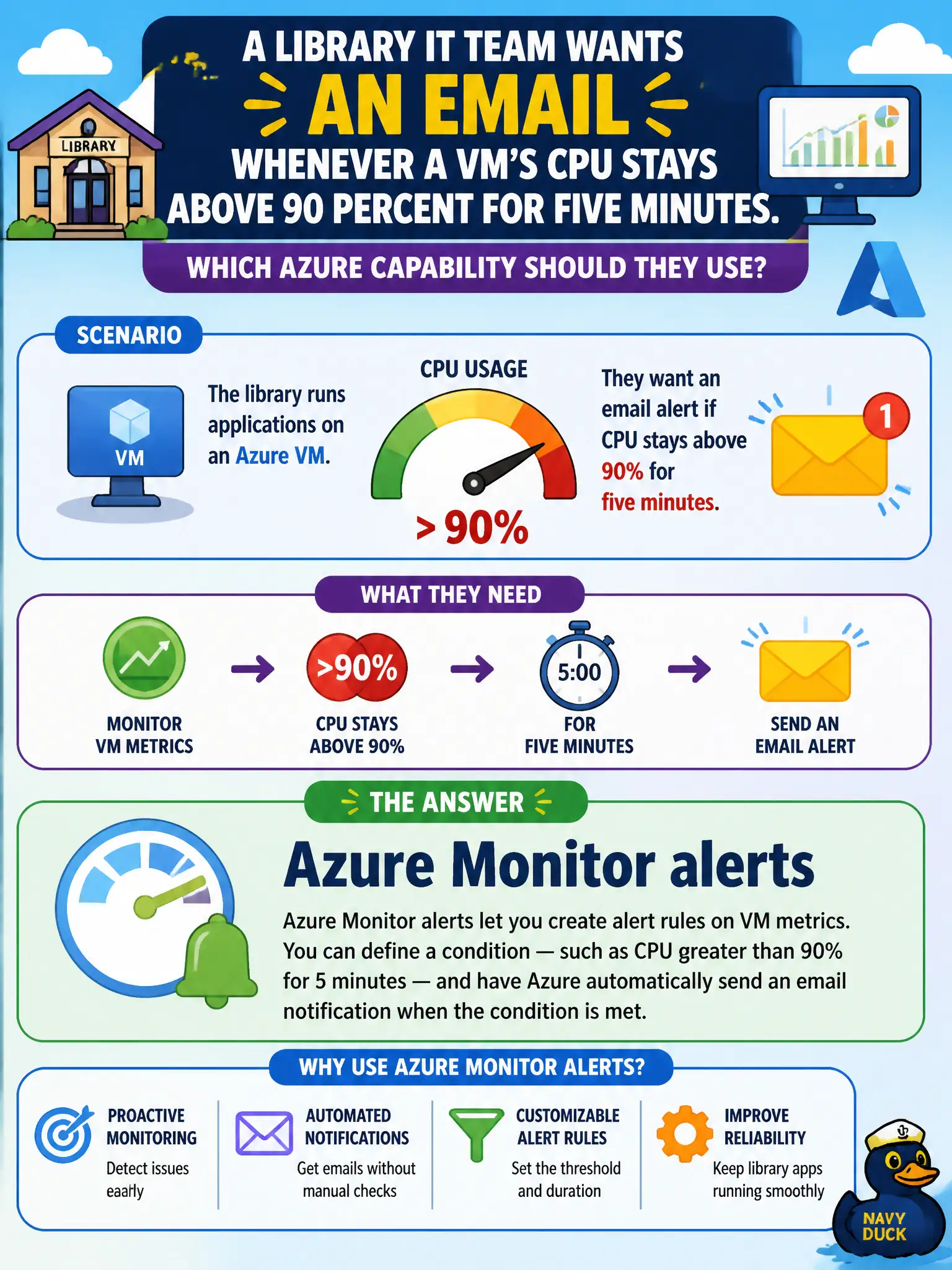
A library IT team wants an email whenever a VM's CPU stays above 90 percent for five minutes. Which Azure capability should they use?
Select an answer to reveal the explanation.
Short Explanation
When a metric crosses a line you care about, Azure Monitor alerts ring the bell—email, SMS, or whatever you wired up. Locks and Service Health are solving different problems.
Full Explanation
Azure Monitor alerts are the capability that notifies the library IT team when a metric condition is met—for example, VM CPU remaining above 90 percent for five minutes. Alert rules evaluate metrics or logs and trigger action groups (email, SMS, webhooks, and similar responders). That threshold-based operational signaling is a core Monitor feature at AZ-900 depth.
Azure Service Health planned maintenance only fails because planned maintenance notices concern Microsoft platform work, not customer VM CPU thresholds. Azure Advisor ignoring all metric thresholds fails because Advisor recommendations are not the mechanism for live CPU threshold emails, and the option's premise invents a non-solution. Azure Resource locks that freeze the CPU counter fail because locks restrict delete/modify operations on resources; they do not freeze metrics or generate CPU alerts.
Exam caveat: an alert without an action group or notification target still detects a condition but may not email anyone—configure both the rule and the action path.
Operational check: create a Monitor metric alert on the library VM's Percentage CPU with a five-minute window, attach an action group email, and use a controlled load test or metric chart review to confirm the alert fires and delivers.