
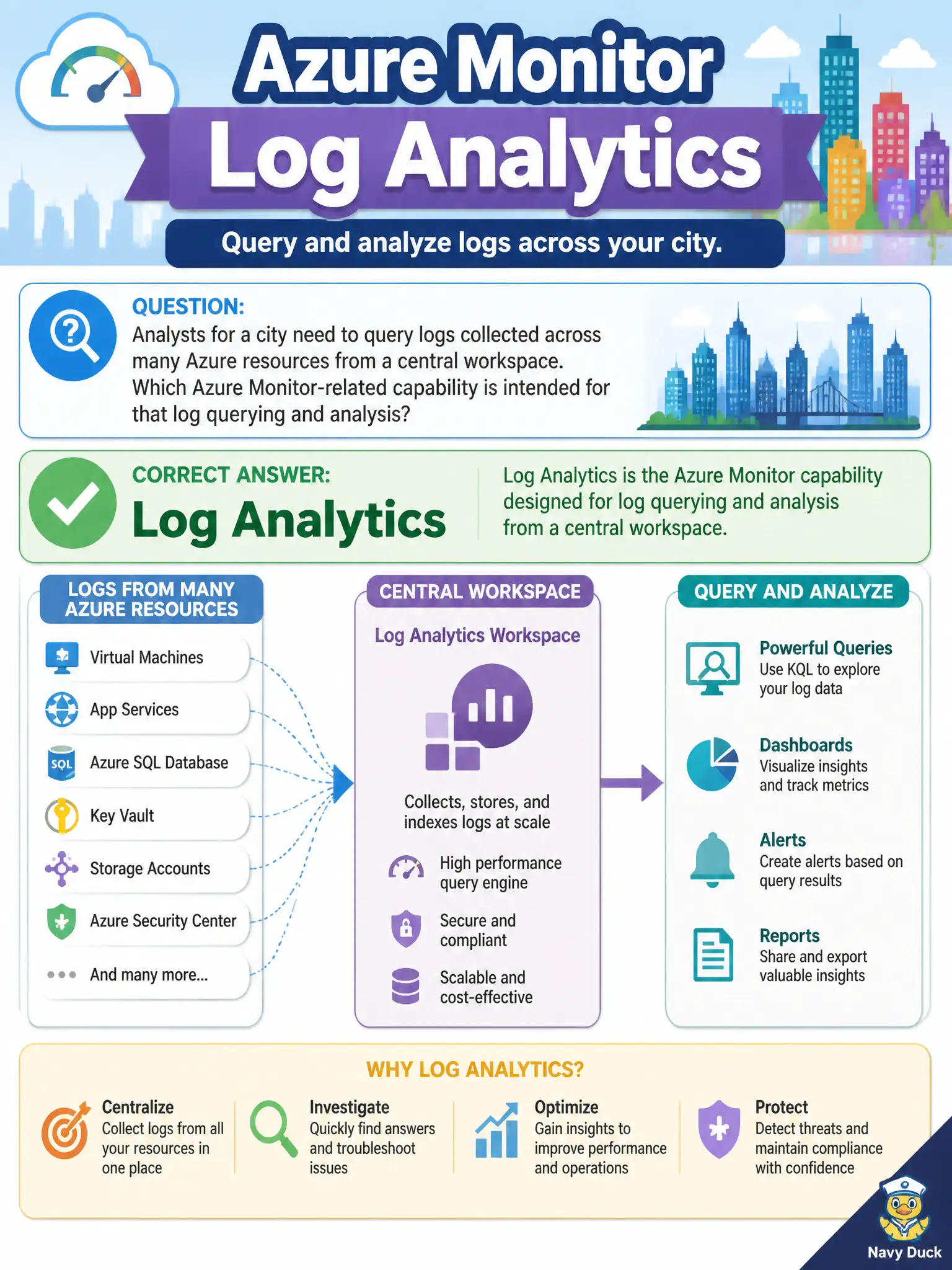
Analysts for a city need to query logs collected across many Azure resources from a central workspace. Which Azure Monitor-related capability is intended for that log querying and analysis?
Select an answer to reveal the explanation.
Short Explanation
Log Analytics is the search desk for your logs. Data lands in a workspace, and you query across resources instead of hopping from machine to machine.
Full Explanation
Log Analytics is the Azure Monitor-related capability intended for querying and analyzing logs collected into a central workspace across many Azure resources. City analysts use workspace-based queries to investigate events spanning VMs, applications, and platform diagnostics without hopping from resource to resource. That central log analysis role is the AZ-900 association to remember.
Azure Bastion's HTML5 gateway alone fails because Bastion provides browser-based RDP/SSH into VMs, not cross-resource log querying. Azure Service Health maintenance banners only fail because Service Health communicates platform health events, not a query workspace for customer logs. Azure Advisor operational excellence tips only fail because Advisor recommends configuration improvements; it is not the log query engine.
Exam caveat: logs must be sent to a Log Analytics workspace (via diagnostic settings or agents/extensions as appropriate) before analysts can query them—Log Analytics does not magically contain data you never collected.
Operational check: confirm critical municipal resources have diagnostic settings targeting the city's workspace, then run a simple query in Log Analytics for a known event timeframe to verify centralized search works across those resources.