
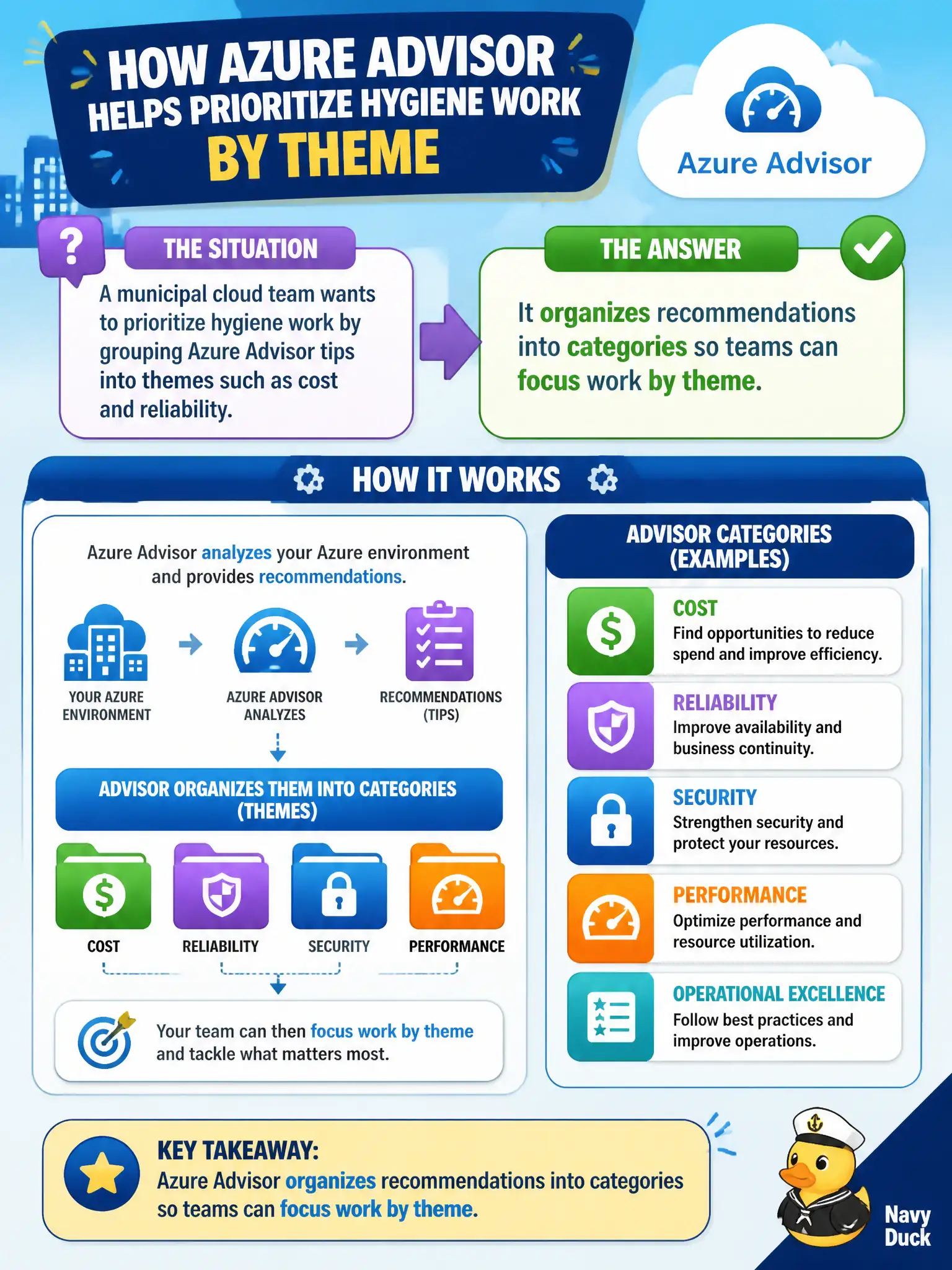
A municipal cloud team wants to prioritize hygiene work by grouping Azure Advisor tips into themes such as cost and reliability. How does Advisor help with that prioritization?
Select an answer to reveal the explanation.
Short Explanation
Advisor sorts its advice into buckets—cost, security, reliability, and friends. That categorization lets a city crew tackle the messy desk one drawer at a time instead of staring at a random pile.
Full Explanation
Azure Advisor helps municipal teams prioritize by organizing recommendations into categories such as cost, security, reliability, and operational excellence. Grouping tips by theme lets the cloud crew assign cost work to FinOps stakeholders and reliability work to platform operators instead of facing an undifferentiated pile. That categorization is a core AZ-900 describe-level benefit of Advisor.
Merging every recommendation into a single unsorted email with no themes fails because Advisor's value includes thematic organization in the portal experience. Publishing only one global recommendation for all Azure customers each year fails because Advisor produces personalized, ongoing recommendations based on each subscription's resources. Hiding cost items until security items are fully remediated fails because categories remain available for parallel prioritization; Advisor does not impose a mandatory security-first lockout of cost views as its defining behavior.
Exam caveat: categories help prioritize, but impact and effort still vary inside a category—teams should still rank individual recommendations rather than assuming every cost tip is equal.
Operational check: in Advisor, filter or navigate by category, export or note top items per theme, and assign different municipal owners for cost versus security queues to prove the categorization drives real work-routing.