
A department ignores Azure Advisor recommendations for a month. What is the most accurate statement about that choice?
Select an answer to reveal the explanation.
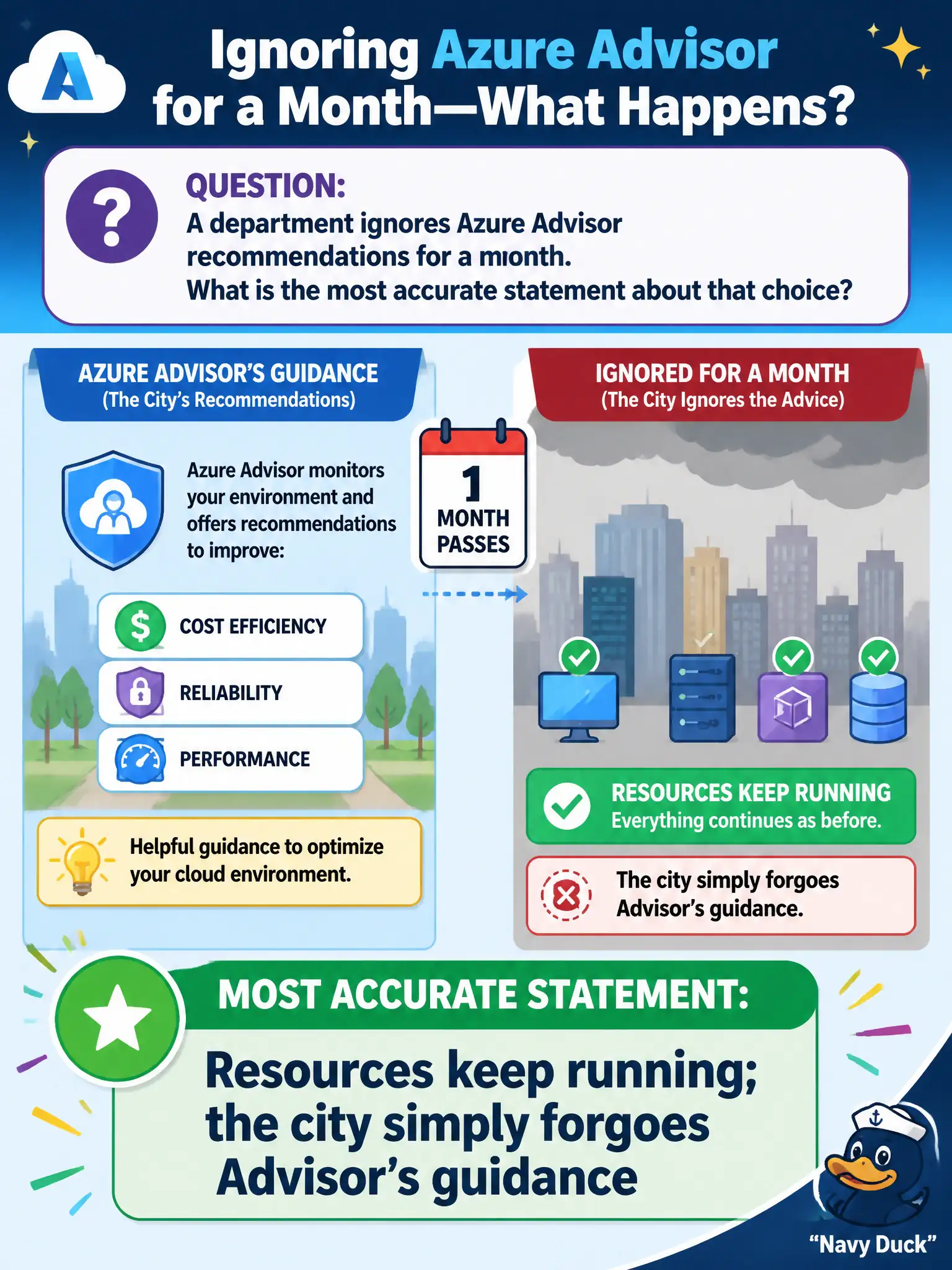
Short Explanation
Skipping Advisor is like ignoring a coach's clipboard—the game still goes on. Your VMs and apps keep running; you just miss the tips that could save money or tighten security.
Full Explanation
Ignoring Azure Advisor recommendations does not stop Azure resources from running. Advisor is advisory: the city's VMs, apps, and networks continue operating; the municipality simply forgoes guidance that could reduce cost, tighten security, or improve reliability. That accurate consequence matches AZ-900's description of Advisor as personalized recommendations rather than a hard enforcement gate.
Immediate deletion of ignored resources after seven days fails because Azure does not auto-delete resources merely because Advisor tips were dismissed. Subscription suspension until every Advisor item is complete fails because subscriptions are not held hostage to Advisor completion scores. ARM refusing future deployments until Advisor scores reach 100% fails because Resource Manager continues to process portal, CLI, and template deployments independently of whether Advisor items are marked complete.
Exam caveat: some organizations use Azure Policy or automation to enforce outcomes that resemble Advisor advice, but that enforcement comes from those controls—not from Advisor magically deleting or blocking resources on its own.
Operational check: leave a low-priority cost recommendation unresolved for a test resource, confirm the resource remains running and deployable, then remediate a high-impact security recommendation deliberately so teams practice treating Advisor as prioritized guidance rather than an automatic kill switch.