
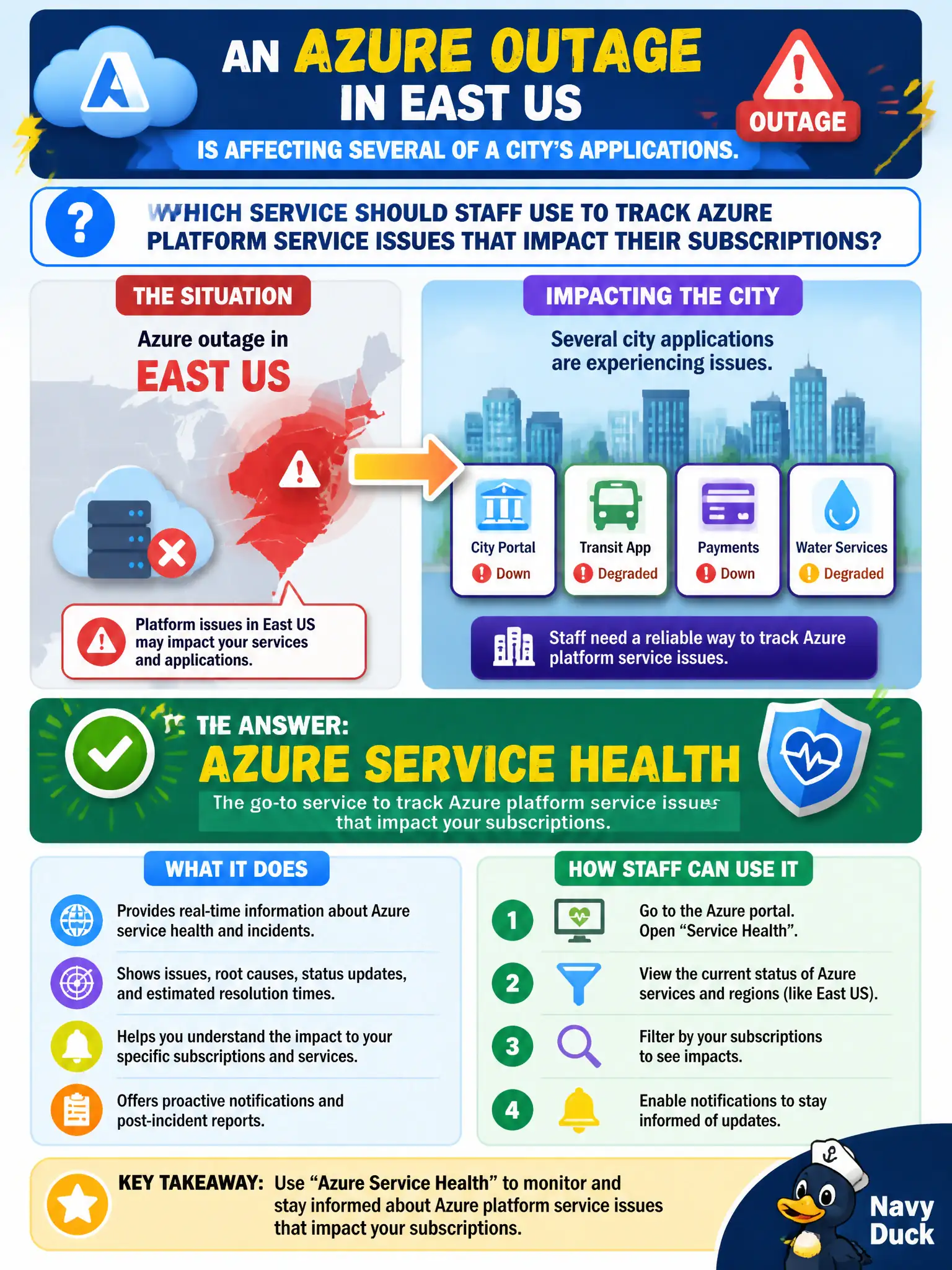
An Azure outage in East US is affecting several of a city's applications. Which service should staff use to track Azure platform service issues that impact their subscriptions?
Select an answer to reveal the explanation.
Short Explanation
When Azure itself is wobbling in a region, Azure Service Health is the dashboard you want. It personalizes platform incidents and status for the services and subscriptions your city actually uses.
Full Explanation
Azure Service Health is the correct service when an East US outage is affecting city applications and staff must track Azure platform service issues for their subscriptions. It personalizes incident status, impacted services, and related communications so municipal operators see what matters to their estate rather than guessing from social media. That platform-health focus is distinct from optimization tips or price estimates.
Azure Advisor cost recommendations fail because Advisor coaches configuration and spend hygiene; it does not replace the incident dashboard for regional Azure outages. The Azure Pricing Calculator fails because it models hypothetical monthly costs for planned resources and never reports live service incidents. Microsoft 365 compliance score alone fails because that score reflects Microsoft 365 compliance posture, not Azure regional service health for the city's Azure workloads.
Exam caveat: Resource Health (often discussed alongside Service Health) can show whether a specific resource is available, while Service Health emphasizes service-level incidents and maintenance affecting your subscriptions—know both themes at describe depth without inventing product SKUs.
Operational check: during the East US event, open Service Health, confirm which city subscriptions and services are listed as impacted, and subscribe or verify alert rules so future platform incidents notify the on-call municipal team automatically.