
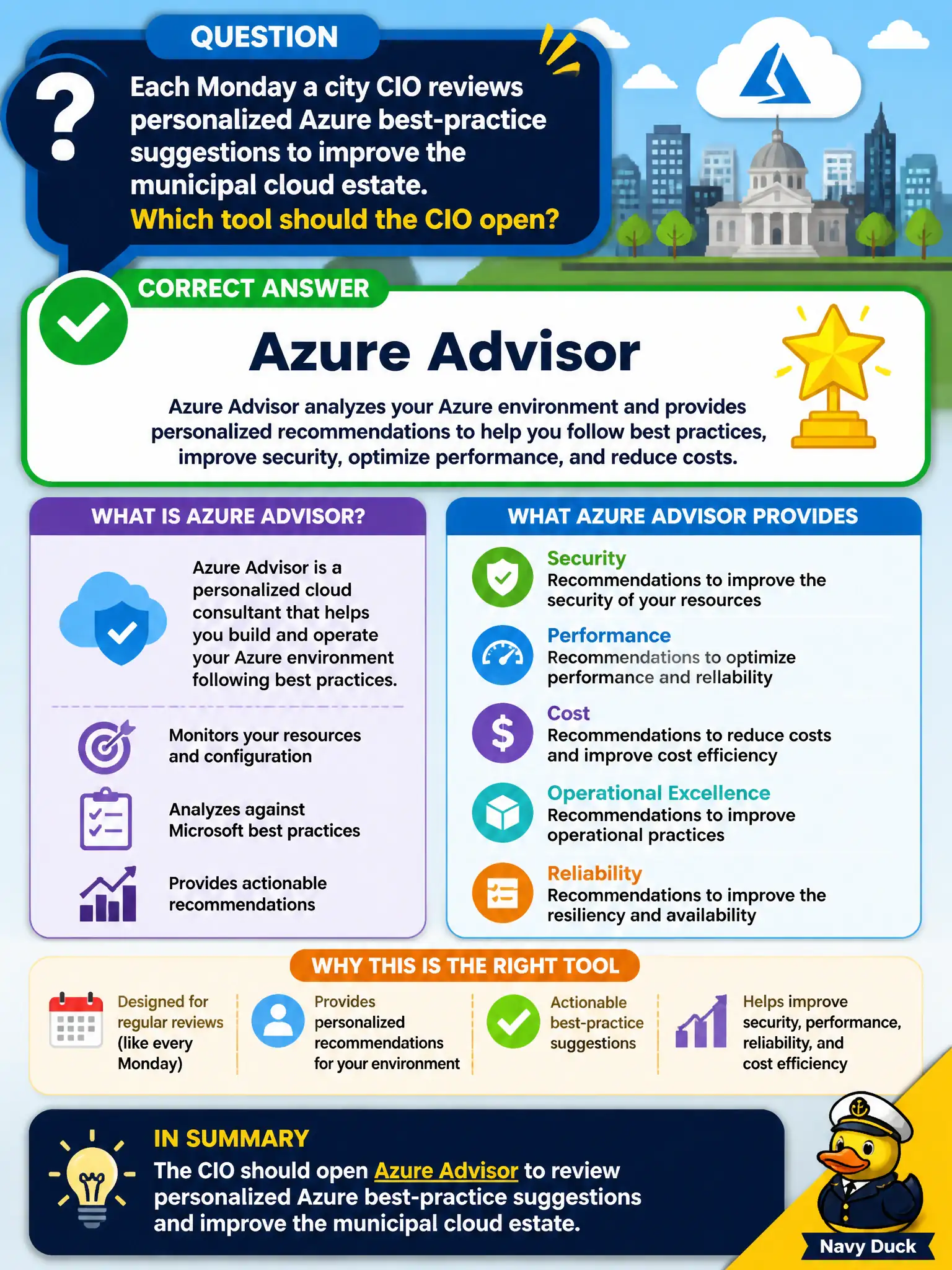
Each Monday a city CIO reviews personalized Azure best-practice suggestions to improve the municipal cloud estate. Which tool should the CIO open?
Select an answer to reveal the explanation.
Short Explanation
If the weekly habit is "show me how to run Azure better," that is Azure Advisor territory. Service Health is for platform status; Advisor is for ongoing best-practice coaching.
Full Explanation
Azure Advisor is the personalized best-practice recommendation service a city CIO should open for a weekly review of how to improve the municipal cloud estate. It aggregates suggestions across cost, security, reliability, and operational excellence based on the city's actual resources, which matches a recurring hygiene and optimization ritual better than status pages or billing file dumps.
Using Azure Service Health only for every weekly review fails because Service Health is for platform incidents and planned maintenance, not ongoing multi-category best-practice coaching. Azure Cloud Shell storage billing invoices fail because Cloud Shell is an interactive browser shell and invoices belong to Cost Management/billing—neither is the personalized recommendation engine. Azure Arc for every non-Azure laptop inventory fails because Arc extends Azure management to hybrid/non-Azure machines; it is not the weekly Advisor-style coaching dashboard for Azure best practices.
Exam caveat: a healthy operations cadence usually includes both Advisor (improve how you run Azure) and Service Health (know when Azure has issues). The weekly "how do we run better" habit maps to Advisor.
Operational check: schedule a Monday checklist that opens Advisor, reviews high-impact recommendations by category, assigns owners, and separately glances at Service Health for active incidents so the two tools are not collapsed into one mistaken habit.