
Two city teams both need to automate Azure resource management; one prefers Bash-style CLI and the other prefers PowerShell cmdlets. What fundamentals statement is accurate?
Select an answer to reveal the explanation.
Short Explanation
Same Azure chores, two accents: CLI for the Bash crowd, PowerShell for the cmdlet crowd. Pick what your people already type fluently. Neither side owns the cloud exclusively.
Full Explanation
Azure CLI and Azure PowerShell are alternative automation interfaces to the same Azure management fabric. Fundamentals accuracy is simple: choose based on team skills and existing scripting culture. Bash-oriented crews often standardize on Azure CLI; PowerShell-centric crews standardize on Azure PowerShell. Both can create, configure, query, and automate resources when the identity has rights.
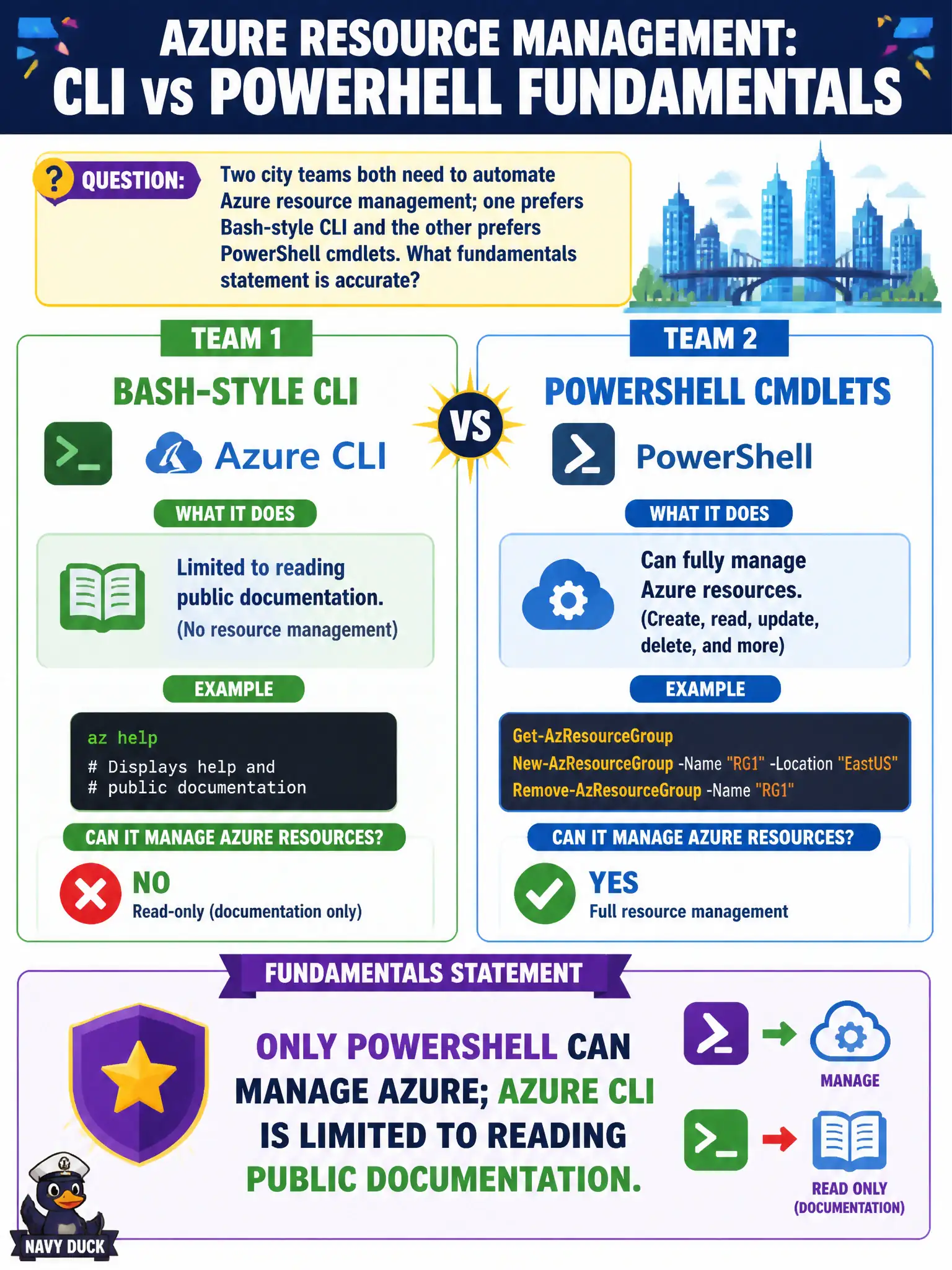
Claims that only PowerShell can manage Azure while CLI is limited to reading documentation are false—CLI is a first-class management tool. Forcing teams to pick one forever because “they cannot both manage Azure” is also false; organizations frequently support both. Reserving Azure CLI for Azure Stack Hub and PowerShell for classic ASM mixes eras and products incorrectly; both modern tools target Azure Resource Manager–style management of current Azure resources (and related scenarios), not that cartoon split.
Exam caveat: consistency of modules/CLI versions and authentication method matters more than which dialect “wins.” Operational check: have each team perform the same lab task—list resource groups and tag a sandbox resource—once with CLI and once with PowerShell, then compare results to prove parity of management capability.