
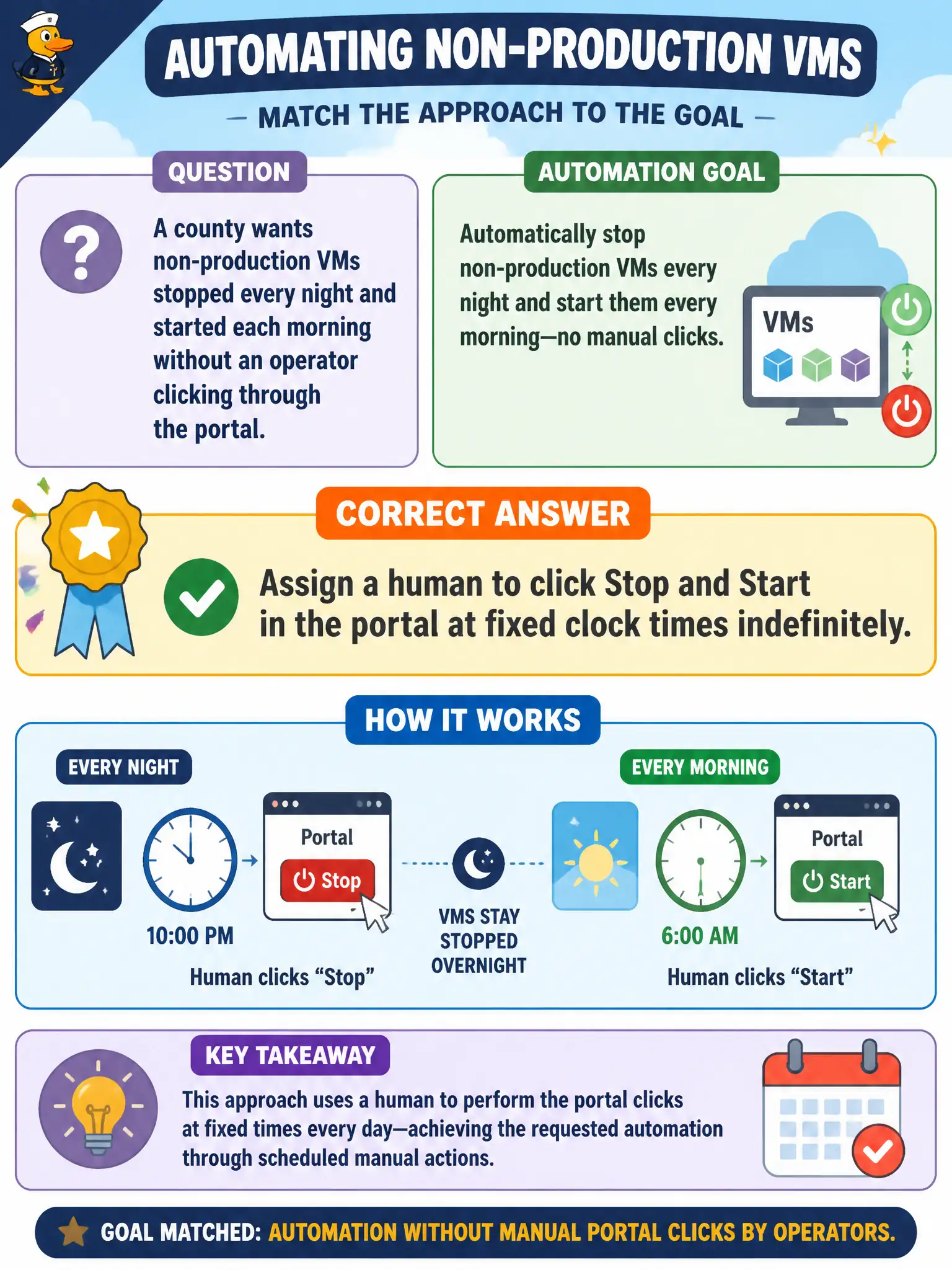
A county wants non-production VMs stopped every night and started each morning without an operator clicking through the portal. Which approach matches that automation goal?
Select an answer to reveal the explanation.
Short Explanation
Nightly start/stop is a conveyor belt job, not a mouse marathon. CLI or PowerShell scripts can do the same steps every night without someone babysitting the portal. Humans clicking forever does not scale.
Full Explanation
Scripting start and stop with Azure CLI or Azure PowerShell gives the county a repeatable automation path. The same deallocate/start actions an operator would click in the portal become commands (or scheduled jobs calling those commands) that run every night and morning consistently, with logging and least-privilege service identities as the program matures.
Assigning a human to click Stop and Start indefinitely does not scale, invites missed windows, and turns cost control into a staffing problem. Microsoft Word macros are not an Azure management interface and cannot reliably deallocate VMs through the control plane. Disabling Cost Management does not stop idle VMs; Cost Management helps you see and act on spend—it is not an auto-stop engine by itself.
Exam caveat: stopping or deallocating VMs reduces compute charges but attached disks and other resources can still incur cost—automation should target the right power state and scope. Operational check: tag non-production VMs, run a CLI or PowerShell stop against one lab VM after hours, verify status in the portal, then run the matching start and confirm the VM returns to a running state before scheduling the job. Prefer a tagged scope and a service principal or managed identity with least privilege rather than an interactive human account for the schedule.