
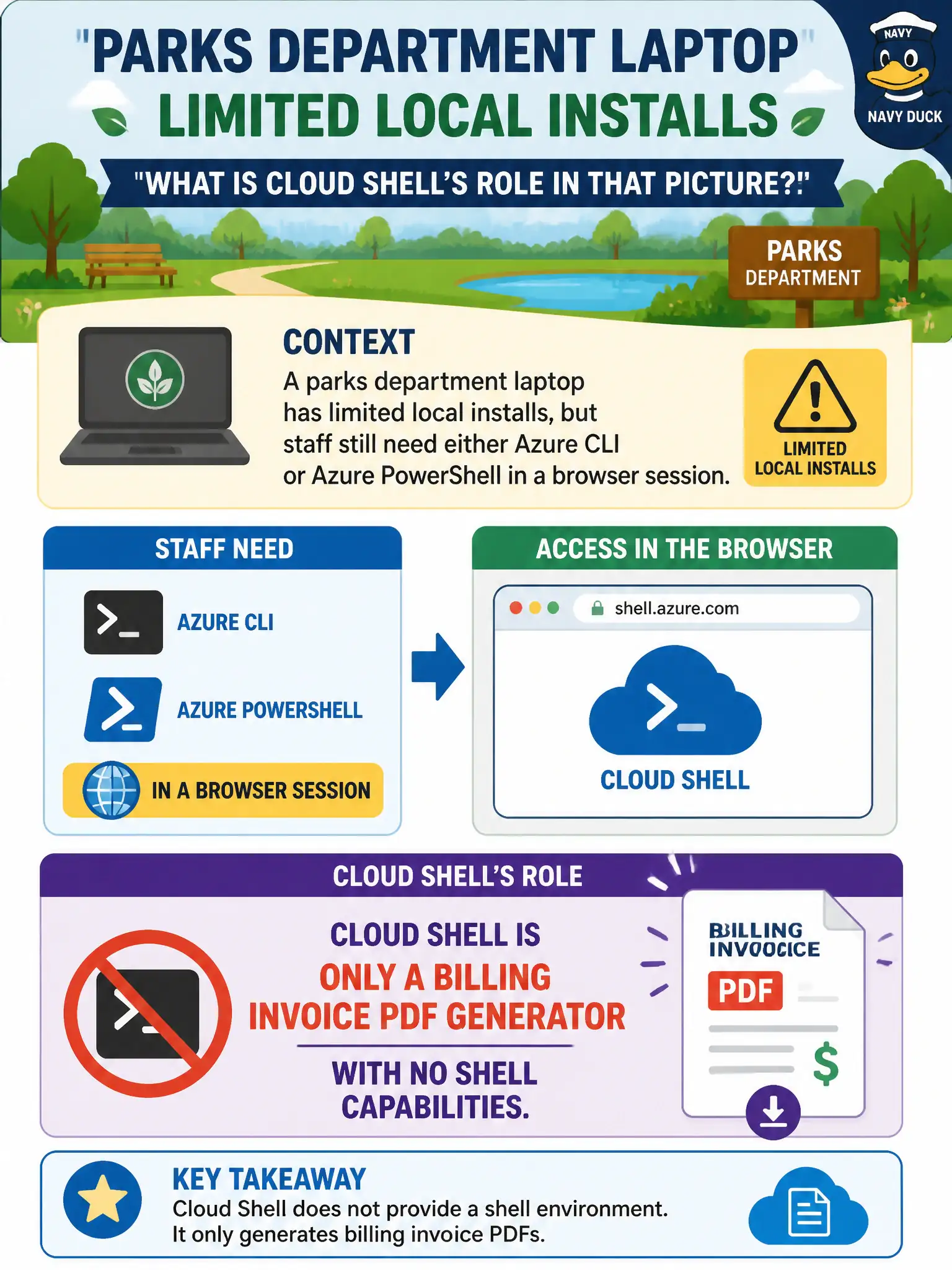
A parks department laptop has limited local installs, but staff still need either Azure CLI or Azure PowerShell in a browser session. What is Cloud Shell’s role in that picture?
Select an answer to reveal the explanation.
Short Explanation
Cloud Shell is the browser garage that parks both CLI and PowerShell for you. Pick the shell flavor you need without wrestling local package installs. It is a host for management tools — not a region or a circuit.
Full Explanation
Cloud Shell’s role is to host Azure CLI or Azure PowerShell sessions in the browser so local installs are optional. When a parks department laptop cannot (or should not) carry a full local toolset, staff still get an authenticated, tool-ready shell for management commands. Choose Bash-oriented CLI or PowerShell based on skill preference; Cloud Shell is the hosted garage for those tools, not a separate cloud region.
Calling Cloud Shell only a billing invoice PDF generator misses its purpose: it is an interactive management shell experience. Claiming Cloud Shell replaces every Azure region misunderstands geography versus tooling—resources still deploy into regions and resource groups; Cloud Shell is how you might manage them from a browser. Equating Cloud Shell with ExpressRoute confuses a management shell with private connectivity circuits into Microsoft’s network.
Exam caveat: Cloud Shell depends on cloud-hosted session infrastructure and identity permissions; it does not grant rights the account lacks. Operational check: from the limited laptop, open Cloud Shell, switch between Bash and PowerShell if needed, run a read-only Azure command, and confirm no local Azure CLI/PowerShell install was required.