
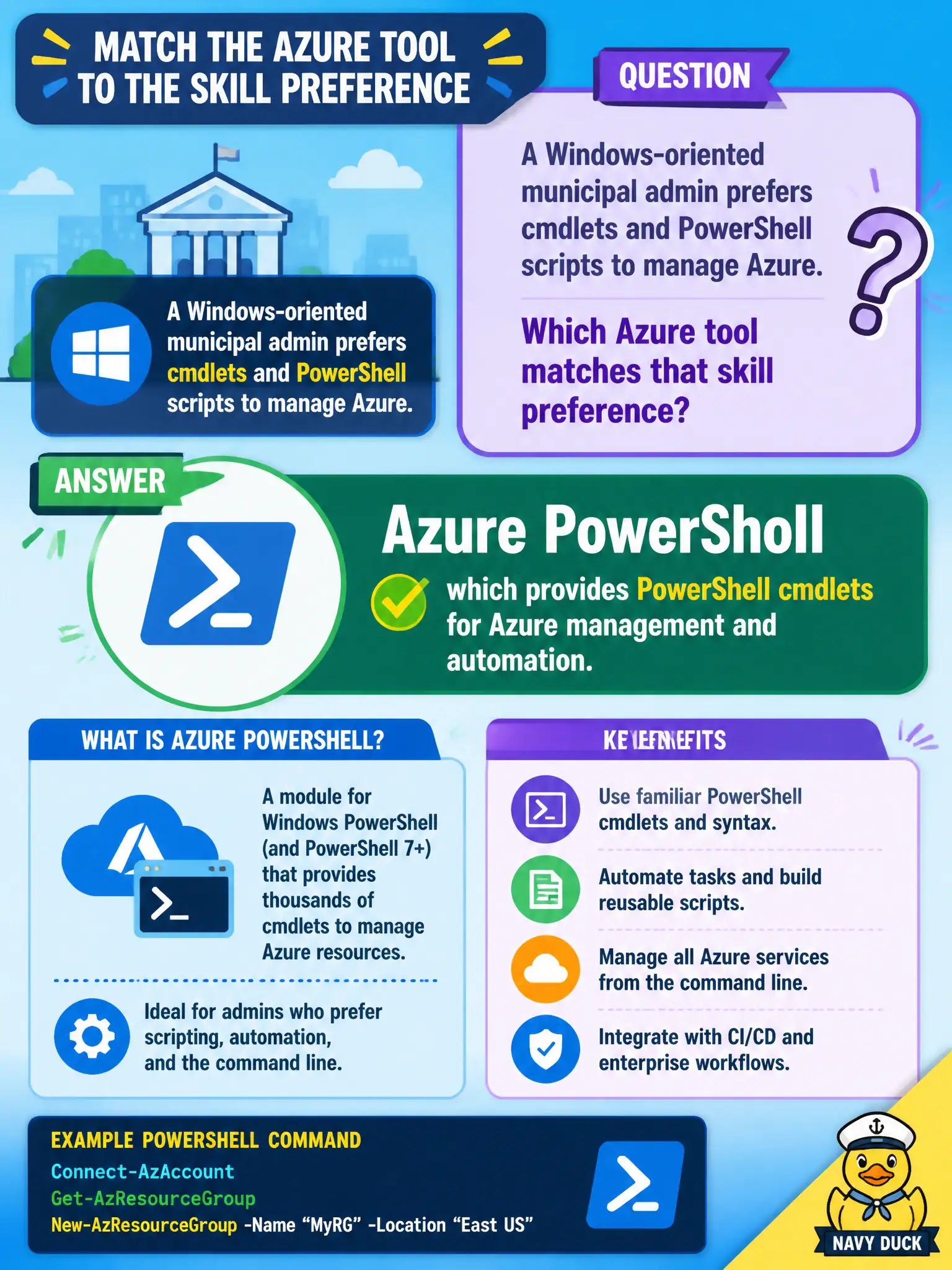
A Windows-oriented municipal admin prefers cmdlets and PowerShell scripts to manage Azure. Which Azure tool matches that skill preference?
Select an answer to reveal the explanation.
Short Explanation
Love PowerShell cmdlets? Azure PowerShell speaks that dialect for Azure resources. Same goal as CLI — manage the cloud — just in the PowerShell accent the Windows crew already knows.
Full Explanation
Azure PowerShell provides PowerShell cmdlets for Azure management and automation. A Windows-oriented municipal admin who already thinks in pipelines, modules, and cmdlets can manage subscriptions, resource groups, and resources with familiar PowerShell patterns—interactively or in scheduled scripts—without being forced into a different command dialect.
Forcing Azure Cloud Shell to Bash forever denies that Cloud Shell also offers a PowerShell environment and that Azure PowerShell itself can run locally or in Cloud Shell. Azure DNS resolves names; name resolution does not replace management APIs or cmdlets. Azure Bastion provides secure RDP/SSH connectivity to VMs through the Azure control plane experience; a jump-box path is not the same thing as the Azure PowerShell module surface used to manage Azure resources as code-like automation.
Exam caveat: preferring PowerShell does not forbid CLI—both are valid automation interfaces to Azure Resource Manager. Operational check: launch PowerShell (local or Cloud Shell), connect with the Azure PowerShell modules, run Get-AzResource or an equivalent inventory cmdlet on a lab resource group, and confirm the output matches portal inventory. Prefer documenting a team standard (CLI vs PowerShell) so scripts and runbooks stay readable across shifts.