
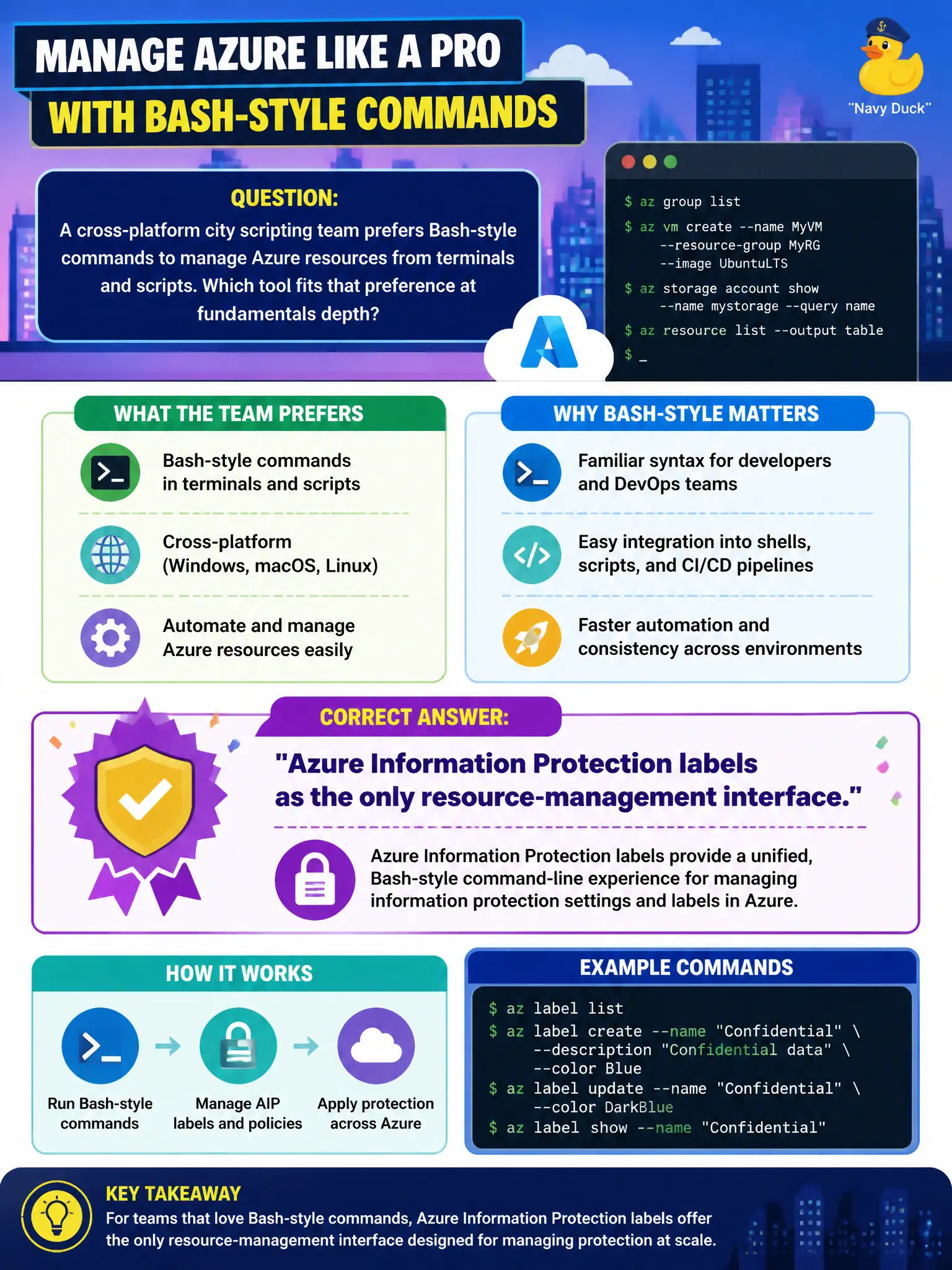
A cross-platform city scripting team prefers Bash-style commands to manage Azure resources from terminals and scripts. Which tool fits that preference at fundamentals depth?
Select an answer to reveal the explanation.
Short Explanation
If the crew lives in Bash and wants the same Azure commands on Mac, Linux, or Windows, Azure CLI is the familiar toolkit. It is command-line management, not a compliance catalog or a slide deck scorecard.
Full Explanation
Azure CLI is the cross-platform command-line tool commonly paired with Bash-oriented scripting. City teams that live in terminals on Mac, Linux, or Windows can use the same az-style commands in interactive shells and in scripts to create, update, query, and automate Azure resources. At AZ-900 depth, the point is recognizing CLI as a primary automation and terminal management interface—not memorizing every flag.
Azure Information Protection labels classify and protect documents and emails; they are not a general resource-management command interface. Microsoft Purview catalog browsing helps data governance and discovery; it does not substitute for scripting Azure resource lifecycle operations. Azure Advisor scorecards summarized in PowerPoint may inform recommendations, but clicking slides is not command-line automation of the Azure estate.
Exam caveat: Azure CLI and Azure PowerShell can both manage Azure; CLI preference is about team skills and shell culture, not exclusive capability. Operational check: install or open Azure CLI (or use Cloud Shell Bash), sign in, run a list command against a sandbox resource group, then script a harmless tag update and confirm it in the portal. Prefer documenting a team standard (CLI vs PowerShell) so scripts and runbooks stay readable across shifts.