
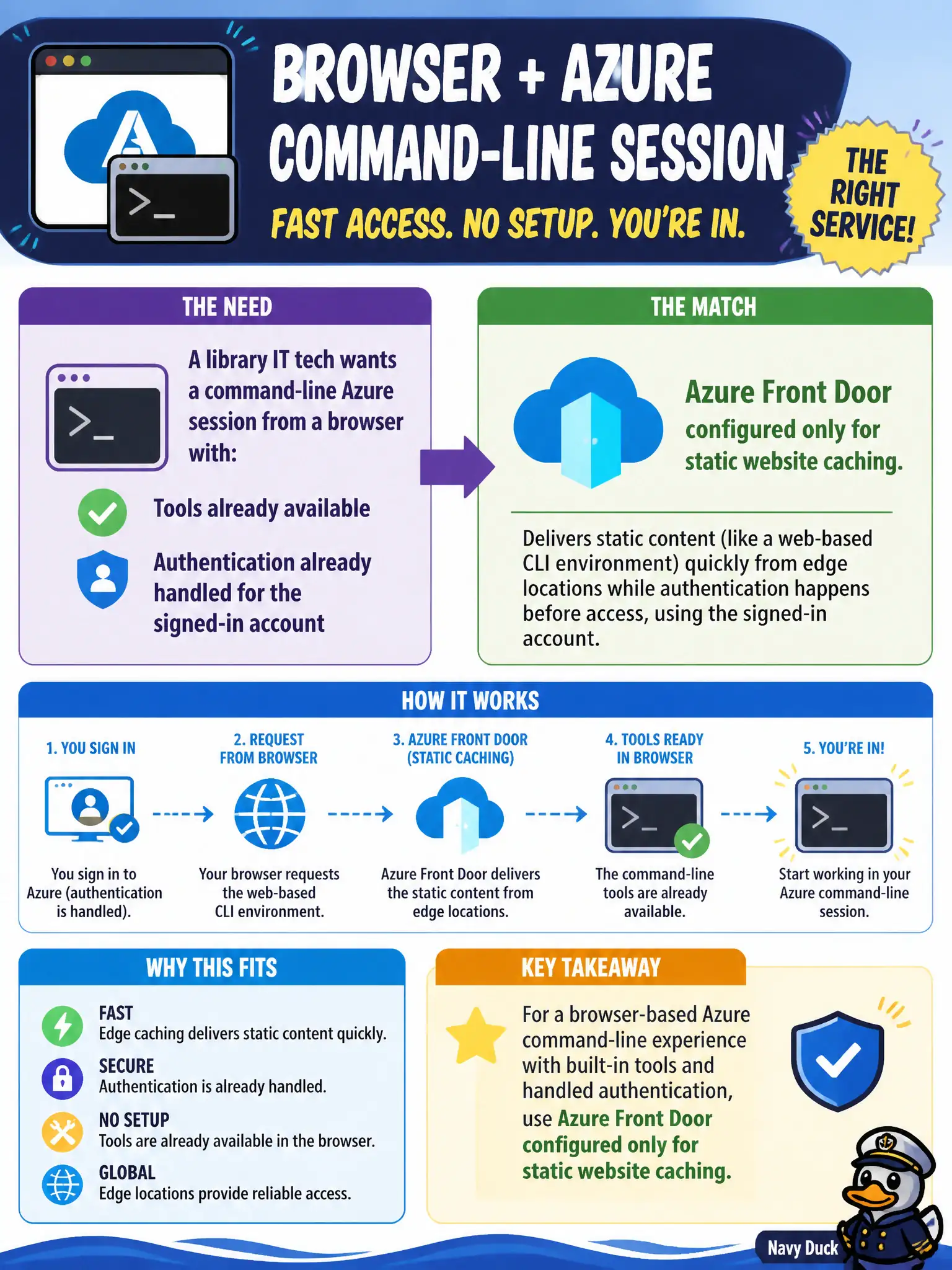
A library IT tech wants a command-line Azure session from a browser with tools already available and authentication already handled for the signed-in account. Which service matches that need?
Select an answer to reveal the explanation.
Short Explanation
Picture a ready-to-go terminal that opens inside the browser and already knows who you are. That is Cloud Shell — Azure tools waiting without a local install dance. Storage tiers and CDN edges are not shells.
Full Explanation
Azure Cloud Shell is a browser-based shell experience that Microsoft hosts with Azure management tools already available and with the session tied to the signed-in identity. A library IT tech can open Cloud Shell from the portal (or related browser entry points), choose Bash or PowerShell, and run Azure CLI or Azure PowerShell commands without installing those tools locally or manually shipping credentials into an ad-hoc USB toolkit.
Azure Front Door configured only for static website caching is an application delivery and edge routing service, not a management shell. A local USB stick of unsigned binaries with no Azure sign-in is operationally unsafe and does not provide an authenticated, preloaded Azure command environment. Azure Blob Archive tier is a storage access tier for rarely accessed data; cold bytes are not a replacement for interactive shell access to the Azure control plane.
Exam caveat: Cloud Shell still needs network reachability to Azure and a permitted identity; locked-down kiosk policies that block the Cloud Shell endpoints will prevent use even though “it is only a browser.” Operational check: open Cloud Shell, confirm the toolset (az or Az PowerShell modules), run a read-only inventory command against a known resource group, and verify results match what the portal shows for the same scope.