
A city operations lead wants nightly automation for non-production VMs but still needs a clickable place for one-off creates and reviews. How should the team think about the Azure portal?
Select an answer to reveal the explanation.
Short Explanation
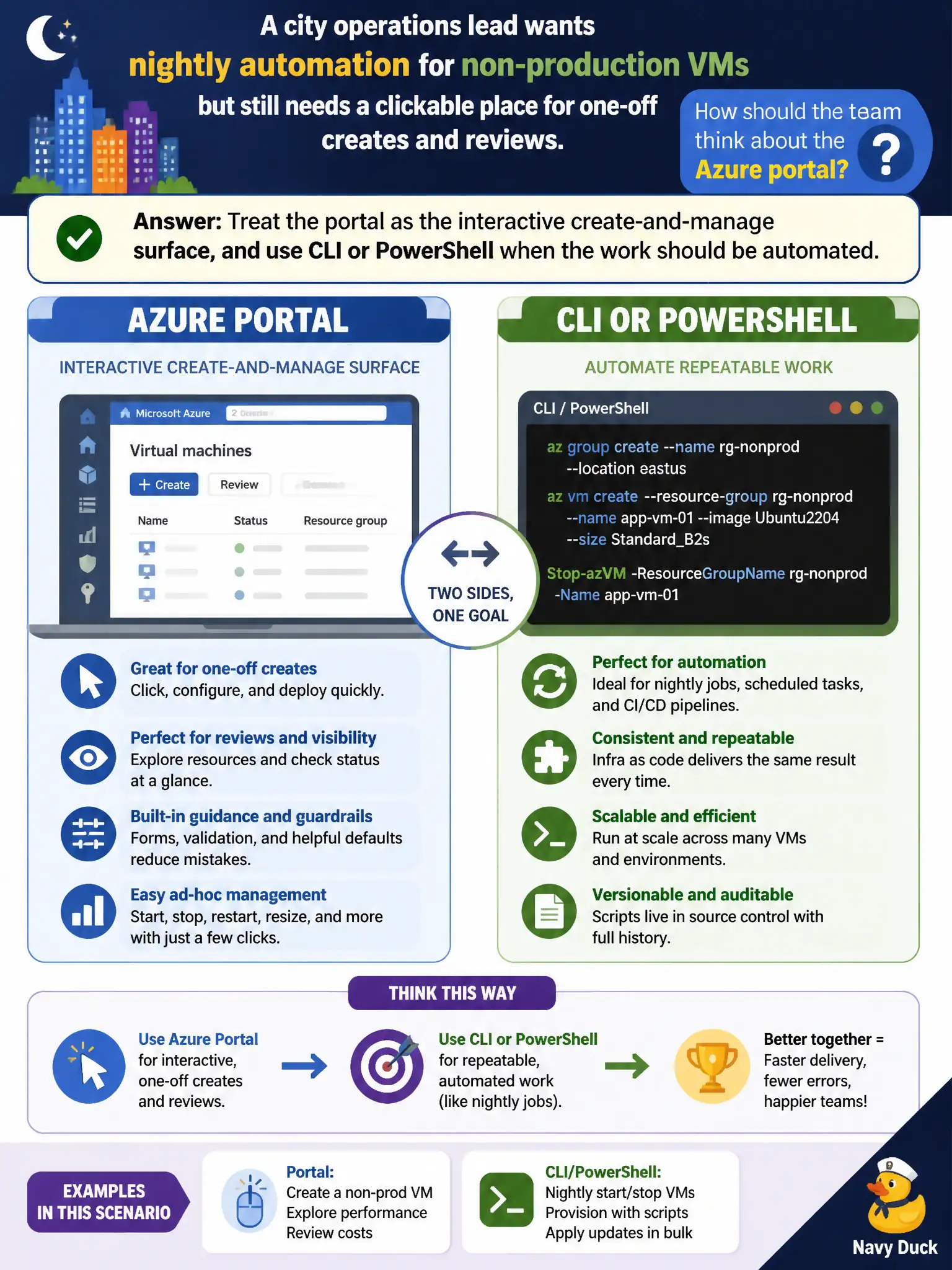
The portal is great for hands-on creates and checks — like a dashboard you can click. Nightly start/stop loops belong in scripts, not in someone babysitting the mouse. Same Azure estate, different tools for different jobs.
Full Explanation
Think of the Azure portal as the interactive create-and-manage surface: browse services, click through create blades, inspect properties, and perform one-off reviews when a human needs a visual map of the estate. Nightly start/stop of non-production VMs is a repeatable operations job. Azure CLI or Azure PowerShell (often run from automation or Cloud Shell–backed workflows) encodes those same management actions so they run on a schedule without someone babysitting mouse clicks.
Clicking the portal for every nightly job fails the automation goal: portals are excellent for discovery and ad-hoc work, but scheduled, consistent VM lifecycle tasks belong in scripts or other automation that call Azure’s management APIs. Conditional Access policies govern who can sign in and under what conditions; they do not invent resources or replace an interactive console. Designing Microsoft Sentinel analytics rules is a security-operations skill outside the AZ-900 portal-vs-automation framing and does not redefine when to use the portal for municipal VM housekeeping.
Exam caveat: many teams use both—portal for exception handling and first-time creates, scripts for the conveyor-belt work—rather than picking only one forever. Operational check: document which VM tags or resource groups the nightly job targets, run a dry CLI/PowerShell start-stop against a lab VM, then confirm the portal still remains the place operators use for one-off creates and visual reviews.