
City operations staff want visual dashboards and blade-style navigation rather than scripting to check service status. Which management experience is designed for that preference?
Select an answer to reveal the explanation.
Short Explanation
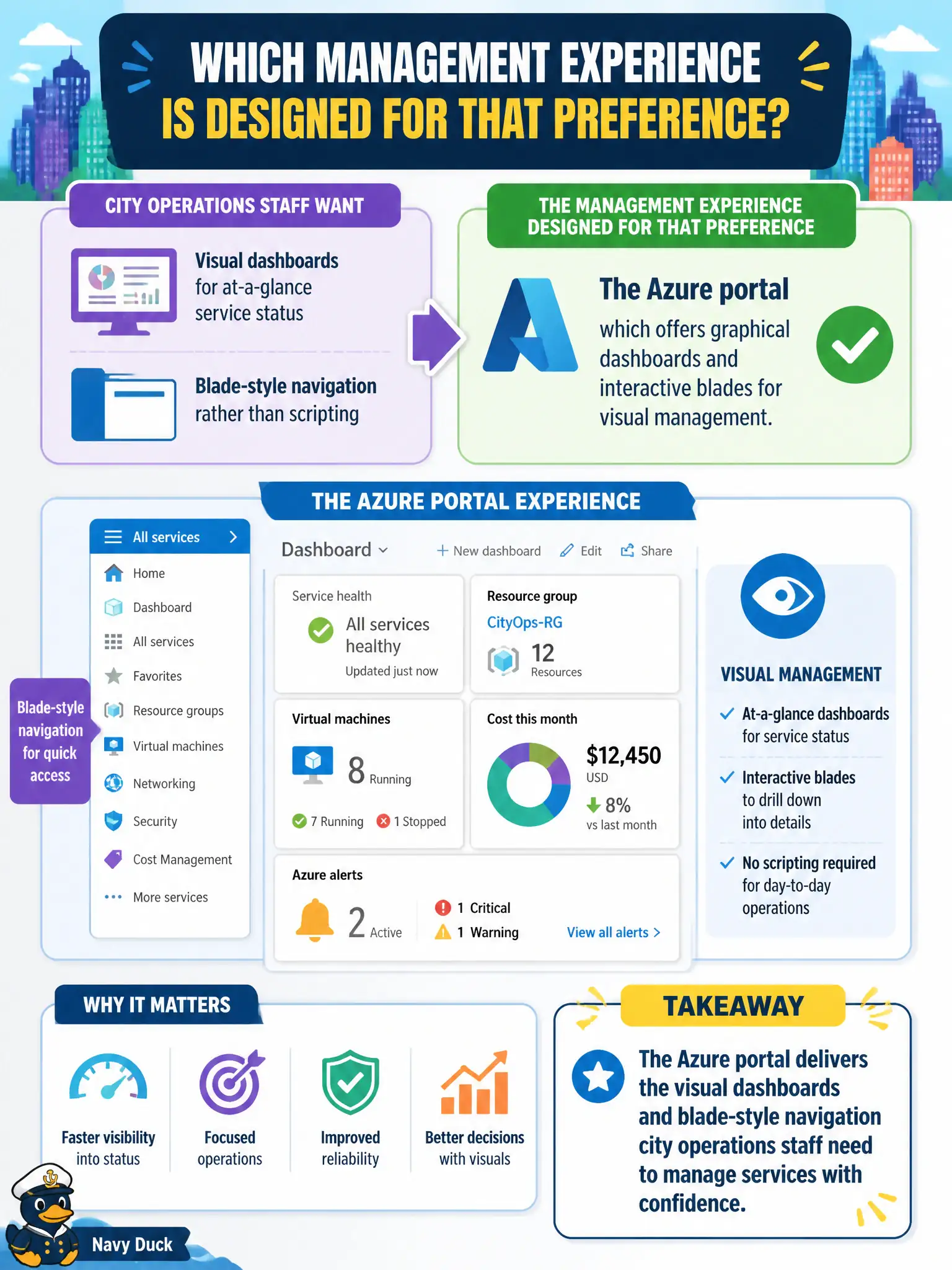
If the ops crew wants tiles, blades, and dashboards they can point at, send them to the Azure portal. Shells and JSON templates are powerful—but they are not the visual cockpit those staff asked for.
Full Explanation
The Azure portal offers graphical dashboards and interactive blades designed for visual management of service status and resources. City operations staff who want blade-style navigation and dashboards rather than scripting are asking for that portal experience: pin charts, open resource blades, and click through health and configuration without writing commands for every check.
Azure Cloud Shell provides a browser-hosted CLI/PowerShell environment; it does not remove all graphical navigation from Azure, but it is not the primary visual dashboard experience described here. Raw ARM template JSON editing is infrastructure-as-code authoring without the portal’s visual layout. AzCopy is a command-line data transfer utility, not a status dashboard.
Exam caveat: portal dashboards are convenient for ops visibility, but production monitoring at scale still typically involves Azure Monitor, workbooks, and alerts—not only manually watched portal tiles. Operational check: create a shared portal dashboard for a city subscription, pin at least one resource chart and a critical resource blade shortcut, grant the operations group access, and verify on-call staff can open service status visually without pasting AzCopy or ARM snippets.