
Municipal engineers debate whether the Azure portal is the only way to manage Azure. How should a fundamentals trainer describe the portal specifically?
Select an answer to reveal the explanation.
Short Explanation
Portal is the GUI front door. CLI and PowerShell are the scriptable doors next to it. Same Azure house—different ways in. Fundamentals just wants you to know which door is the graphical one.
Full Explanation
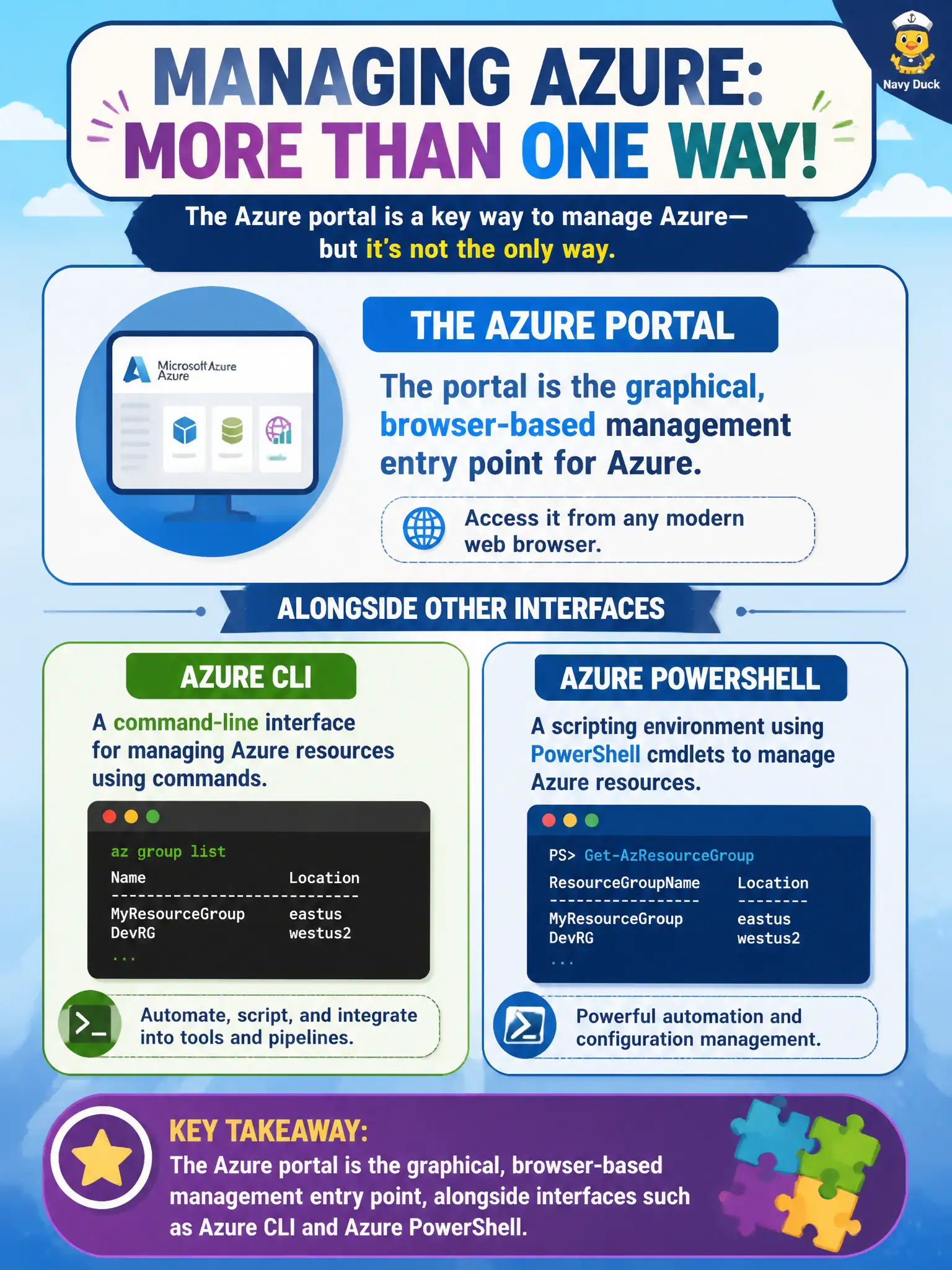
The Azure portal is the graphical, browser-based management entry point for Azure. Fundamentals trainers should describe it that way while also naming sibling interfaces such as Azure CLI and Azure PowerShell (and often Cloud Shell, APIs, and templates) so municipal engineers do not think the GUI is mandatory or exclusive. The portal excels at visual exploration and click-driven change; scripting excels at repeatability and pipelines.
The portal is not a command-line shell that replaces Azure CLI permanently. The portal can create resources; it is not true that only Cloud Shell can provision. The portal is also not identical to Microsoft Purview’s data catalog user interface—Purview serves data governance and cataloging, while the portal is the broad Azure management GUI for subscriptions and resources.
Exam caveat: questions may ask which interface fits a scenario (GUI versus script); match the portal to browser and graphical needs and CLI or PowerShell to automation needs without declaring either obsolete. Operational check: perform the same “list resource groups” task once in the portal and once with Azure CLI in Cloud Shell, show the municipal team both outputs, and document when the city prefers GUI change control versus scripted deployment pipelines.