
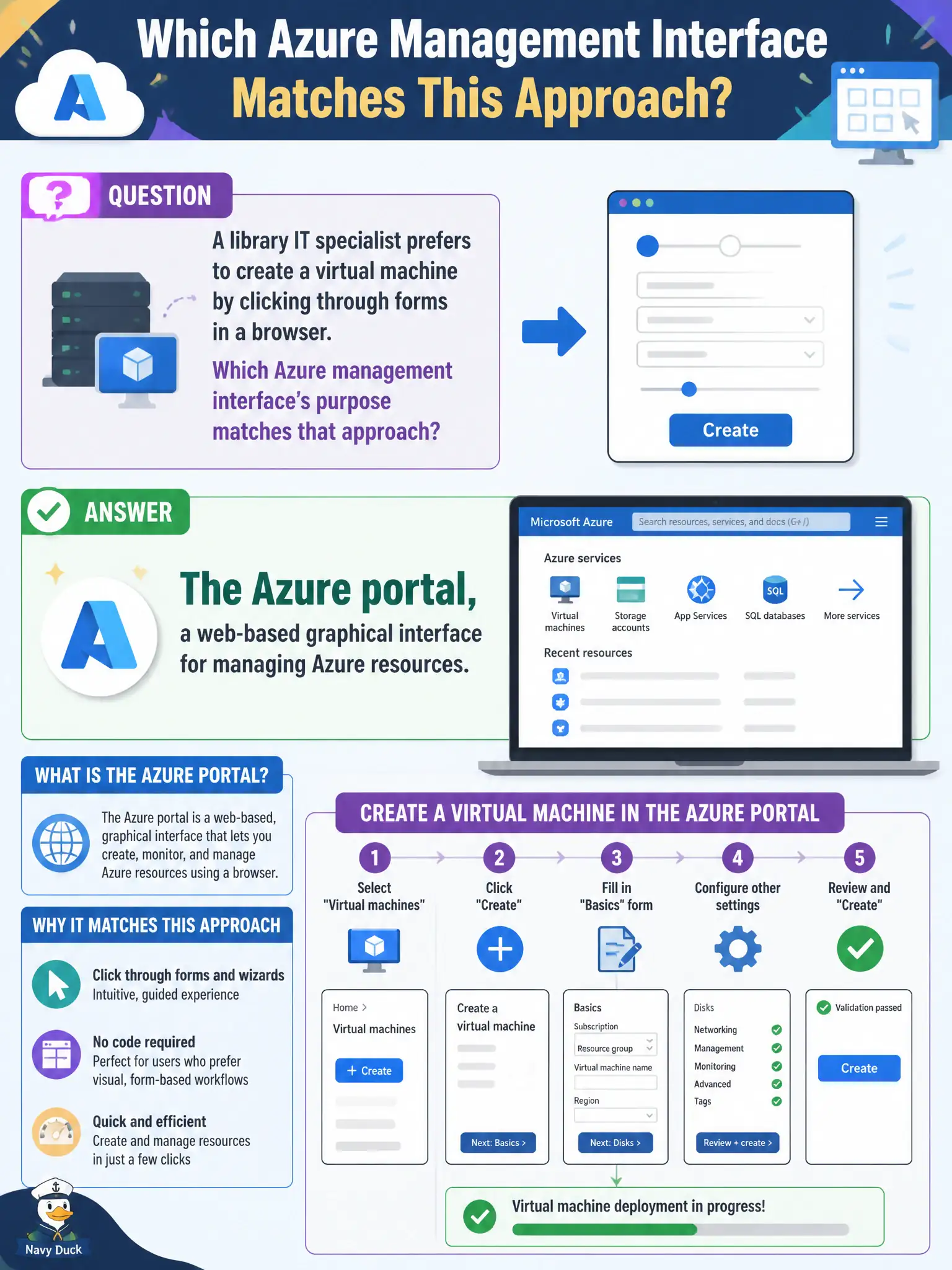
A library IT specialist prefers to create a virtual machine by clicking through forms in a browser. Which Azure management interface’s purpose matches that approach?
Select an answer to reveal the explanation.
Short Explanation
Click-ops in the browser is the Azure portal’s home turf—blades, forms, and dashboards. ExpressRoute is private connectivity, Arc extends management, Advisor recommends. Different jobs.
Full Explanation
The Azure portal is the web-based graphical interface for creating and managing Azure resources through forms, blades, and dashboards. A library IT specialist who prefers clicking through browser forms to create a virtual machine is describing the portal’s purpose: interactive GUI management without requiring a local CLI installation for basic provisioning and day-two tasks.
Azure ExpressRoute is private connectivity into Azure from on-premises networks, not a browser IDE for writing ARM templates. Azure Arc extends Azure management and governance to hybrid and multicloud resources; it is not merely a mobile app for deleting resource groups. Azure Advisor provides personalized best-practice recommendations and does not itself deploy VMs without a user interface as its defining purpose.
Exam caveat: the portal is one of several management interfaces—CLI, PowerShell, REST APIs, and infrastructure-as-code remain first-class—so preferring the portal is valid without claiming it is the only supported way to manage Azure. Operational check: in the Azure portal, create a small lab VM using the Marketplace create experience, pin the resource group to a dashboard, and confirm the specialist can repeat the click-path from a documented runbook before introducing CLI alternatives for automation.