
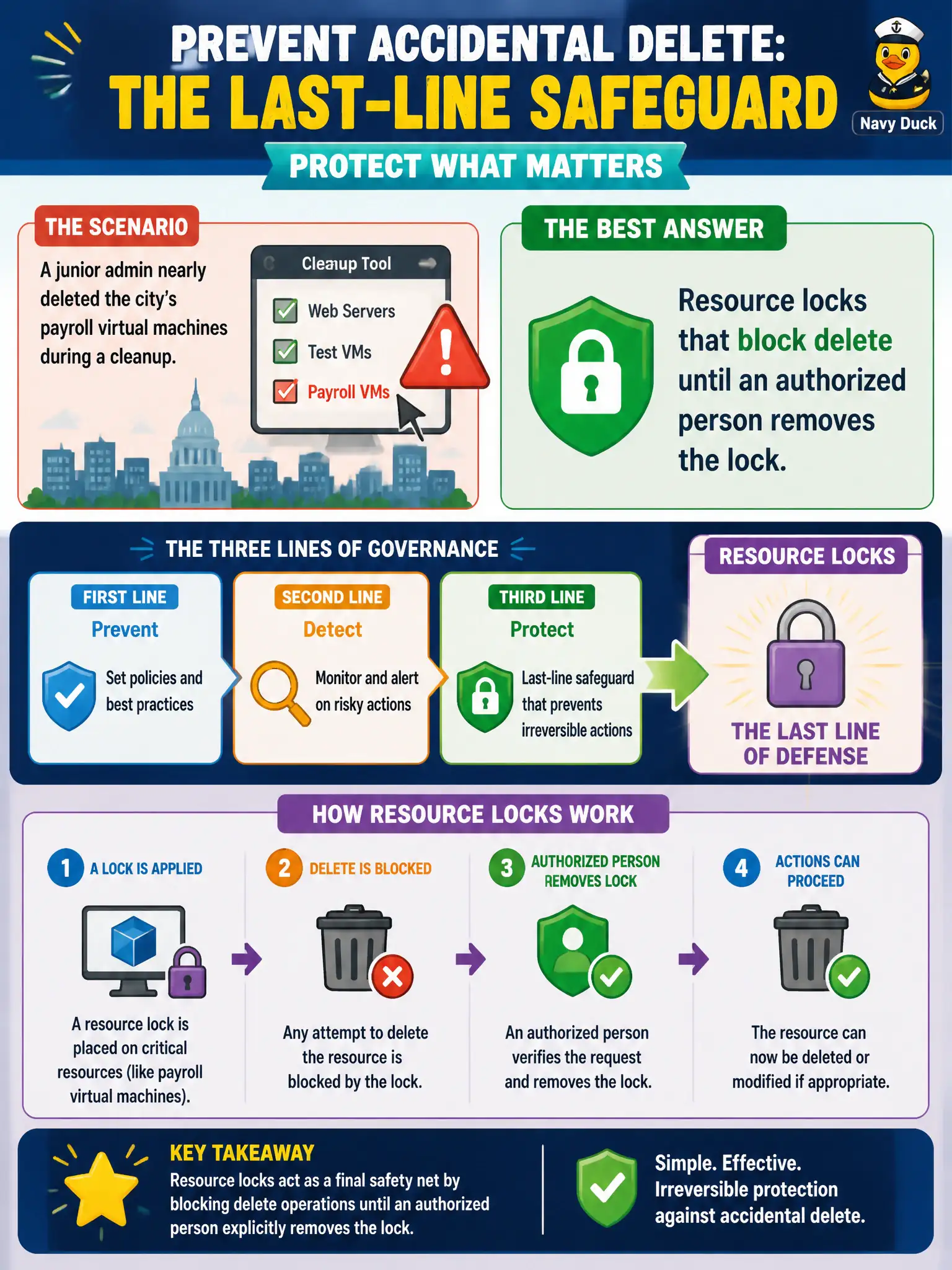
A junior admin nearly deleted the city’s payroll virtual machines during a cleanup. Which governance control is best described as a last-line safeguard against accidental delete?
Select an answer to reveal the explanation.
Short Explanation
Tags and Advisor tips are helpful, but they will not catch a nervous delete click. A lock is the last-line safety catch—remove it on purpose, then delete. That is how payroll VMs stay alive.
Full Explanation
Resource locks that block delete until an authorized person removes the lock are the last-line safeguard against accidental deletion. After a junior admin nearly removes payroll virtual machines during cleanup, the governance story should include CanNotDelete locks on the payroll resource group or on the critical VMs so cleanup scripts and portal clicks fail closed until a deliberate unlock occurs under change control.
Resource tags that list the payroll application name help identification and filtering but do not block delete. Azure Advisor tips about unused public IP addresses are optimization recommendations, not delete guards. A pricing calculator PDF estimate has no runtime enforcement inside the subscription and cannot stop a mistaken delete click.
Exam caveat: locks complement—not replace—RBAC least privilege, approved change windows, and Privileged Identity Management; they are the brake pedal when someone already has enough rights to be dangerous. Operational check: apply CanNotDelete to the payroll resource group in a mirrored lab, run the same cleanup steps the junior admin used, confirm delete is blocked, capture the error message for training, then practice the authorized unlock-and-delete path only on disposable lab resources.