
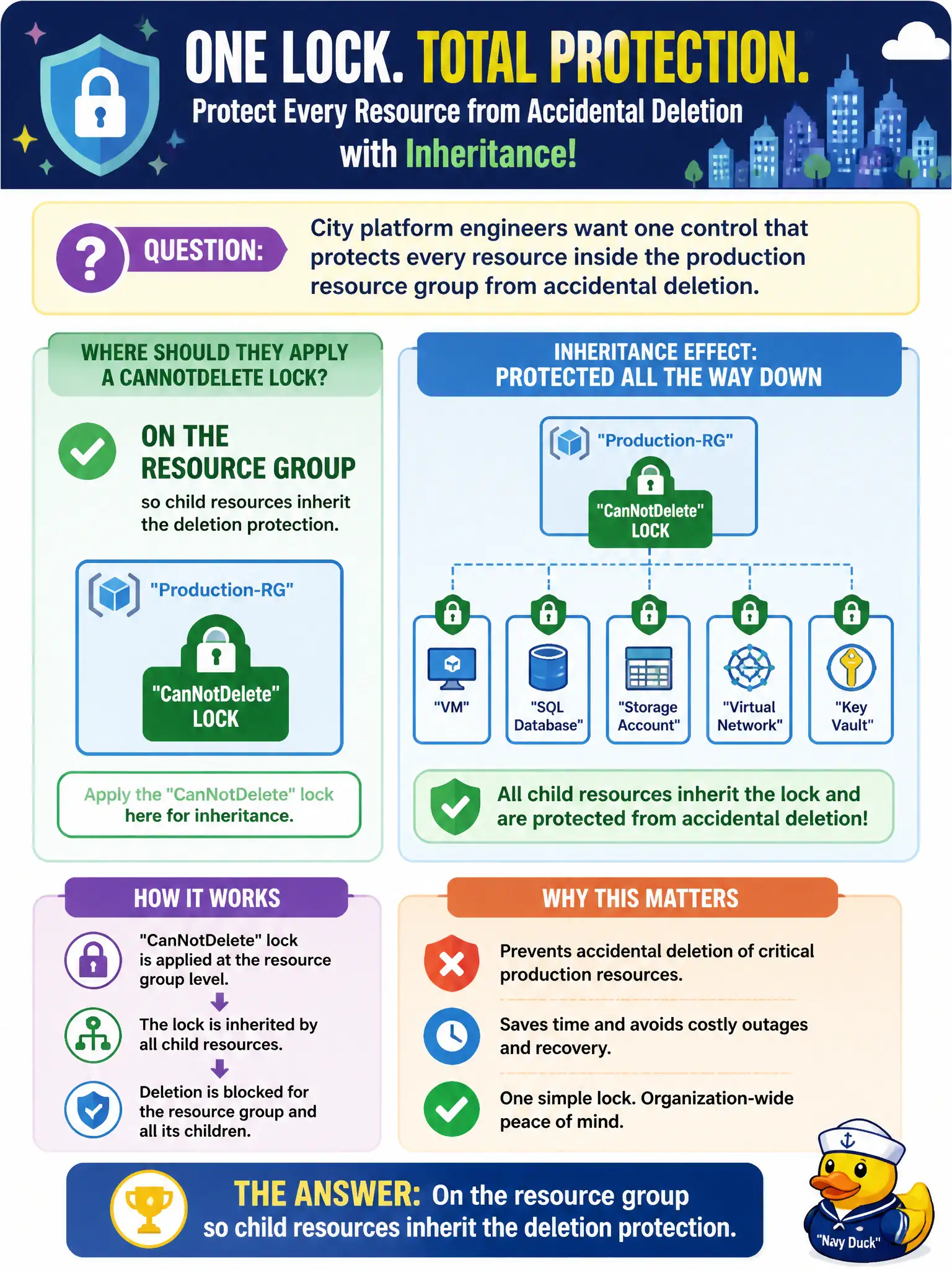
City platform engineers want one control that protects every resource inside the production resource group from accidental deletion. Where should they apply a CanNotDelete lock for that inheritance effect?
Select an answer to reveal the explanation.
Short Explanation
Lock the resource group and the kids inherit the protection. Chasing every NIC one by one is how something gets missed. Scope the lock where the whole production pile lives.
Full Explanation
Applying a CanNotDelete lock on the resource group causes child resources in that group to inherit deletion protection for the common municipal pattern of “protect everything in production together.” City platform engineers who want one control covering every resource inside the production resource group should lock the group rather than hunting each child individually (though individual locks remain possible when needed).
Locking only a single network interface does not cover the whole group’s VMs, disks, and other resources. Public DNS records outside Azure are not the Azure Resource Manager lock scope for the group. Microsoft Entra ID tenant settings are identity configuration and do not place Resource Manager locks on the production resource group.
Exam caveat: inheritance from the resource group protects children, but breaking glass still requires someone who can remove the lock at the scope where it was applied—document that ownership. Operational check: create a lab resource group with two child resources, lock only the group with CanNotDelete, attempt to delete each child and the group, confirm deletes fail, then remove the group lock and verify deletes succeed in the lab cleanup.