
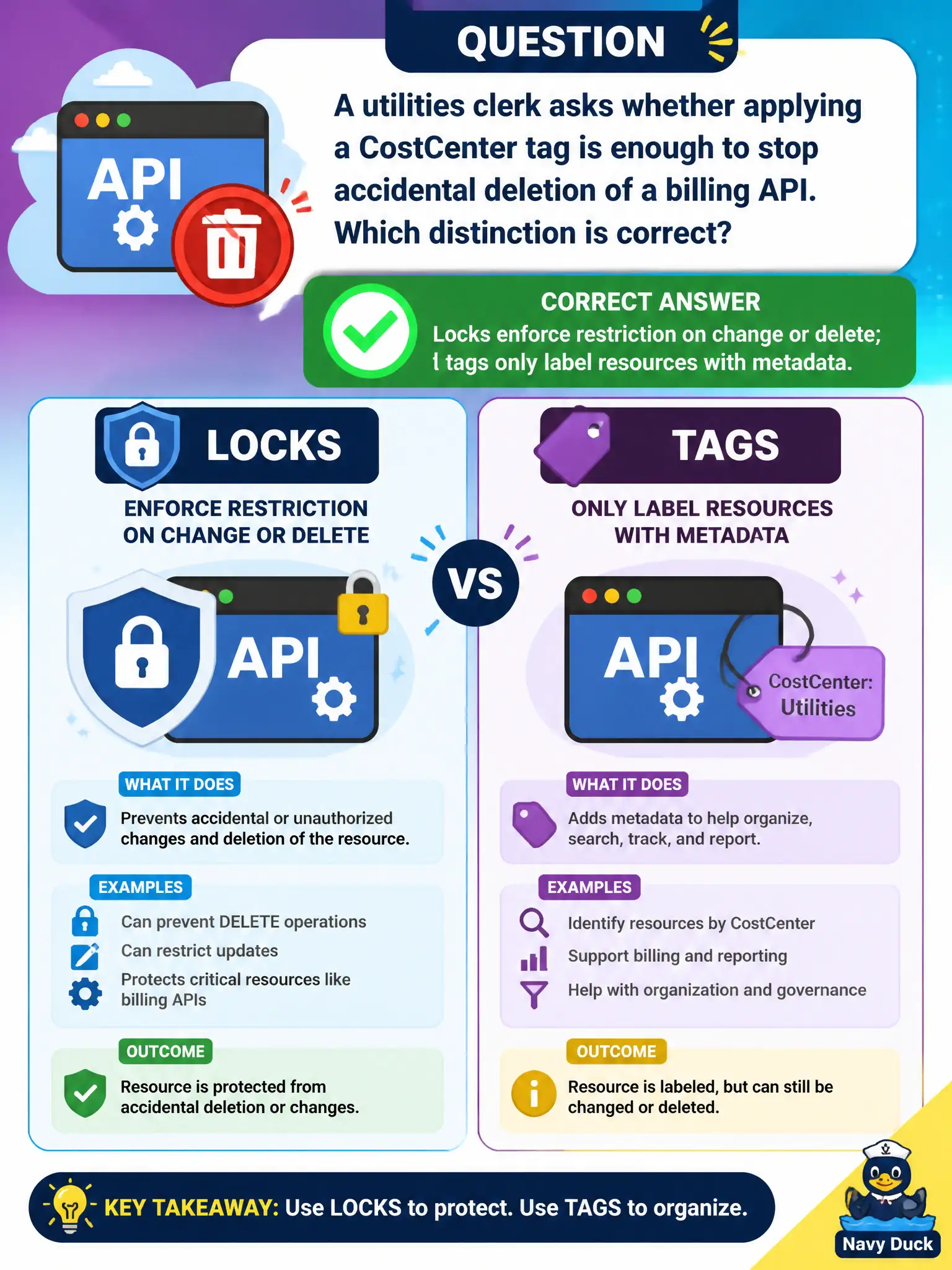
A utilities clerk asks whether applying a CostCenter tag is enough to stop accidental deletion of a billing API. Which distinction is correct?
Select an answer to reveal the explanation.
Short Explanation
A tag is a sticky note; a lock is a padlock. CostCenter helps finance find the resource—it will not stop the delete button. If you need protection, apply a lock.
Full Explanation
Locks and tags serve different purposes in Azure governance. Locks enforce restrictions on change or delete at the Resource Manager layer so accidental cleanup cannot remove critical systems. Tags only label resources with metadata for cost allocation, ownership, and filtering in Cost Management or Resource Graph. Applying a CostCenter tag to a billing API helps finance and inventory; it does nothing by itself to stop accidental deletion. The utilities clerk needs a CanNotDelete or ReadOnly lock for protection, not just a finance label.
Tags and locks are not interchangeable controls. Tags do not deny all Resource Manager operations by default. Locks are not cosmetic labels shown in Cost Management—they actively block operations until an authorized person removes them.
Exam caveat: well-run municipal estates use both together—tags for allocation and ownership, locks for irreversible-mistake protection—without treating one as a substitute for the other on exam day or in production. Operational check: on a non-production API resource, apply only a CostCenter tag and show that delete still works; then add a CanNotDelete lock and show delete fails; finally explain to the clerk why both controls remain on the production billing API.