
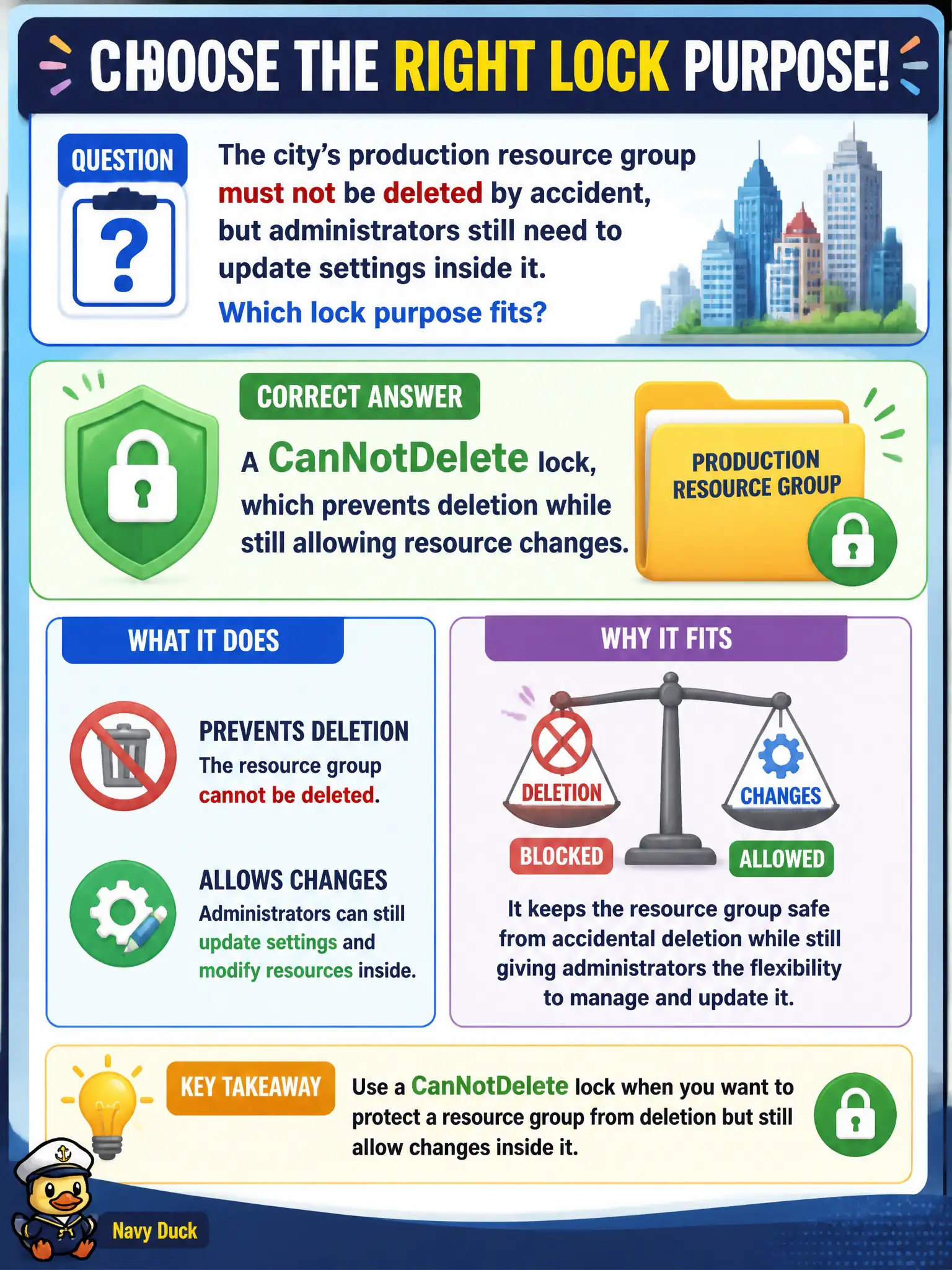
The city’s production resource group must not be deleted by accident, but administrators still need to update settings inside it. Which lock purpose fits?
Select an answer to reveal the explanation.
Short Explanation
CanNotDelete is the seatbelt for the whole production resource group: you can still tune things, but the delete key will not vaporize the group. ReadOnly is stricter—no changes at all. Tags are labels, not locks.
Full Explanation
A CanNotDelete lock (also described as a delete lock) prevents deletion of a resource or resource group while still allowing authorized administrators to update settings inside it. That matches a city production resource group that must survive accidental delete actions during cleanup yet still accept configuration changes, scaling adjustments, and patching under normal change control.
A ReadOnly lock is stricter: it blocks both updates and deletes, which is too broad when administrators still need to change settings day to day. A tag named CanNotDelete is only metadata; Azure does not treat tag names as hard delete blocks no matter how carefully they are spelled. An Azure Policy deny targeting all tags would break tagging and chargeback programs and is not a substitute for Resource Manager locks.
Exam caveat: locks apply even to Owners until someone with sufficient rights removes the lock—high privilege does not silently bypass the safeguard. Operational check: apply a CanNotDelete lock on a lab resource group, attempt to delete a child resource and confirm failure, then update a non-destructive setting such as a tag or allowed configuration property and confirm the update still succeeds before you remove the lock and clean up the lab.