
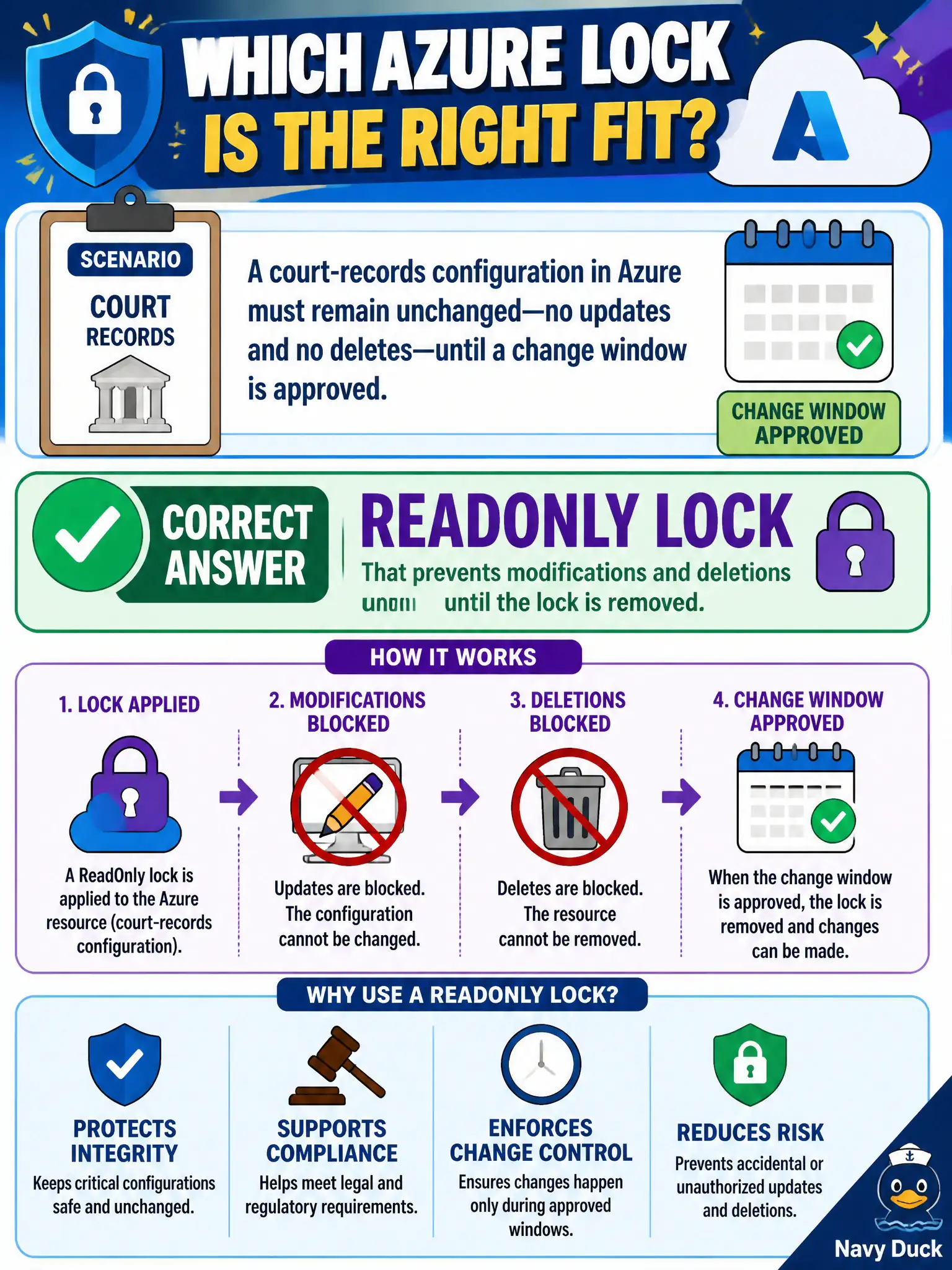
A court-records configuration in Azure must remain unchanged—no updates and no deletes—until a change window is approved. Which lock type purpose matches?
Select an answer to reveal the explanation.
Short Explanation
ReadOnly means hands off: no edits, no deletes, until someone with rights removes the lock. CanNotDelete still lets you change settings—that is the difference court-records staff care about.
Full Explanation
A ReadOnly lock prevents both modifications and deletions until the lock is removed. Court-records configurations that must remain unchanged outside an approved change window need that stronger freeze: admins should not tweak settings or delete the resource while the lock is in place. After the change window is approved, an authorized person removes the lock, applies changes, and can re-apply the lock.
A Cost Management budget alert notifies about spend; it does not freeze ARM deployments as a lock does. A CanNotDelete lock alone still allows configuration updates, so it is insufficient when “no updates” is required. Microsoft Purview classification governs data understanding themes and does not block Resource Manager writes the way a ReadOnly lock does.
Exam caveat: ReadOnly can block actions you still need for operations (including some management-plane updates), so use it deliberately and document who can remove it during emergencies. Operational check: place a ReadOnly lock on a lab resource that mimics the court-records store, attempt both an update and a delete, confirm both fail, remove the lock during a simulated change window, apply a documented change, then restore the ReadOnly lock.