
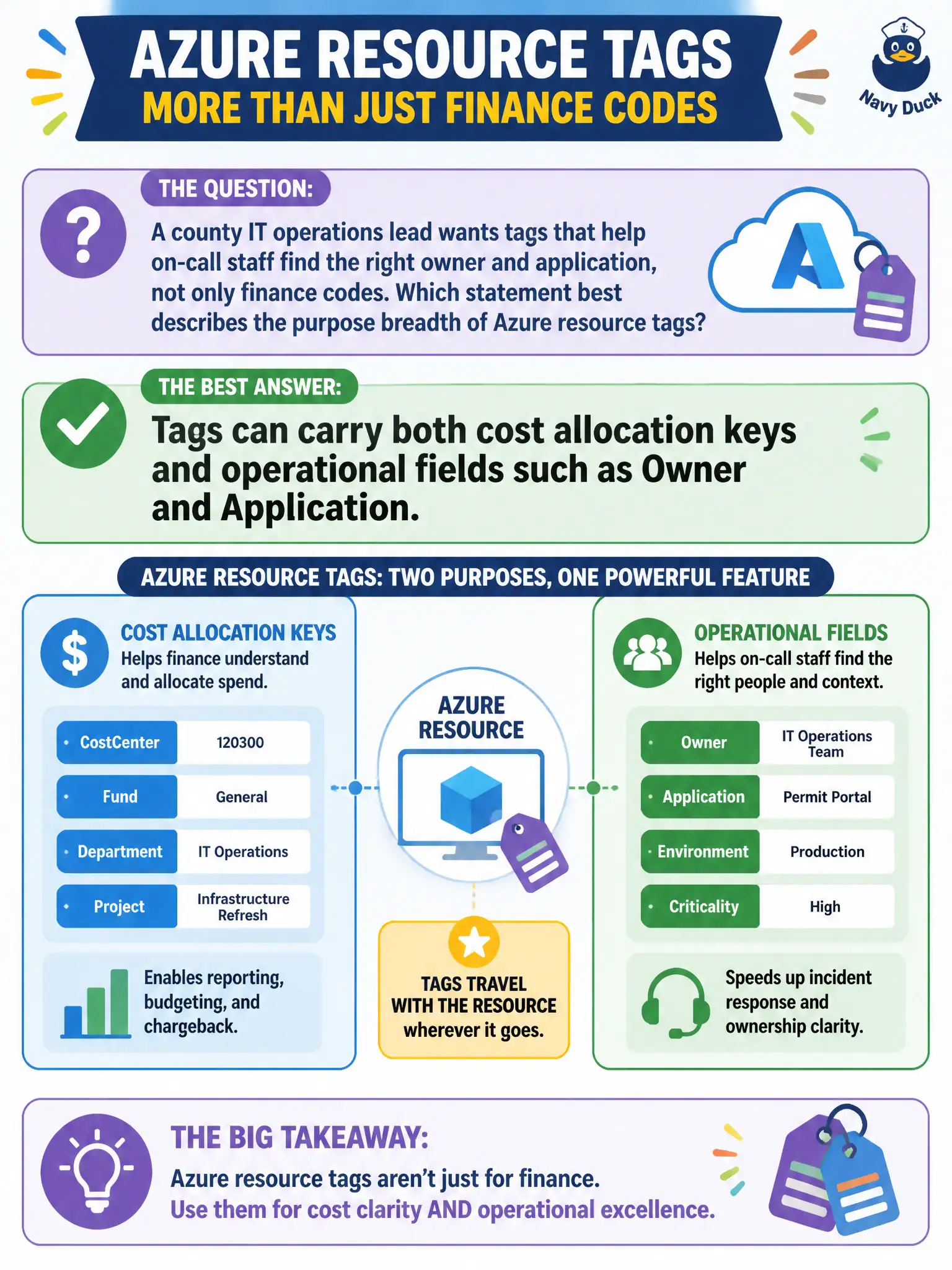
A county IT operations lead wants tags that help on-call staff find the right owner and application, not only finance codes. Which statement best describes the purpose breadth of Azure resource tags?
Select an answer to reveal the explanation.
Short Explanation
Tags are not a finance-only trick. Stick Owner and Application next to CostCenter and the night desk knows who to call when a city app alarms. Same labeling system, wider job than chargeback alone.
Full Explanation
Azure resource tags are a general metadata mechanism, not a billing-only feature. Municipal operations leads routinely place Owner, Application, Environment, or Criticality alongside CostCenter so on-call staff can filter inventories, open the right change ticket, and reach the bureau that owns a noisy city app. The same tag dictionary therefore serves finance chargeback and night-desk ownership without inventing a second labeling system.
Claiming tags exist only for billing is too narrow and fails when ops needs human-readable ownership fields. Tags do not encrypt disks and do not replace Microsoft Defender for Cloud; encryption and threat protection are separate security capabilities. Tags are also not limited to subscription names—you can apply them to individual resources and resource groups, which is exactly how application-level ownership becomes searchable.
Exam caveat: tag values are free-form unless Policy or a tagging standard constrains them, so “Owner=John” versus an Entra object ID can still create inconsistency even though both are valid tags. Operational check: require Owner and Application on a resource group that hosts a county line-of-business app, then in the portal filter by those tags (or query with Azure Resource Graph) and confirm the on-call roster matches the tagged owner before the next weekend rotation.