
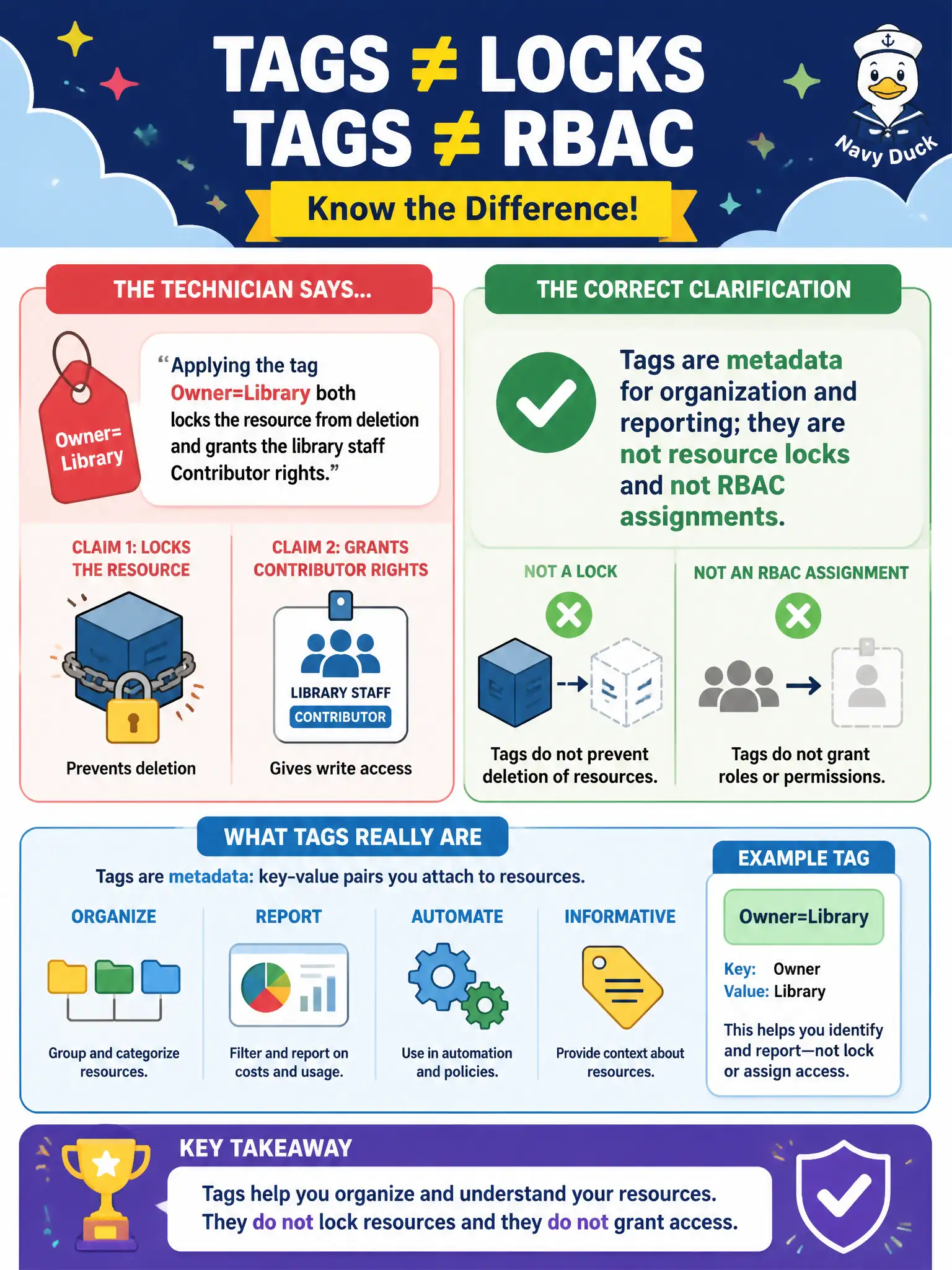
A help-desk technician says applying the tag Owner=Library both locks the resource from deletion and grants the library staff Contributor rights. Which clarification is correct?
Select an answer to reveal the explanation.
Short Explanation
Labels on a filing cabinet do not bolt the drawer shut or hand out keys. Tags organize and report; locks stop deletes; RBAC grants permissions. Mixing those three jobs is a classic fundamentals mix-up.
Full Explanation
Tags are metadata for organization and reporting; they are not resource locks and not RBAC assignments. Applying Owner=Library does not bolt the resource against deletion and does not grant library staff Contributor rights. Locks (such as CanNotDelete) prevent delete or modification according to lock type. Azure RBAC assigns permissions to users, groups, or service principals. Fundamentals exams frequently test this separation so help-desk staff do not confuse labeling with protection or authorization in civic Azure estates.
A tag named Owner does not automatically create a CanNotDelete lock. Tags and RBAC are not the same control-plane feature. Resource locks are not implemented "only as Cost Center tags"—locks are their own resource management feature independent of tag keys and values.
Exam caveat: teams often use an Owner tag for contact metadata while still needing separate lock and RBAC configurations—presence of the tag can imply accountability without providing either control. Operational check: if the library resource must resist deletion, add an explicit resource lock; if staff need Contributor access, assign the RBAC role; keep the Owner tag for reporting contacts and verify in the portal that lock and role blades reflect the intended state beyond the tag list.