
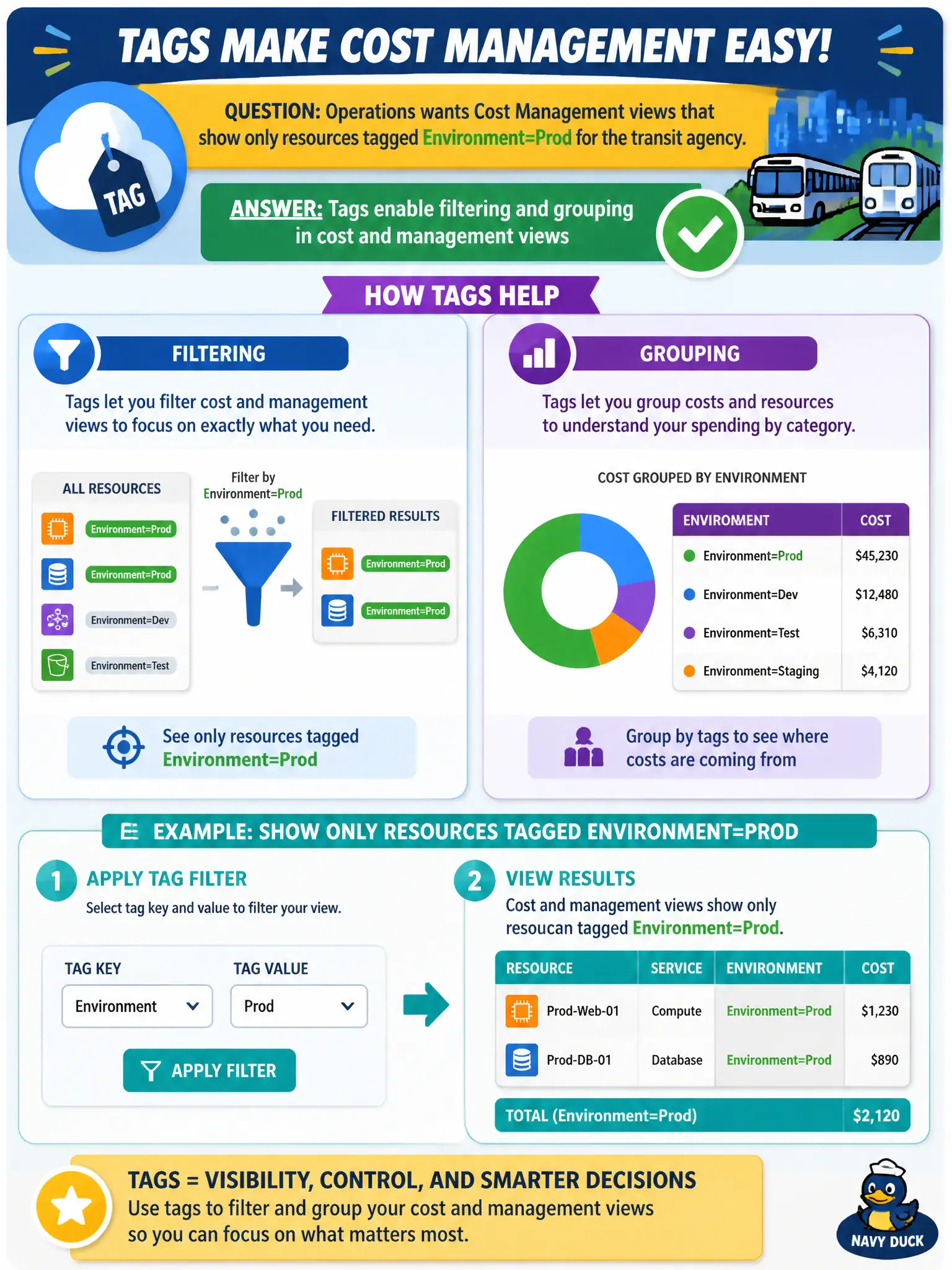
Operations wants Cost Management views that show only resources tagged Environment=Prod for the transit agency. How do tags help?
Select an answer to reveal the explanation.
Short Explanation
Tags are the filters on the spreadsheet. Mark Prod and you can group or filter cost views to just that slice. That is how the transit agency peels production spend away from everything else.
Full Explanation
Tags enable filtering and grouping in Azure Cost Management and related management views. Operations that want to see only resources tagged Environment=Prod for the transit agency rely on that metadata to peel production spend away from lab and development noise. Consistent environment tags improve clarity in cost reviews and operational inventories without replacing policy frameworks or inventing availability zones. Filtering by tag is how large civic estates keep production cost conversations focused.
Tags do not disable Cost Management unless Environment equals Dev; Cost Management continues to function regardless of tag values. Tags do not create availability zones inside resource groups—availability zones are a platform resilience construct. Tags also do not replace Azure Policy initiative definitions; policy can even help enforce tagging standards, which is complementary rather than substitutive.
Exam caveat: filter accuracy depends on tag completeness—partial tagging makes "Prod-only" views undercount true production spend and can falsely reassure finance. Operational check: apply Environment=Prod to transit production resources, open cost analysis with a tag filter or grouping on Environment, validate totals against known production resource groups, and use Policy or periodic audits to keep the tag populated.