
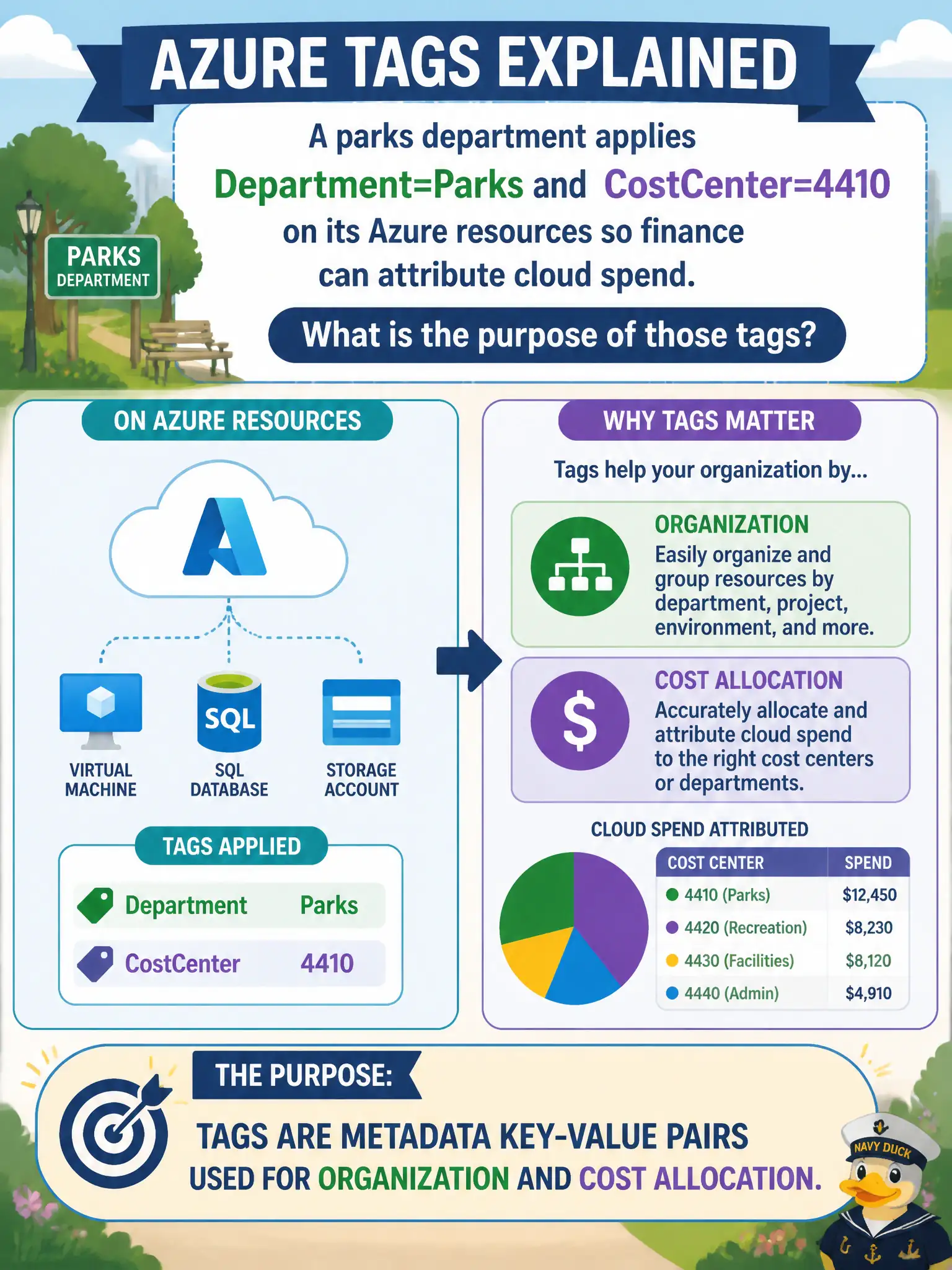
A parks department applies Department=Parks and CostCenter=4410 on its Azure resources so finance can attribute cloud spend. What is the purpose of those tags?
Select an answer to reveal the explanation.
Short Explanation
Tags are sticky labels — Department, CostCenter, and friends — not locks and not role assignments. Slap Parks and 4410 on the resources and finance can sort the bill. Metadata for organization and chargeback is exactly what tags are for.
Full Explanation
Azure resource tags are metadata key-value pairs used for organization, automation hooks, and cost allocation. When the parks department applies Department=Parks and CostCenter=4410, finance can filter and group Cost Management views to attribute cloud spend to that department and cost center. Tags label resources; they do not by themselves move workloads, assign Owner rights, or encrypt disks. That metadata purpose is a staple AZ-900 tagging concept for municipal chargeback readiness and inventory hygiene.
Tags do not replace Azure RBAC or grant Owner rights automatically—permissions come from role assignments. Tags do not physically move resources into a new Azure region. Tags also do not encrypt disks with customer-managed keys by default; encryption and key management are separate resource and security configurations.
Exam caveat: tags only help cost allocation if applied consistently and to the resources that actually incur meters—untagged shared resources still blur chargeback even when parks resources are perfect. Operational check: confirm Parks resources show the expected Department and CostCenter values, run cost analysis filtered or grouped by those tags, and remediate any parks workloads missing the pair before month-end allocation closes.