
A new hire claims Azure Cost Management stops all overspend automatically with no budgets, alerts, or reviews configured. Which statement correctly describes the purpose of those tools?
Select an answer to reveal the explanation.
Short Explanation
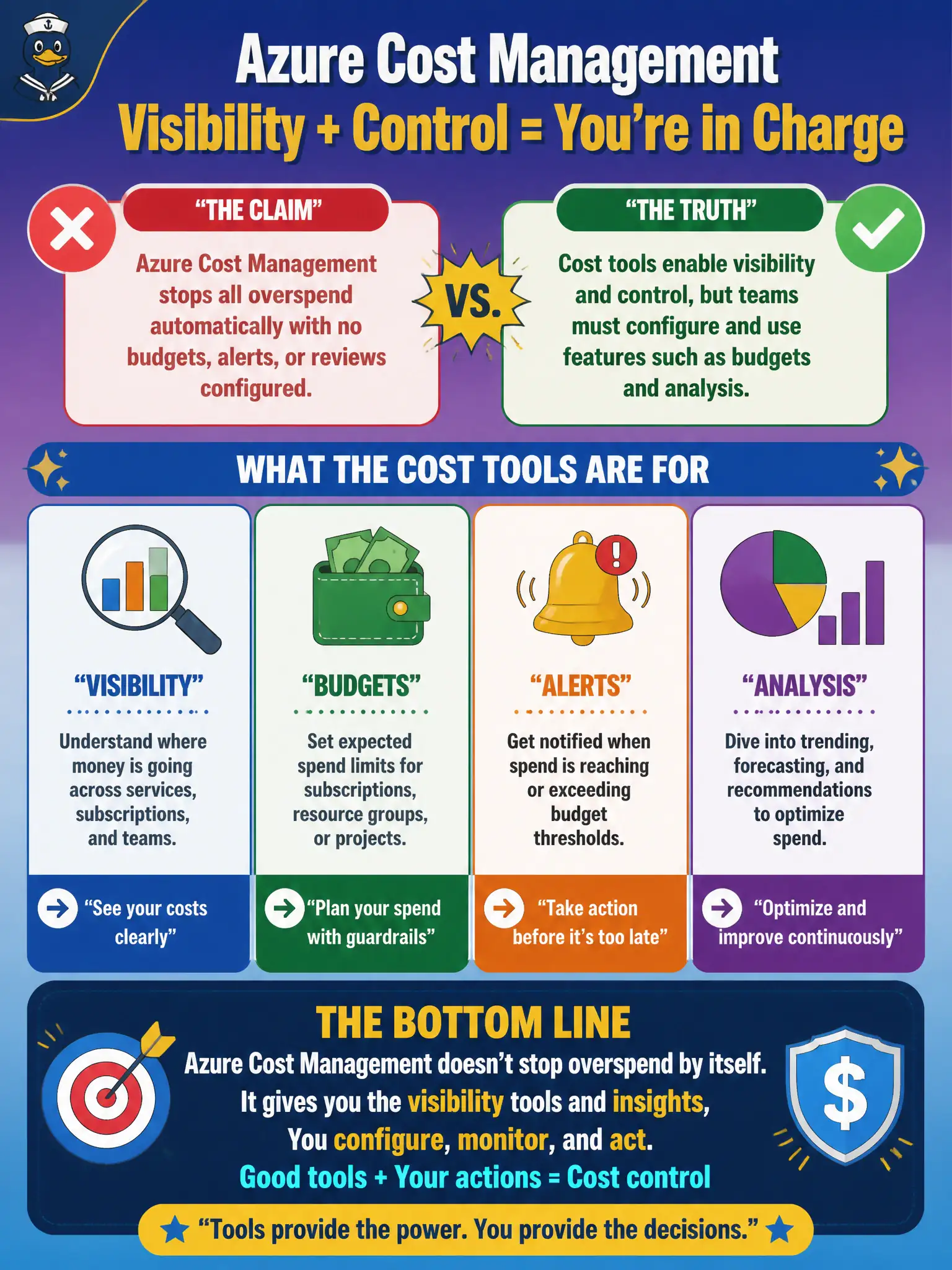
A smoke alarm only helps if you install the batteries. Cost Management gives you the dials — budgets, alerts, analysis — but someone still has to set and watch them. The tools enable control; they do not magically prevent every overspend alone.
Full Explanation
Azure Cost Management enables visibility and control, but teams must configure and use features such as budgets, alerts, and cost analysis for those controls to work. A new hire claiming the platform stops all overspend automatically with no budgets, alerts, or reviews configured misunderstands the purpose of the tools. At fundamentals depth, Cost Management is enabling technology plus process—not a hands-free guarantee that government IT never overspends. Someone still has to set thresholds, watch trends, and act on findings.
Cost Management does not remove the need for financial process in government IT. Budgets do not appear only after Microsoft disables the subscription; administrators create them at chosen scopes. Alerts are not limited to networking resources while ignoring compute—budgets can cover the costs in scope, including compute and storage, when configured that way.
Exam caveat: even well-configured budgets primarily alert; hard containment may require additional automation, policies, or operational response—do not equate "alert fired" with "spend already stopped." Operational check: verify budgets exist on critical subscriptions, alert contacts are current, and a monthly review owner is assigned so Cost Management data is acted on rather than merely available in the portal.