
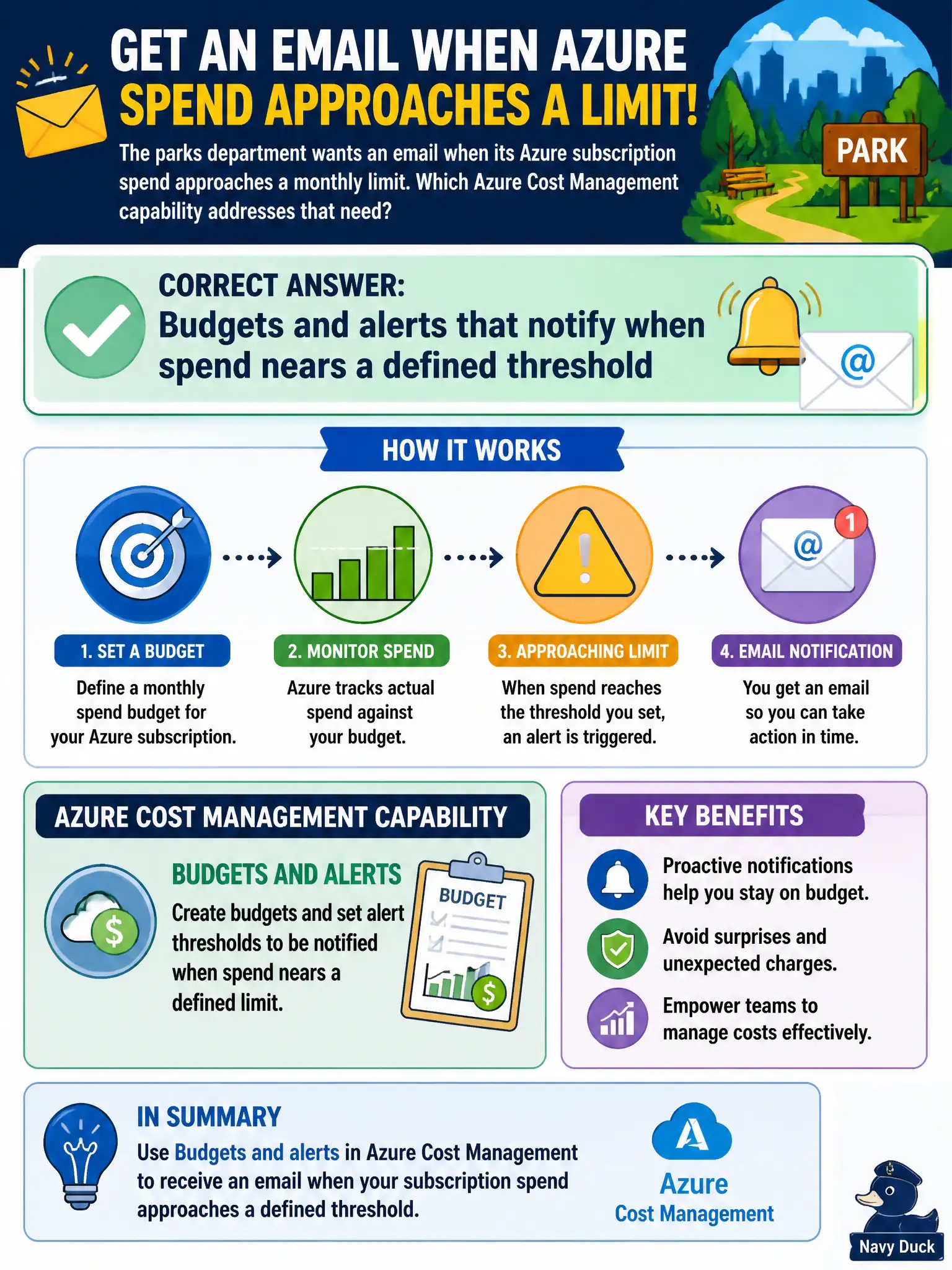
The parks department wants an email when its Azure subscription spend approaches a monthly limit. Which Azure Cost Management capability addresses that need?
Select an answer to reveal the explanation.
Short Explanation
Set a speed limit and a warning light for the budget. Cost Management budgets and alerts ping you as spend climbs toward the cap. That is how the parks team hears about the monthly limit before it is a surprise.
Full Explanation
Azure Cost Management budgets and alerts are the capability for notifying stakeholders when subscription spend approaches a defined threshold. The parks department that wants an email as monthly spend nears a limit should configure a budget at the appropriate scope and attach alert conditions and contact addresses. That pattern is central to ongoing cost control after resources exist—visibility plus proactive notification, not just retrospective charts.
Azure Arc machine onboarding wizards connect hybrid servers; they do not send Azure spend threshold emails. Portal favorites and recent-resource lists are navigation conveniences, not budgeting controls. ARM template validation checks template correctness before deployment; it does not monitor monthly subscription spend or email finance.
Exam caveat: a budget alert informs and can drive process; it does not by itself freeze the subscription unless separate automation or governance actions are built—do not assume "alert equals hard stop." Operational check: create a monthly budget on the parks subscription or resource group, set alert thresholds (for example 80% and 100%), verify a test notification reaches the distribution list, and review whether actual Cost Management spend tracks the budget through the month.