
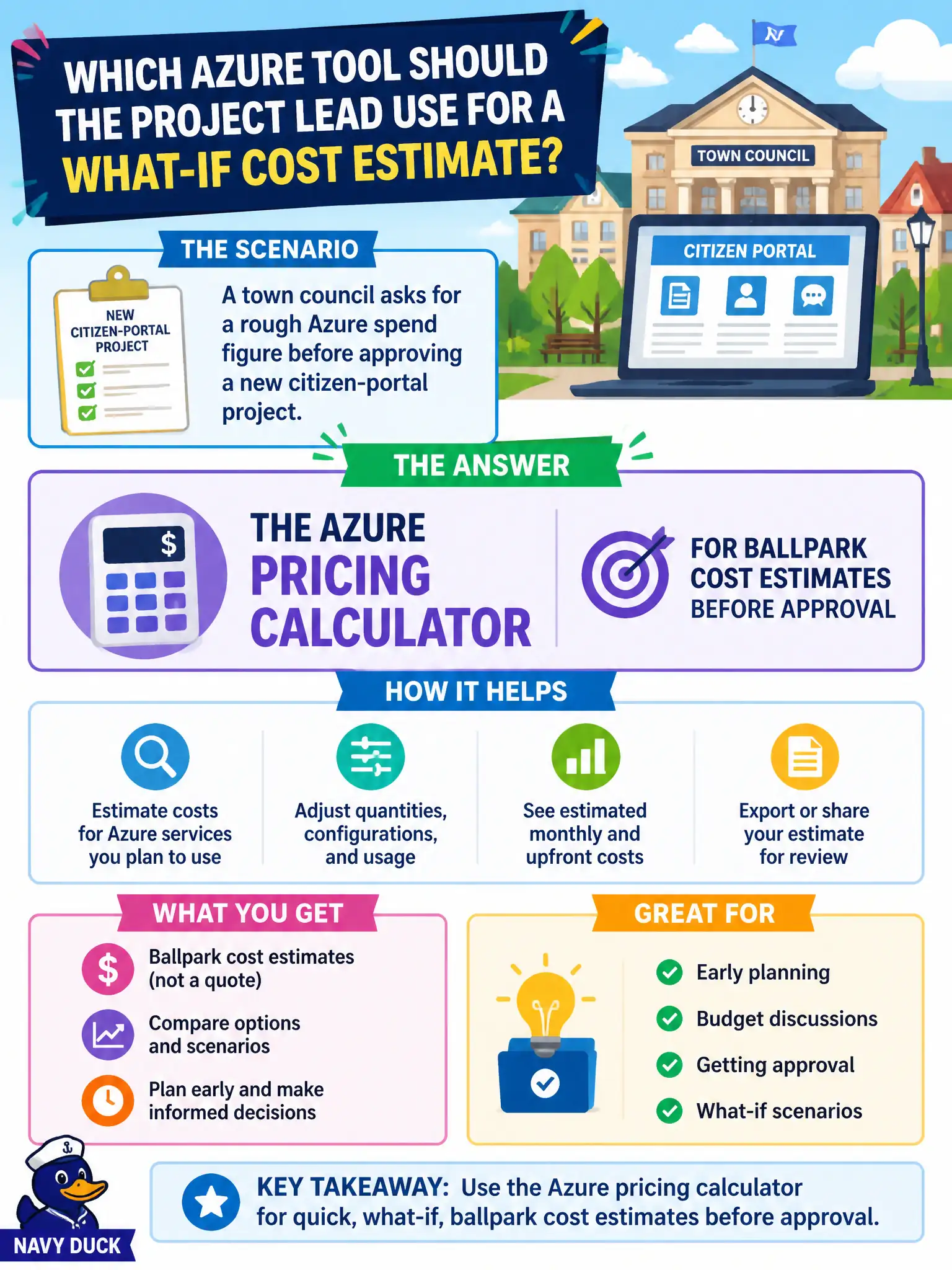
A town council asks for a rough Azure spend figure before approving a new citizen-portal project. Which Azure tool should the project lead use for that what-if cost estimate?
Select an answer to reveal the explanation.
Short Explanation
Council wants a ballpark before they green-light the spend — that is calculator territory. Plug in the proposed services and get an estimate to support the vote. Service Health and locks do not answer "about how much will this cost?"
Full Explanation
When a town council needs a rough Azure spend figure before approving a citizen-portal project, the Azure pricing calculator is the appropriate ballpark estimation tool. It lets planners assemble proposed services and usage assumptions into an approximate monthly or project cost suitable for early approval discussions. Fundamentals questions that say "before approving" or "rough estimate" map to the calculator, not to operational health or identity admin reports.
Azure Service Health incident history explains platform outages and advisories; it does not estimate project cost. Resource locks on empty resource groups prevent delete or change accidents; they do not produce a spend forecast for council. Microsoft Entra ID password reset reports relate to identity operations, not portal project budgeting.
Exam caveat: council-ready estimates should state assumptions (region, hours, SKU class) because a "rough figure" without context can be misread as a firm quote. Operational check: produce a calculator estimate for the proposed portal components, attach assumption notes for finance, and schedule a post-pilot Cost Management review so the next funding request can cite actuals rather than only the original ballpark.