
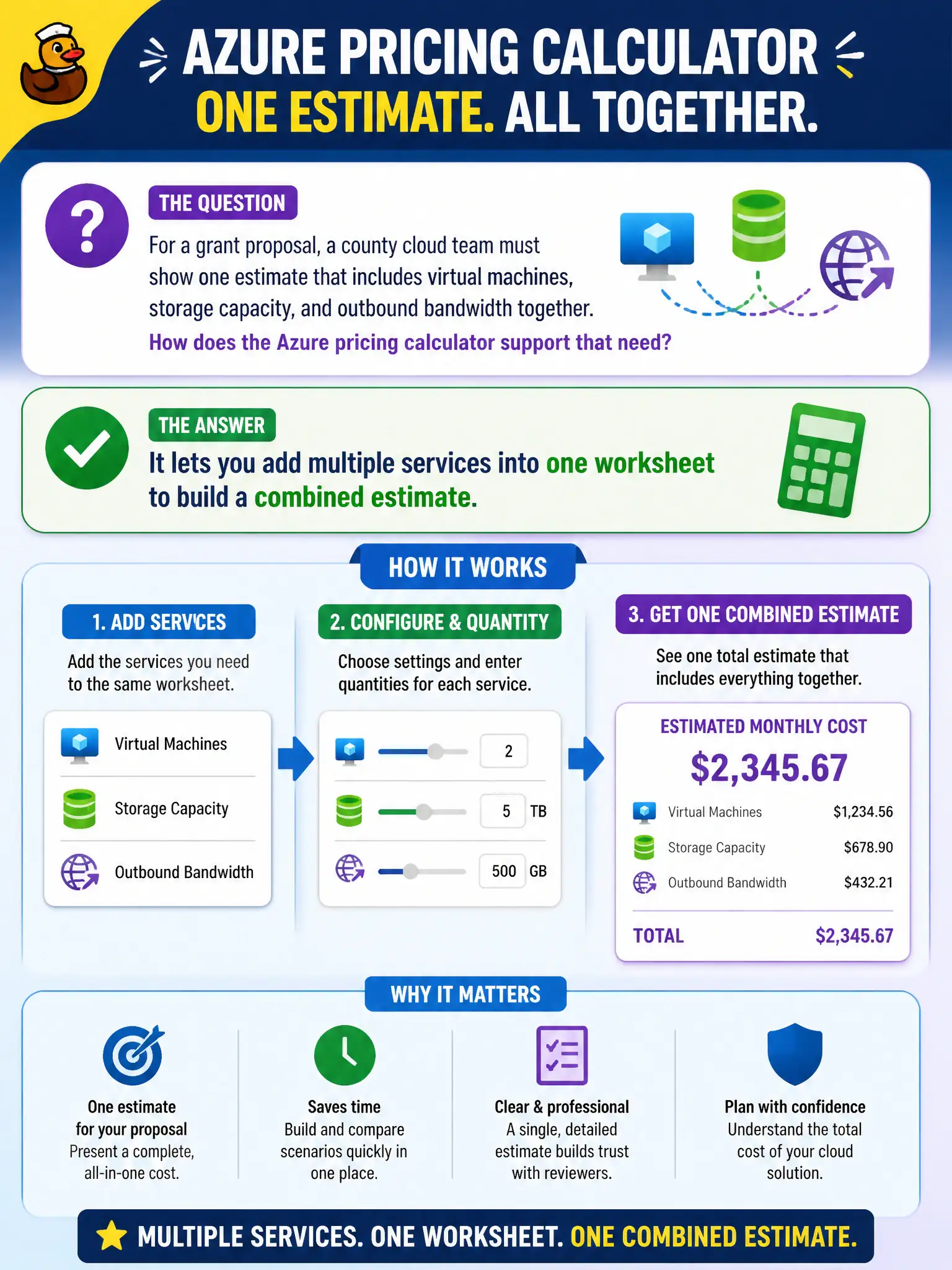
For a grant proposal, a county cloud team must show one estimate that includes virtual machines, storage capacity, and outbound bandwidth together. How does the Azure pricing calculator support that need?
Select an answer to reveal the explanation.
Short Explanation
Think of it as a shopping cart for cloud guesses. Drop in VMs, storage, and bandwidth on one worksheet and the calculator rolls up a combined estimate. That multi-service estimate is perfect for a grant narrative.
Full Explanation
A core value of the Azure pricing calculator for grant proposals is building a combined estimate across multiple services in one worksheet—virtual machines, storage, networking, and related components—so the county can present a single planning figure. That multi-service modeling supports civic grant narratives that must show end-to-end cloud cost, not isolated line items in separate disconnected tools. Fundamentals materials emphasize adding services into a shared estimate for architecture-level planning.
The calculator is not limited to a single service type per browser session in the sense that teams cannot model a full stack; multi-service worksheets are expected. It does not replace Azure Policy for enforcing grant compliance—policy governs configurations in Azure, while the calculator only estimates cost. Saving a calculator estimate also does not deploy the grant workload automatically; deployment uses ARM/Bicep, portal, CLI, or pipelines.
Exam caveat: a combined worksheet is still an estimate—grant reviewers may ask for assumptions (hours, regions, tiers), so document them alongside the total. Operational check: include every material service the workload needs in one shared estimate, export or share the worksheet with the grant writer, and note which items are optional versus mandatory so award budgets are not built on silent undercounting.