
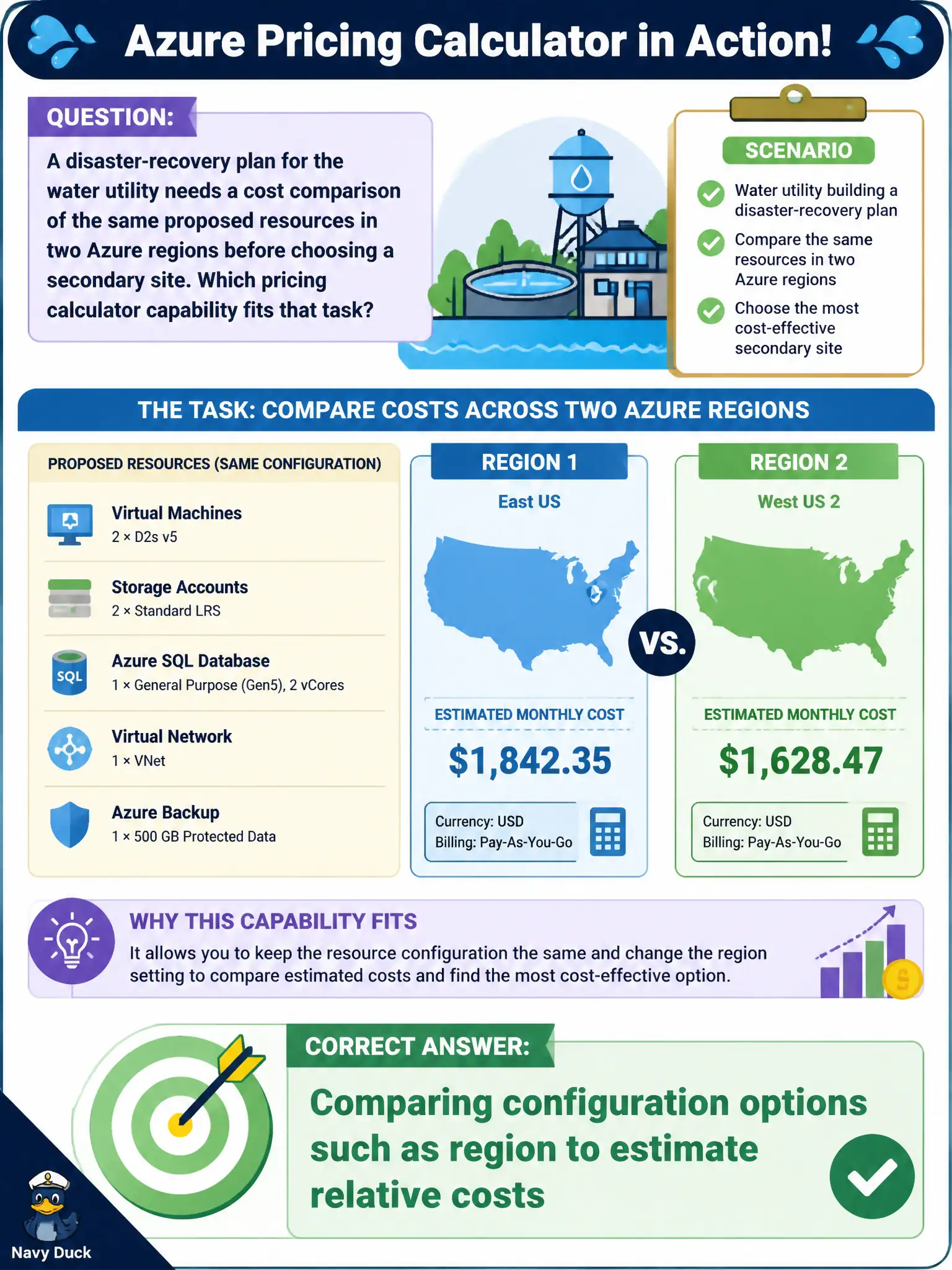
A disaster-recovery plan for the water utility needs a cost comparison of the same proposed resources in two Azure regions before choosing a secondary site. Which pricing calculator capability fits that task?
Select an answer to reveal the explanation.
Short Explanation
Same shopping list, two store locations — which quote is lower? In the calculator you can model the same setup in different regions and compare estimates. That comparison helps pick a DR secondary without guessing.
Full Explanation
The pricing calculator supports comparing configuration options—such as region—to estimate relative cost for the same proposed resource set. A water-utility disaster-recovery plan that needs side-by-side cost comparison across regions uses that capability: change the geographic setting (and related assumptions) while holding architecture intent constant, then read the relative estimate difference. That is planning analysis, not live production telemetry or identity policy authoring inside the calculator.
The calculator does not apply resource locks to regions; locks are set on Azure resources after they exist. It does not create Microsoft Entra ID Conditional Access policies; those are identity and access controls configured in Entra. It also does not stream live production metrics into the worksheet; metrics belong in Monitor and related observability tools, while the calculator remains an estimation surface.
Exam caveat: the cheaper DR region on paper may fail residency, latency, or paired-region design requirements—relative cost informs the choice but does not override recovery objectives. Operational check: create two calculator configurations that mirror the DR design with only the region (or other compared setting) varied, capture both totals for the utility's DR runbook appendix, and validate later with Cost Management once secondary resources are actually provisioned for tests.