
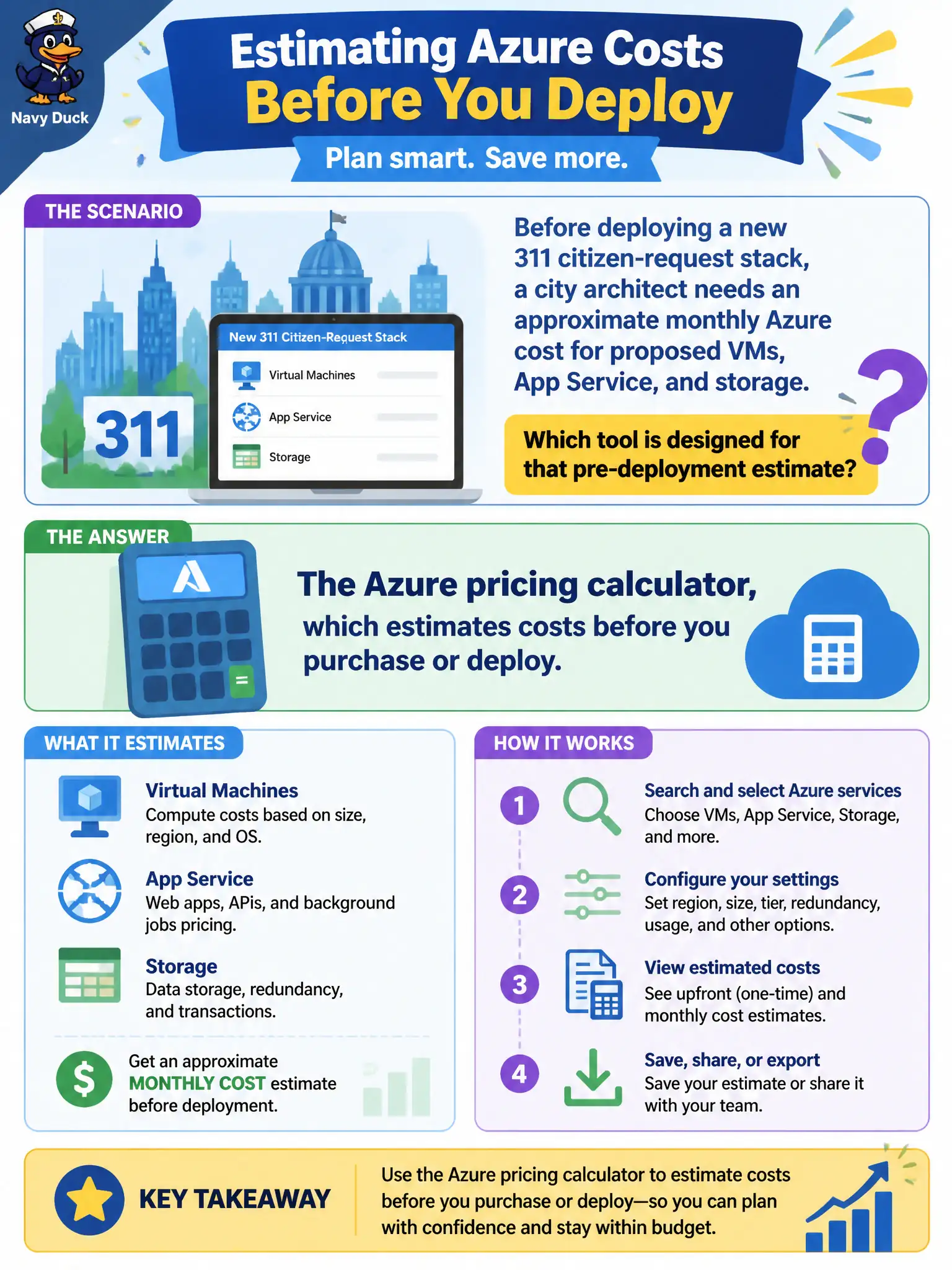
Before deploying a new 311 citizen-request stack, a city architect needs an approximate monthly Azure cost for proposed VMs, App Service, and storage. Which tool is designed for that pre-deployment estimate?
Select an answer to reveal the explanation.
Short Explanation
Want a quote before you build the house? Use the pricing calculator. It lets municipal teams model services and get an estimate before anything is deployed. That is its job — planning numbers, not locking resources or hardening scores.
Full Explanation
The Azure pricing calculator is the pre-deployment estimation tool for approximating monthly cost of proposed services. Before a city architect deploys a 311 citizen-request stack of VMs, App Service, and storage, the calculator lets the team select configurations, regions, and usage assumptions to produce a planning estimate. That estimate supports budgeting and approval conversations; it is not a security score history, a lock, or a hybrid onboarding product. Domain 3 fundamentals expect candidates to pick the calculator for "before you buy or deploy" scenarios.
Microsoft Defender for Cloud secure-score history tracks security posture over time, not proposed architecture cost. Azure Resource Locks prevent accidental modification or deletion of production resources; they do not estimate monthly spend. Azure Arc registers and manages servers and services outside Azure; it is not the tool for modeling a new Azure 311 stack's bill before deployment.
Exam caveat: calculator outputs are estimates—actual invoices depend on real usage, discounts, and configuration drift after go-live; do not treat the worksheet as a fixed contract price. Operational check: save or share the calculator worksheet with finance assumptions documented (region, hours, SKUs), then after a pilot deploy compare Cost Management actuals to the estimate and update the model for the full rollout.