
A trainee says Microsoft Defender for Cloud and Entra Conditional Access are the same feature. Which distinction is correct?
Select an answer to reveal the explanation.
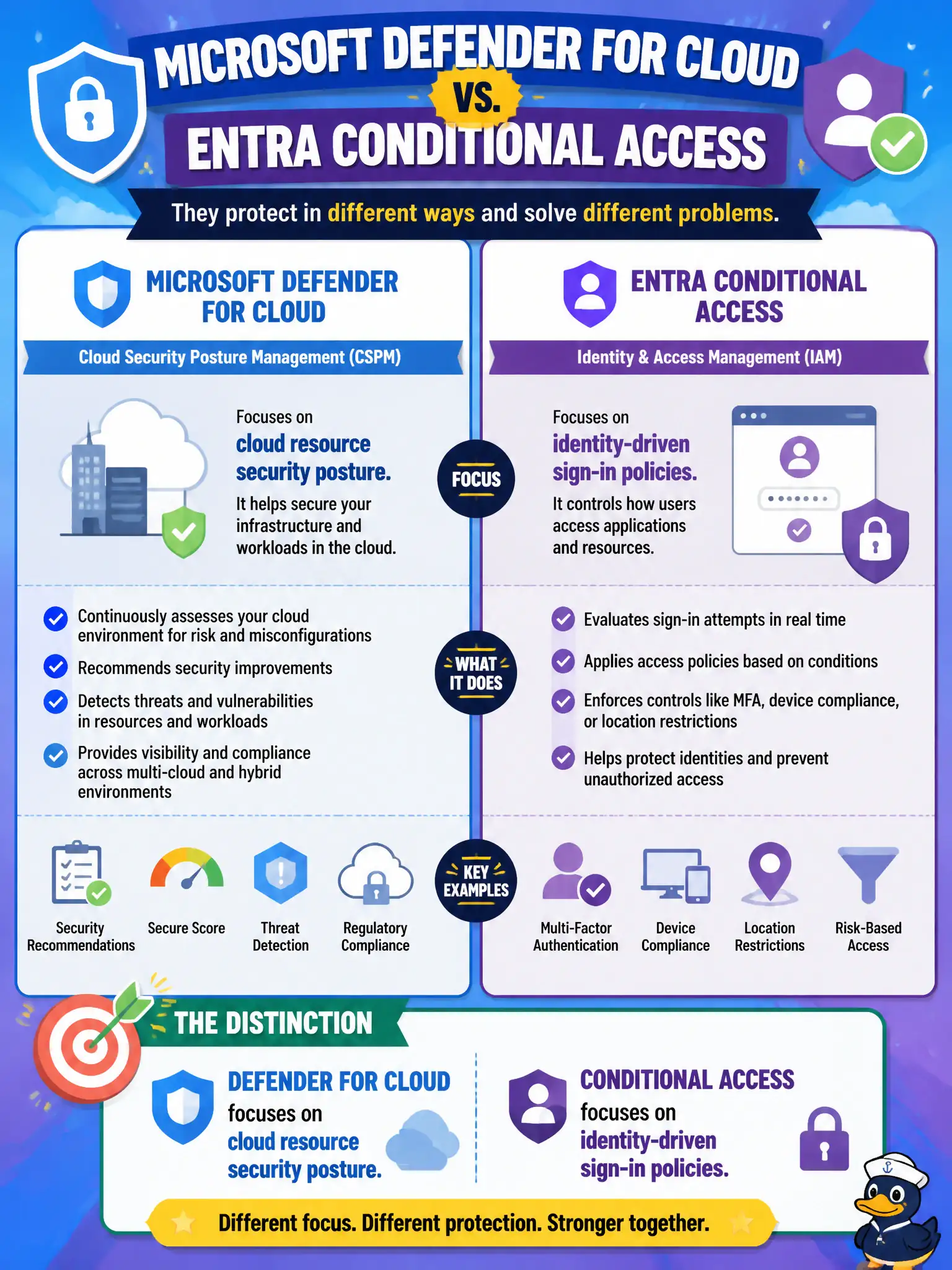
Short Explanation
Different toolbelts: Conditional Access gates who gets into apps under which conditions; Defender for Cloud watches how healthy and secure your Azure resources look. Same cloud story, different chapters.
Full Explanation
Microsoft Defender for Cloud and Microsoft Entra Conditional Access serve different security planes. Defender for Cloud focuses on cloud resource security posture—finding misconfigurations, offering recommendations, and improving a secure score across Azure workloads. Conditional Access focuses on identity-driven sign-in policies: evaluating signals about users, apps, devices, and locations, then allowing, blocking, or requiring stronger authentication. A trainee who treats them as the same feature will misapply both tools and pick the wrong exam answer when a scenario emphasizes posture versus sign-in enforcement.
Neither product exists only to manage DNS records for public websites, nor only to set Blob soft-delete retention days. Conditional Access does not replace Defender for Cloud for virtual machine patching; posture and vulnerability recommendations around compute hardening remain in the Defender for Cloud domain, while Conditional Access stays on the identity path.
Exam caveat: match the verb in the stem—“secure score/recommendations/posture” points to Defender for Cloud; “block sign-in/require MFA based on conditions” points to Conditional Access.
Operational check: show the trainee one Defender for Cloud recommendation for a misconfigured resource and one Conditional Access policy result in a sign-in log side by side, labeling which console owns each outcome.