
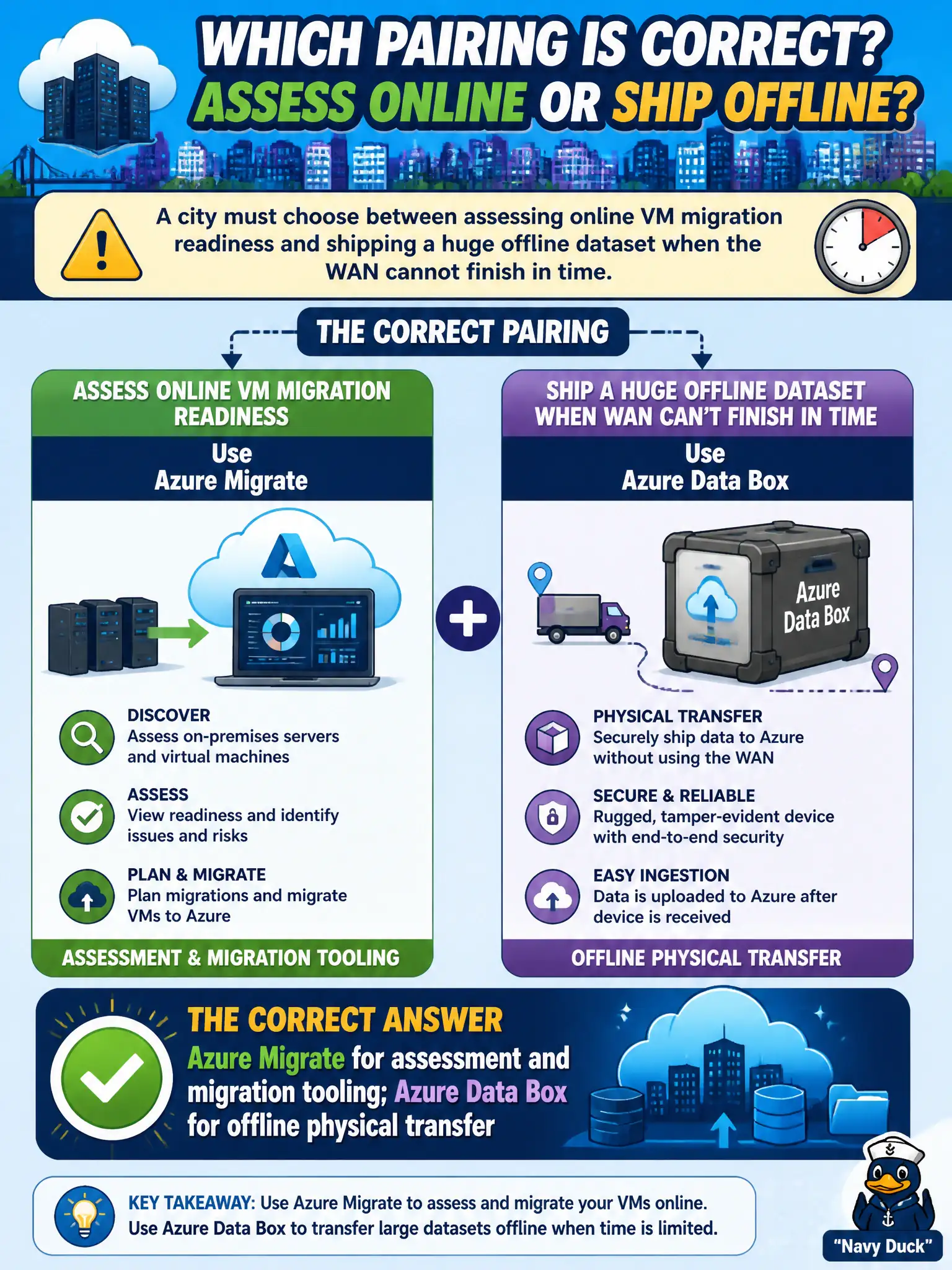
A city must choose between assessing online VM migration readiness and shipping a huge offline dataset when the WAN cannot finish in time. Which pairing is correct?
Select an answer to reveal the explanation.
Short Explanation
Migrate is the planner and mover for workloads; Data Box is the armored truck for oceans of files when the WAN is too slow. Do not swap those mental models. Scale and network constraints tell you which path to emphasize.
Full Explanation
The correct pairing is Azure Migrate for assessment and migration tooling, and Azure Data Box for offline physical transfer. When a city must choose between assessing online VM migration readiness and shipping a huge offline dataset because the WAN cannot finish in time, those are different problems with different Microsoft answers: Migrate for workload discovery/assessment/migration, Data Box for bulk offline import. Fundamentals questions test that distinction.
Azure Data Box only for live VM dependency mapping dashboards misuses Data Box—dependency mapping and readiness assessment belong with Azure Migrate, not the sealed transfer appliance. Azure Migrate as the sealed hardware appliance Microsoft ships reverses the products; Migrate is not the shipping crate. Both tools are identical SKUs with interchangeable hardware crates is false—they solve different jobs and are not interchangeable hardware.
Exam caveat: real projects often use both—Migrate to plan VM moves while Data Box imports large file corpora the WAN cannot carry—so architects should not force a single tool into both roles. Operational check: split the city’s worklist into “VMs to assess/migrate” versus “datasets too large for the WAN,” assign Migrate and Data Box respectively, and brief stakeholders on timelines for each track.