
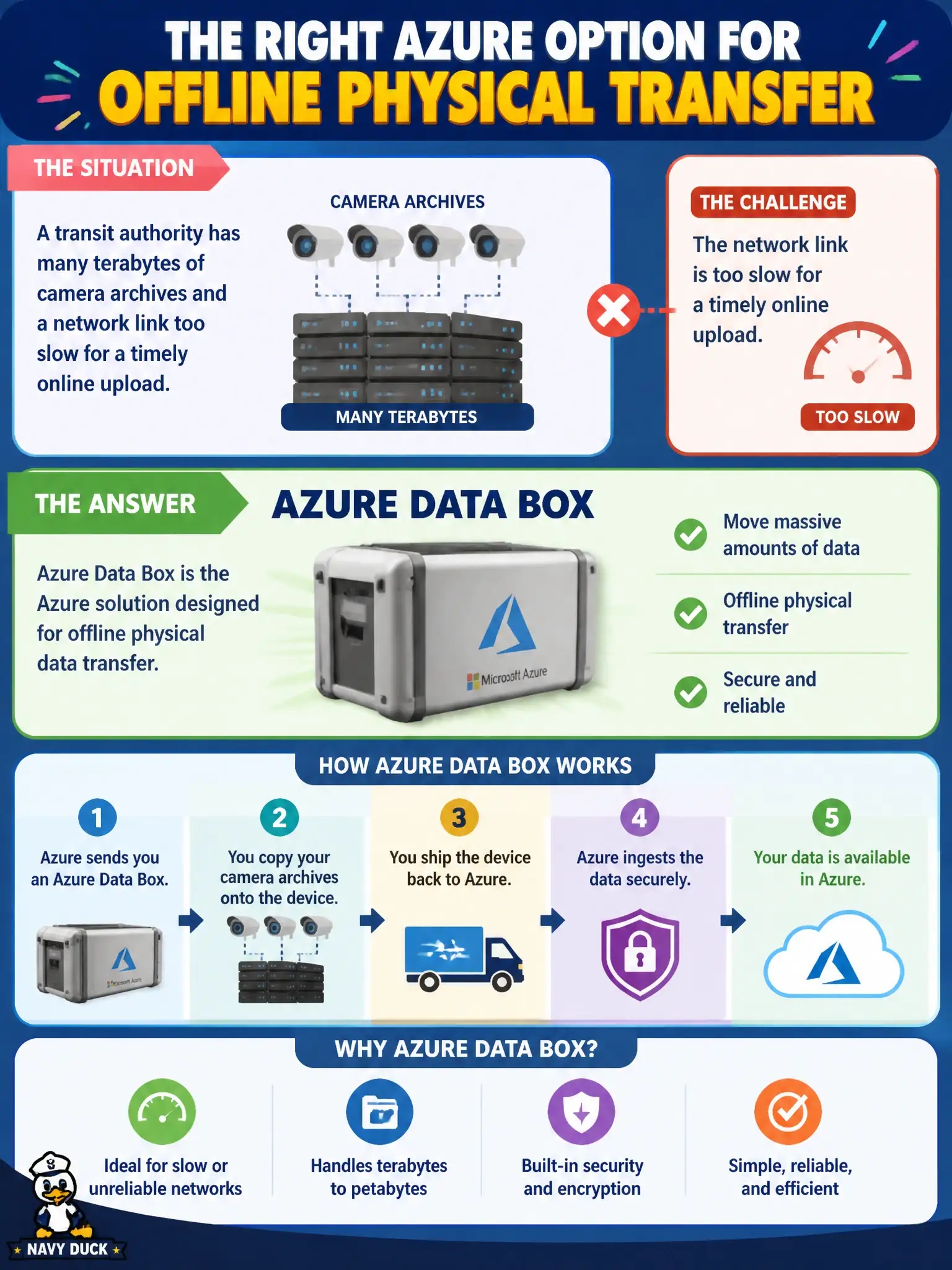
A transit authority has many terabytes of camera archives and a network link too slow for a timely online upload. Which Azure option fits offline physical transfer?
Select an answer to reveal the explanation.
Short Explanation
When the pipe is a garden hose and the camera library is a lake, ship a Data Box—load it locally, Microsoft gets the data into Azure. Migrate assesses workloads; Entra ID and Advisor are identity and guidance, not crates. Offline bulk transfer is Data Box’s lane.
Full Explanation
Azure Data Box fits offline physical transfer when a transit authority has many terabytes of camera archives and a network link too slow for a timely online upload. The Data Box family provides Microsoft-shipped appliances that organizations load locally and return so data can be ingested into Azure Storage without relying on a constrained WAN. AZ-900 associates large-volume, slow-network imports with Data Box.
Azure Migrate assessment alone without any data movement path addresses workload discovery and migration planning, not physical bulk camera-archive shipping. Microsoft Entra ID Conditional Access as a bulk copy appliance is an identity and access policy control, not a hardware transfer crate. Azure Advisor cost tips as a shipping crate for disks confuses recommendation guidance with physical offline transfer.
Exam caveat: Data Box still requires planning for encryption, chain of custody, supported data destinations, and time to ship and ingest—offline does not mean instantaneous. Operational check: estimate camera-archive volume versus available WAN throughput, confirm online upload cannot meet the deadline, then initiate an approved Data Box order path and document which Azure Storage account will receive the ingest.