
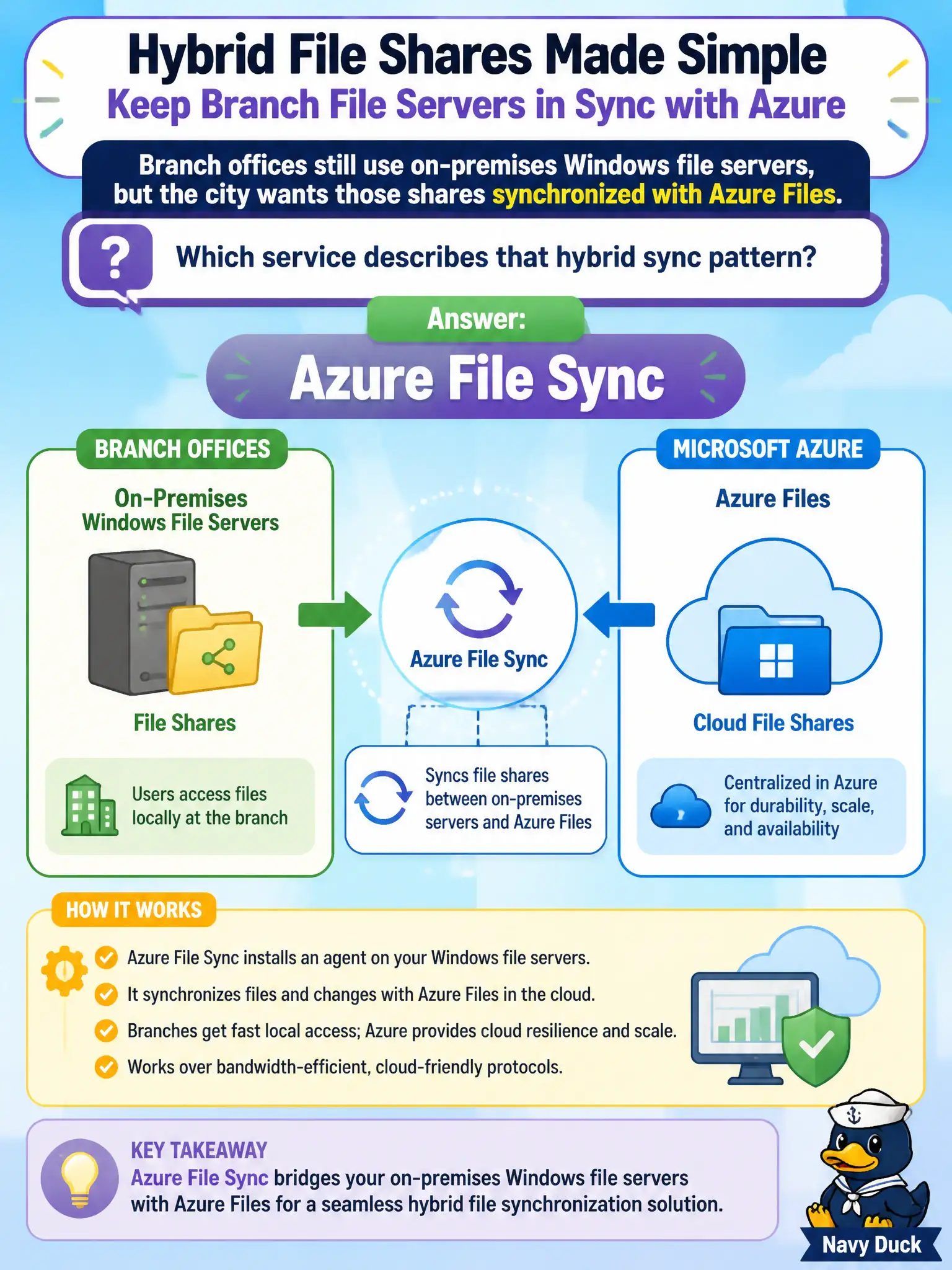
Branch offices still use on-premises Windows file servers, but the city wants those shares synchronized with Azure Files. Which service describes that hybrid sync pattern?
Select an answer to reveal the explanation.
Short Explanation
Azure File Sync keeps the familiar on-prem file server in step with Azure Files—perfect for branches that still want local shares with cloud backing. AzCopy and Storage Explorer move or browse data; they are not the continuous hybrid sync product. LRS is redundancy, not sync.
Full Explanation
Azure File Sync describes the hybrid pattern where branch offices keep on-premises Windows file servers while synchronizing those shares with Azure Files. The service centralizes content in Azure Files and lets local servers cache and sync for branch performance, which matches a city that is not ready to abandon file servers overnight but wants cloud-backed shares. AZ-900 associates on-premises-to-Azure Files continuous sync with File Sync.
AzCopy alone as a continuous multi-site file sync fabric overstates AzCopy—it excels at scripted copies, not as the dedicated always-on hybrid file-server sync product. Azure Storage Explorer as an always-on server replication agent is incorrect; Explorer is an interactive management GUI, not a branch replication agent. Locally redundant storage as a substitute for hybrid file sync confuses a durability SKU with a sync topology—LRS protects copies inside Azure Storage; it does not sync branch file servers.
Exam caveat: File Sync requires supported Windows Server versions, agent deployment, and thoughtful cloud-tiering design; it is not a one-click rename of a file share. Operational check: register a lab Windows file server with Azure File Sync against a municipal Azure file share, sync a small department folder, and verify a new file appears both on-premises and in Azure Files before expanding to production branches.