
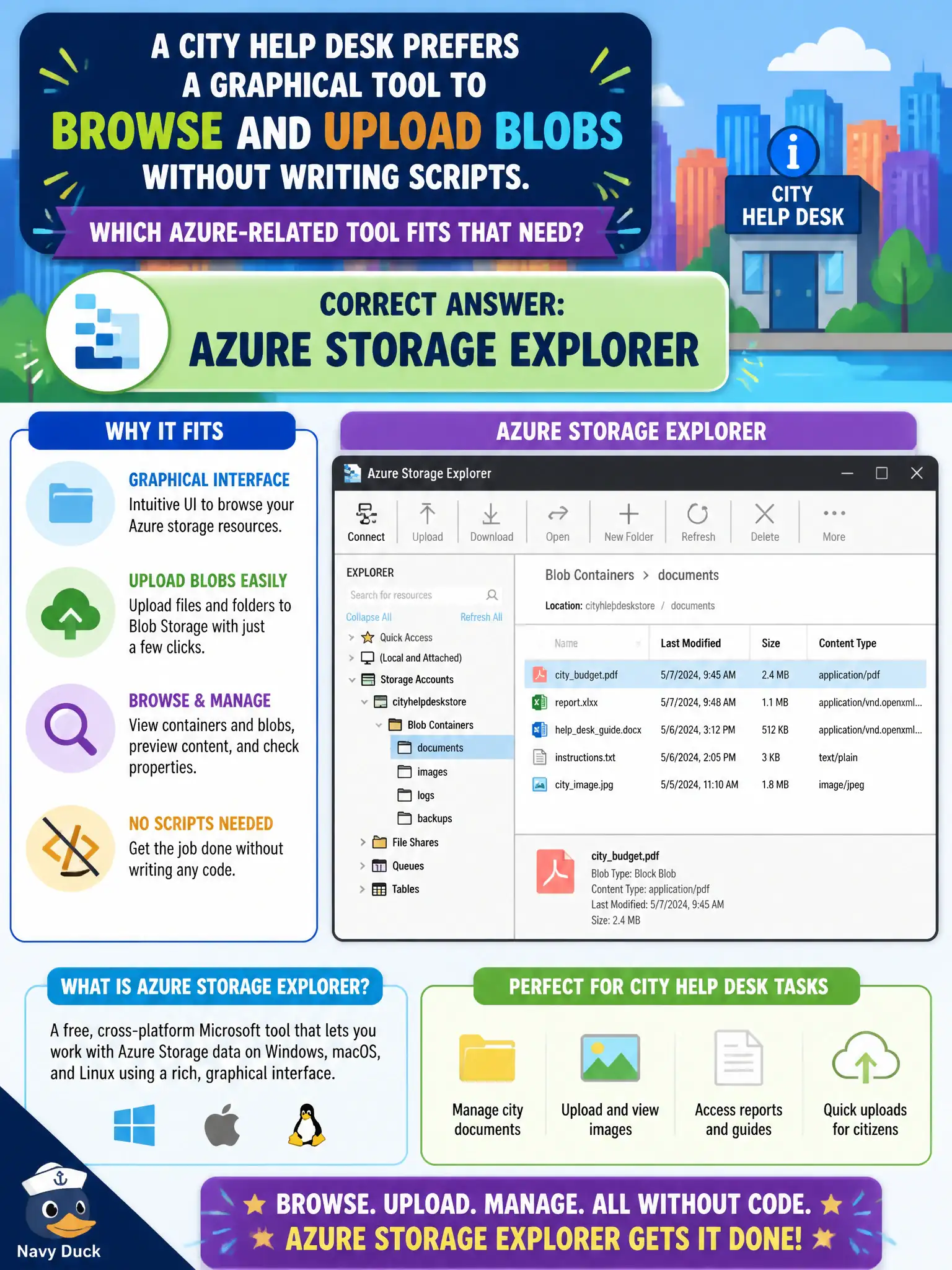
A city help desk prefers a graphical tool to browse and upload blobs without writing scripts. Which Azure-related tool fits that need?
Select an answer to reveal the explanation.
Short Explanation
Storage Explorer is the friendly window into blobs—point, click, upload—when scripts feel heavy for the help desk. AzCopy is the CLI cousin; Data Box is a shippable appliance for huge offline loads. Policy governs compliance rules, not drag-and-drop browsing.
Full Explanation
Azure Storage Explorer fits a city help desk that wants a graphical tool to browse and upload blobs without writing scripts. It is a standalone GUI for managing Azure Storage resources—opening containers, uploading and downloading blobs, and performing everyday interactive transfers—so staff who prefer clicks over command lines have a purpose-built option. Fundamentals scenarios that emphasize GUI blob work map to Storage Explorer.
AzCopy exclusively, because no GUI tools exist for blobs, is false: AzCopy is excellent for automation, but GUI tools such as Storage Explorer do exist. Azure Data Box Heavy as the only interactive browser misstates Data Box—it is a physical offline transfer appliance family for huge datasets, not a daily interactive blob browser. Azure Policy as a drag-and-drop file manager is wrong; Policy evaluates resource compliance against rules, not file uploads.
Exam caveat: GUI convenience does not remove the need for least-privilege access; help-desk accounts should still be scoped to the containers they support. Operational check: install Storage Explorer for a help-desk pilot user, connect to the city’s storage account with appropriate permissions, upload one test blob through the GUI, and confirm the object appears for the application owners.