
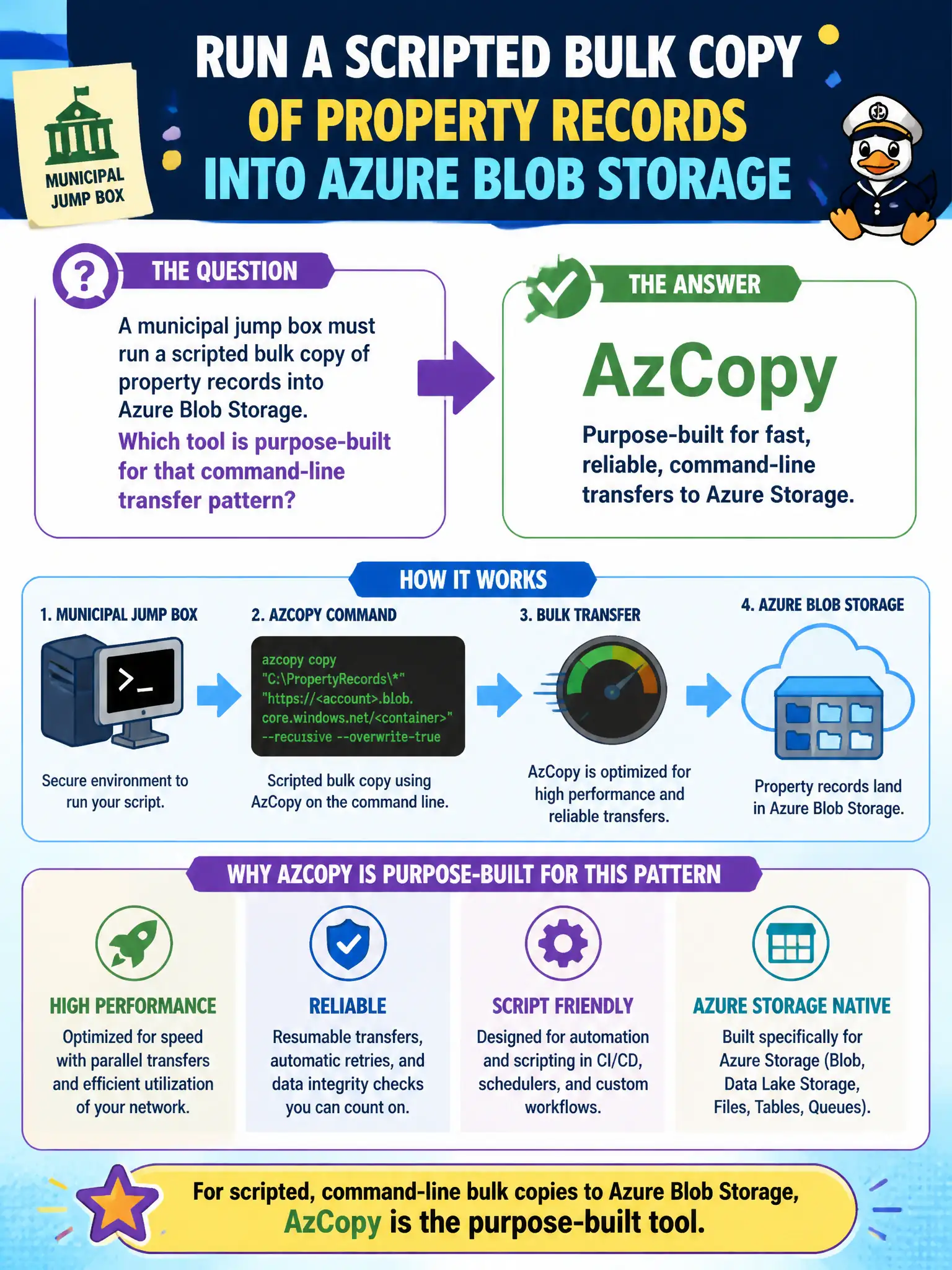
A municipal jump box must run a scripted bulk copy of property records into Azure Blob Storage. Which tool is purpose-built for that command-line transfer pattern?
Select an answer to reveal the explanation.
Short Explanation
AzCopy is the scriptable moving truck for Azure Storage—great when the jump box should push lots of files without clicking around. Bastion is for secure shell access, not a blob truck. Entra Domain Services and Advisor are identity and recommendation services, not bulk copy clients.
Full Explanation
AzCopy is the purpose-built command-line tool for scripted bulk copy of property records into Azure Blob Storage from a municipal jump box. It is designed for high-performance transfers to and from Azure Storage, so nightly or one-shot automation that moves large sets of blobs fits AzCopy far better than clicking through a GUI or misusing unrelated Azure services as upload clients. For AZ-900, map “scripted bulk Blob transfer” to AzCopy.
Azure Bastion as a blob upload protocol is incorrect—Bastion provides secure RDP/SSH connectivity to VMs inside a virtual network; it is not a Blob transfer protocol. Microsoft Entra Domain Services as a file mover is wrong—that managed domain offering supplies domain-join and legacy protocol behaviors, not bulk Blob copy. Azure Advisor recommendations as a transfer client confuses a best-practice recommendation engine with a data-movement utility.
Exam caveat: AzCopy still needs correct authentication, target URLs, and throttling awareness; a jump box with AzCopy installed is not automatically authorized to every municipal storage account. Operational check: from the jump box, run a small AzCopy upload of a sample property-record folder into a test container, verify blob counts and names, then promote the same pattern into the scheduled bulk job.