
A county IT lead is documenting Azure Blob access tiers for a staff training slide. Which set lists common Azure blob access tiers without inventing non-Azure names?
Select an answer to reveal the explanation.
Short Explanation
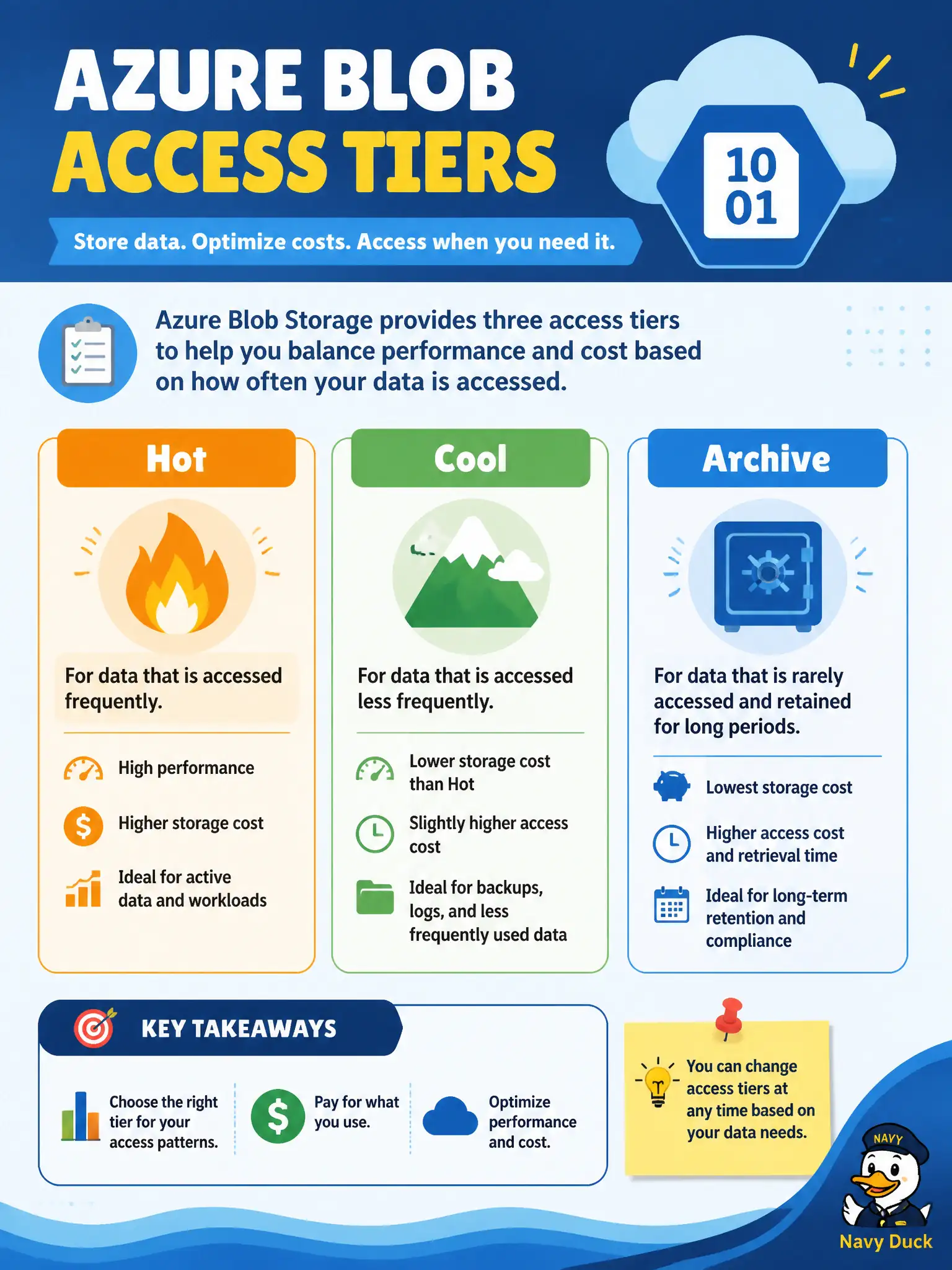
Azure’s everyday blob access story is Hot, Cool, and Archive—plain names, not fantasy metal medals. Stick to those official-style labels on the slide and candidates stay grounded. Made-up shelves and lanes are distractors, not Azure fundamentals.
Full Explanation
Common Azure blob access tiers documented for AZ-900 awareness are Hot, Cool, and Archive. A county IT lead’s training slide should use those official names so staff learn the real vocabulary Microsoft uses when balancing storage cost against how often blobs are read. Hot suits frequent access, Cool suits infrequent but still online access, and Archive suits rarely retrieved long-term retention with rehydration trade-offs.
Platinum, Gold, and Bronze blob shelves are invented marketing medals, not Azure access-tier names. ExpressLane, MidLane, and DeepFreeze only are likewise fictional labels that would confuse trainees searching docs or the portal. Tier-A, Tier-B, and Tier-Z as official Azure labels are also fabricated and should not appear on municipal training materials as if they were product names.
Exam caveat: premium performance storage-account themes are a separate account-performance topic and must not be confused with Hot/Cool/Archive access tiers on standard blob data. Operational check: open the access-tier setting on a sample municipal blob or container in the portal or docs, confirm Hot, Cool, and Archive appear as the labeled options, and update the slide deck to match those exact names.