
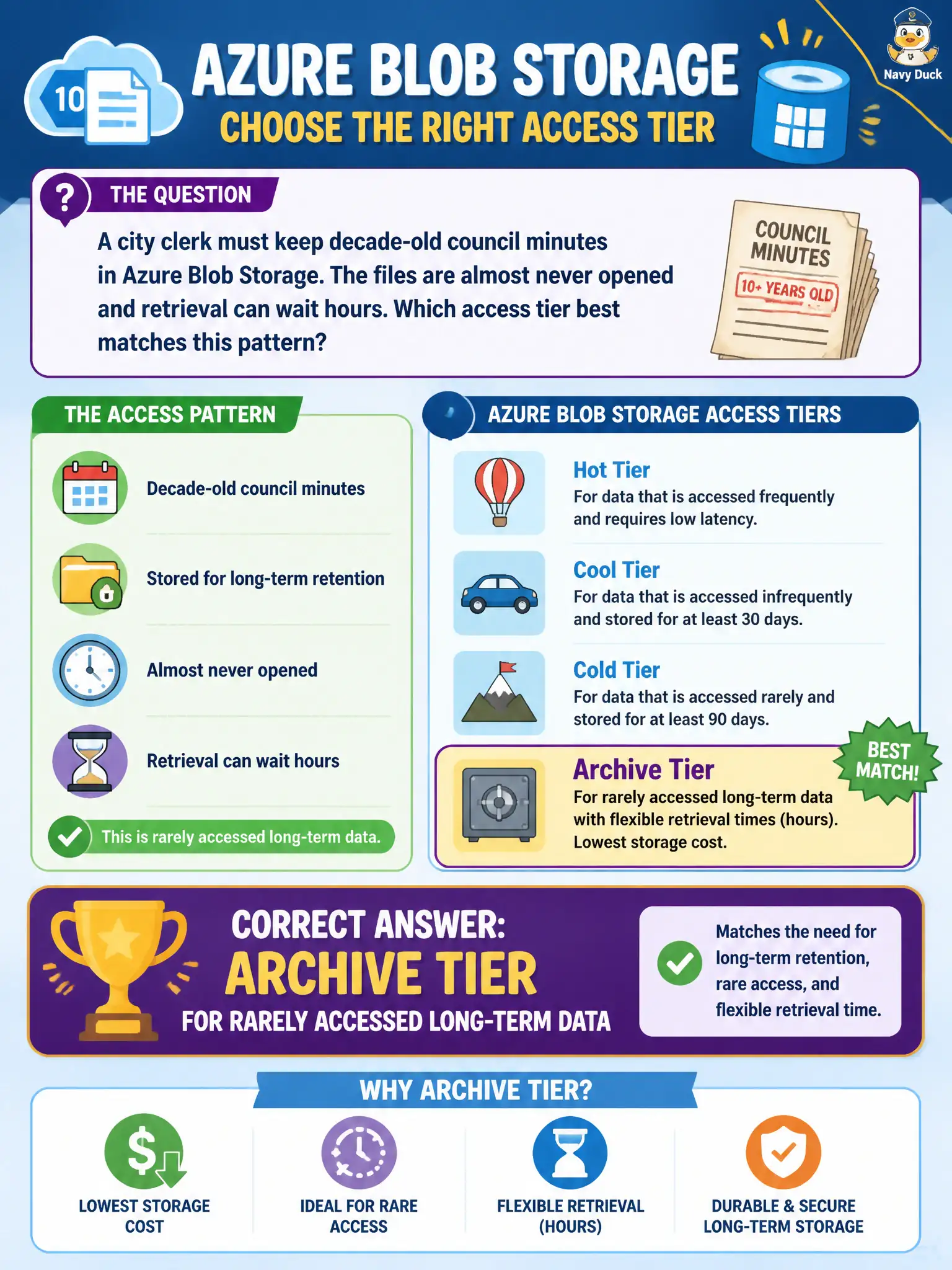
A city clerk must keep decade-old council minutes in Azure Blob Storage. The files are almost never opened and retrieval can wait hours. Which access tier best matches this pattern?
Select an answer to reveal the explanation.
Short Explanation
Think of archive like a sealed basement box of old minutes—cheap to store, slow and deliberate to open. When the clerk almost never needs those files and can wait, Archive is the fit. Hot and cool cost more for that near-zero access pattern.
Full Explanation
Archive tier best matches decade-old council minutes that are almost never opened and can wait hours for retrieval. Azure Blob Storage access tiers trade storage price against access frequency and retrieval latency: Archive is designed for long-term retention of rarely read data, accepting rehydration delay and higher per-access cost in exchange for the lowest storage price. For a city clerk’s sealed basement of historic minutes, that pattern fits Archive rather than keeping every PDF on a frequently accessed tier.
Hot tier targets continuous interactive browsing and frequent reads; it is the wrong cost profile when the clerk almost never opens those files. Premium SSD disks attached to a virtual machine are block storage for VMs, not a Blob access tier for inactive document retention. Cool tier is for infrequently accessed data that must remain online with lower retrieval friction than Archive—it does not forbid retrieval, and it is not the best match when hours of wait time are acceptable and decade-old minutes are essentially dormant.
Exam caveat: Archive requires rehydration before normal read access; an audit that suddenly needs same-day bulk opens can surprise teams who assumed Archive behaves like Cool. Operational check: place a sample historic minutes blob in Archive, document the rehydration steps and expected wait window for the clerk’s office, then confirm finance and legal accept that latency before migrating the full decade set.