
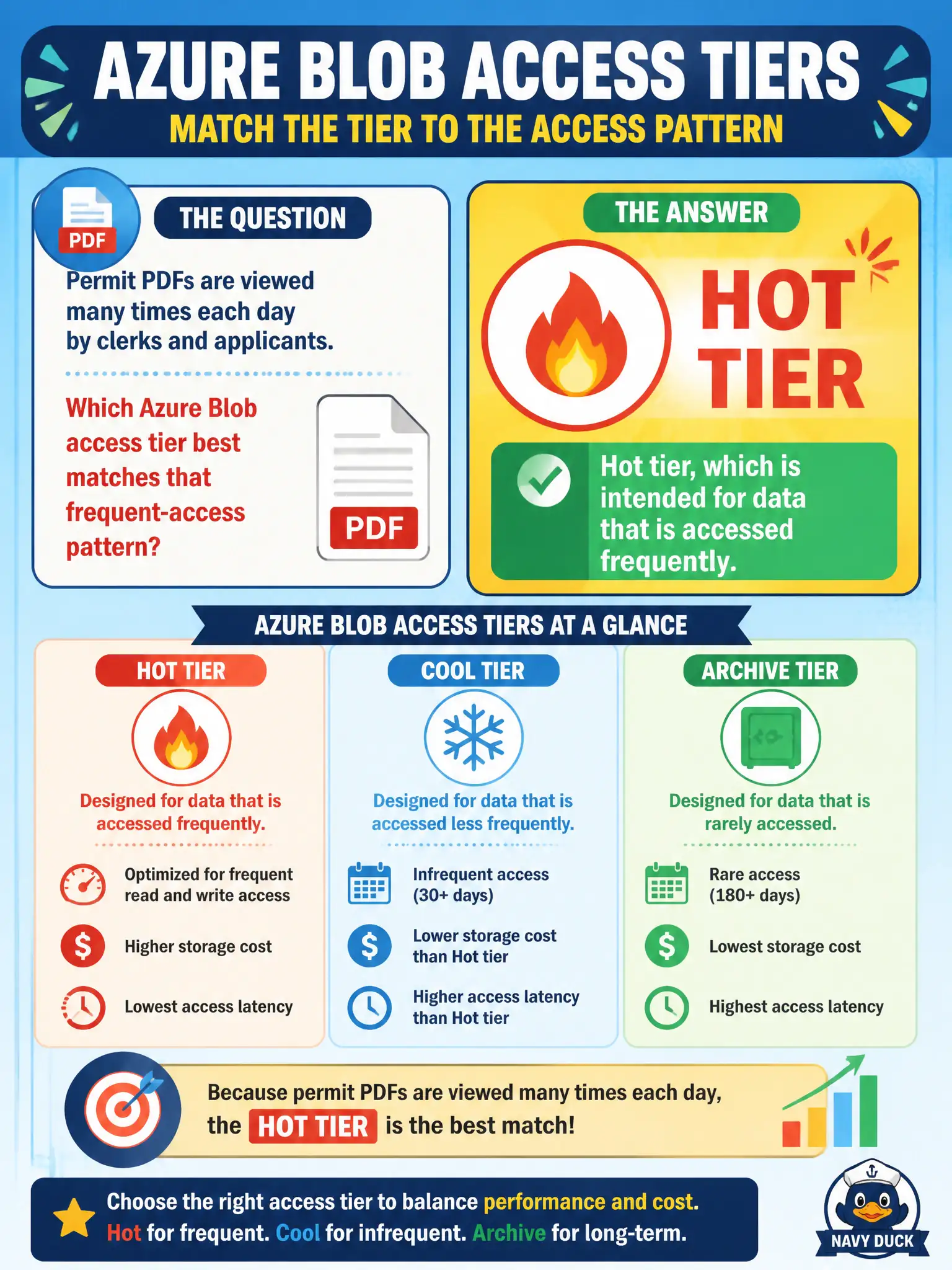
Permit PDFs are viewed many times each day by clerks and applicants. Which Azure Blob access tier best matches that frequent-access pattern?
Select an answer to reveal the explanation.
Short Explanation
Touched all day long means Hot — keep frequently read blobs on the hot burner. Archive is deep freeze; cool is for less often. Match tier to how often the files get opened.
Full Explanation
Azure Blob access tiers align cost and performance characteristics with how often data is read. Hot tier is intended for data accessed frequently, which matches permit PDFs opened many times each day by clerks and applicants during active processing. Archive tier is for rarely retrieved data that can tolerate offline rehydration delays—poor fit for continuous workday reads of active permits. Cool tier targets infrequently accessed data that remains online; it is not always cheapest and fastest for constant daily reads because access costs and latency trade-offs differ from Hot. Queue storage is a messaging service, not a blob access tier that replaces Hot, Cool, or Archive for frequently read PDFs. Tiering is a cost lever, not a different storage product family. Exam caveat: tier choice can be per blob or via lifecycle management; mis-tiering frequent data into Cool or Archive increases retrieval costs and latency surprises for clerks. Operational check: place a representative permit PDF in Hot, measure typical open latency from the clerk app during business hours, compare estimated monthly storage versus transaction costs before rolling the tier policy to the whole container, and revisit after the first month of metrics.