
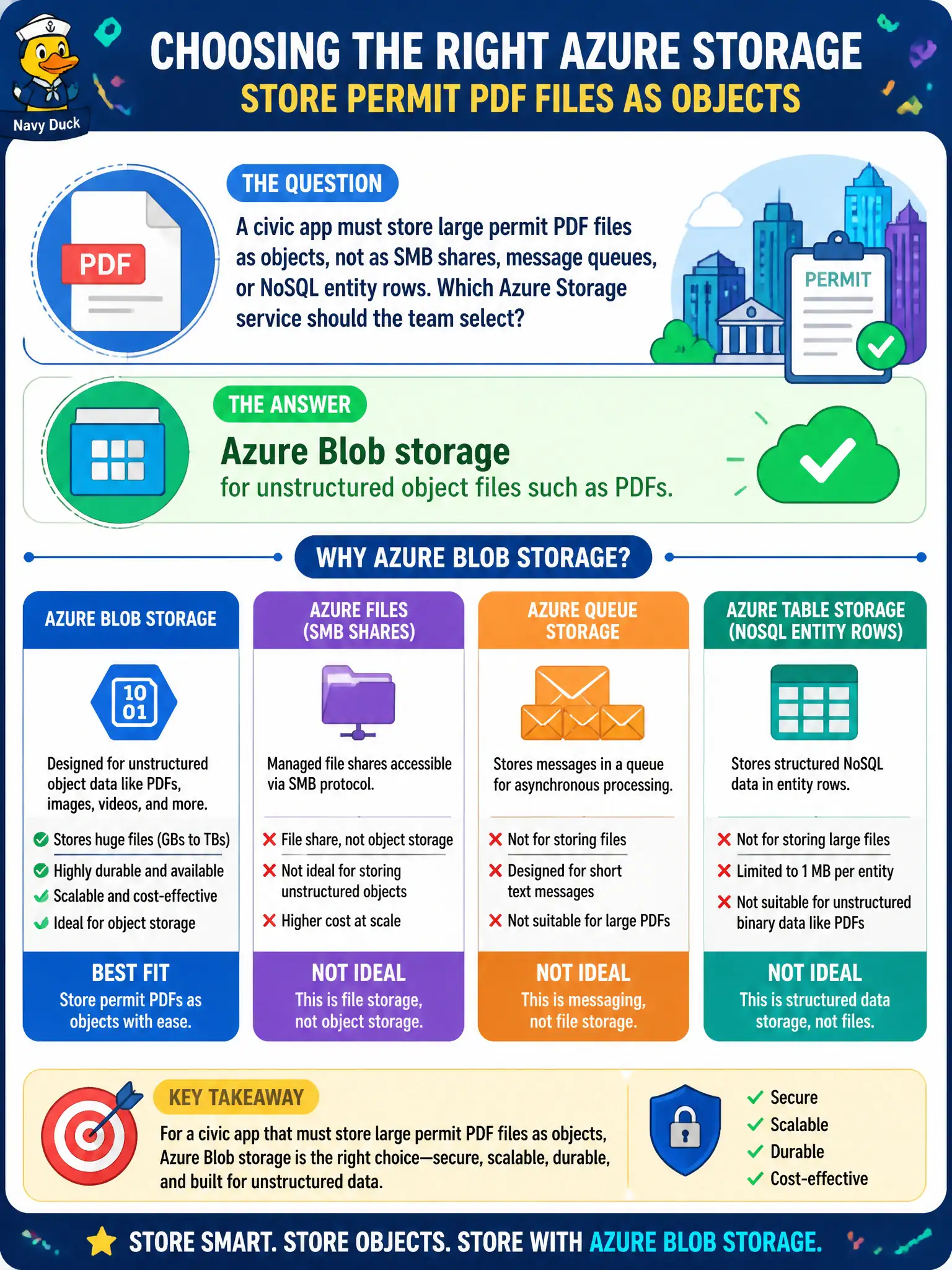
A civic app must store large permit PDF files as objects, not as SMB shares, message queues, or NoSQL entity rows. Which Azure Storage service should the team select?
Select an answer to reveal the explanation.
Short Explanation
Big unstructured PDFs are objects — choose Blob. Queues and tables are the wrong shelves, and Files is the share tool when you need SMB folders. Match the data shape to the storage service.
Full Explanation
Large permit PDF files stored as unstructured objects belong in Azure Blob storage. Blobs are designed for files and binary objects without forcing an SMB share model, a message queue, or a NoSQL entity schema on document archives. Queue storage temporarily holds messages for processing handoffs; it is not a permanent PDF archive and should not be treated as document storage. Table storage stores entities with properties for structured data; large binary documents are not its default purpose. Azure Files is appropriate when you need SMB or NFS shared folders; the question explicitly asks for objects rather than shares, queues, or entity rows, so Blob is the matching service for civic permit PDFs. Selecting Blob early keeps APIs and lifecycle policies aligned with object storage patterns. Exam caveat: choose container organization, naming, and lifecycle tiering early—permit PDFs often move from hot active review to cooler retention over time. Operational check: upload a sample permit PDF as a blob, retrieve it through the application’s object API or SDK path, confirm content type and size survive the round-trip without treating the file as a queue message or table entity, and enable soft delete on permit containers.